
Missing font weight
Hi all,
I've contacted the support and their people many times and none gave me a correct solution so here I am...
For context :
- I'm using Windows 11
- My problem is on -at least- InDesign and Illustrator (I did not test in other Adobe apps)
- On my computer I have the font Open Sans installed. Two weeks ago, I downloaded on Google font the latest version of this typeface and installed it on my computer in its static version, because I know that variable fonts are not supported in every app.
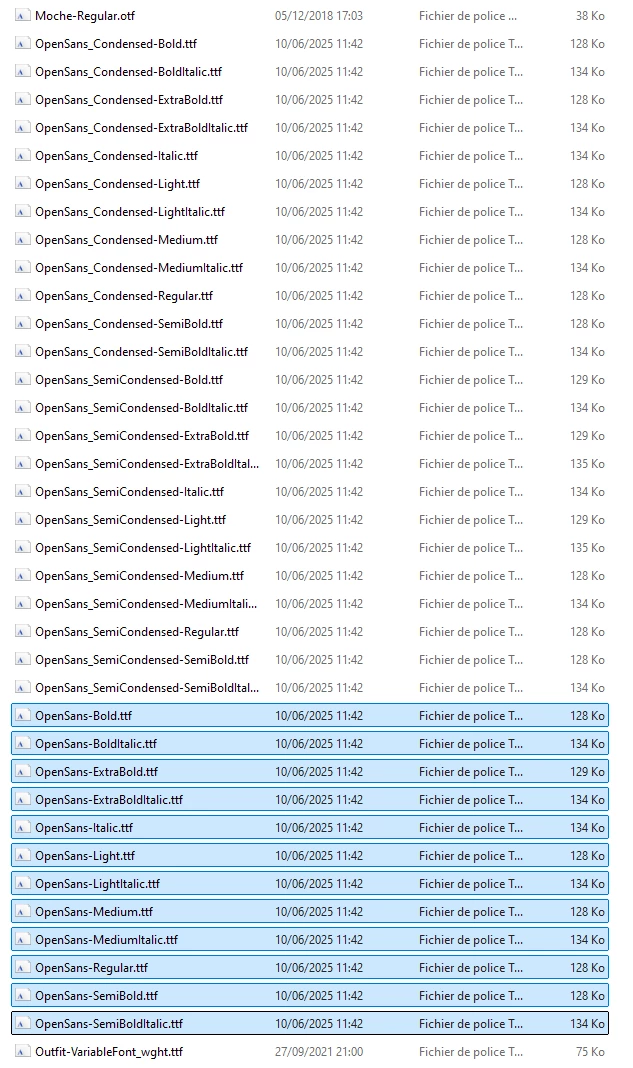
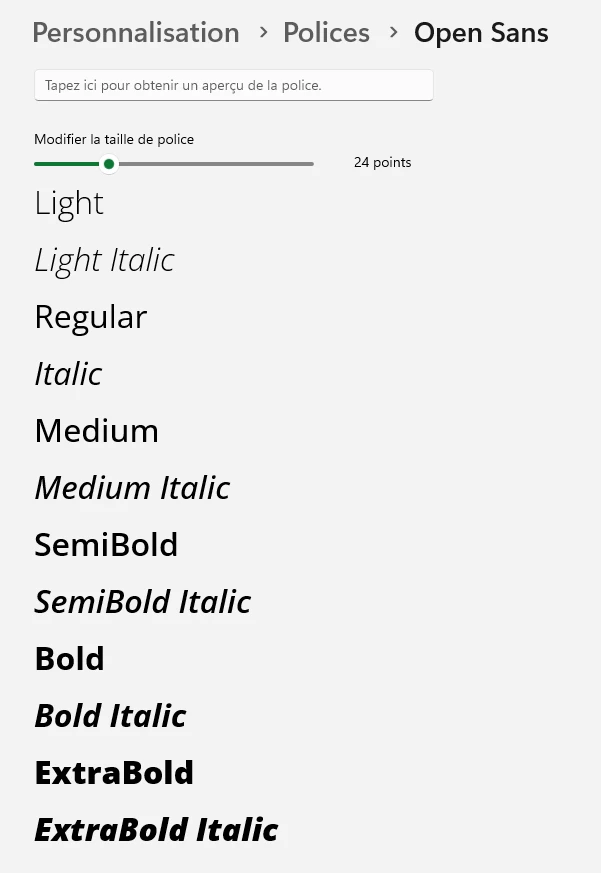
So, as you can see with the screenshots below (image 1 & 2), I have correctly Open Sans on my comptuer and all its weights :
My problem :
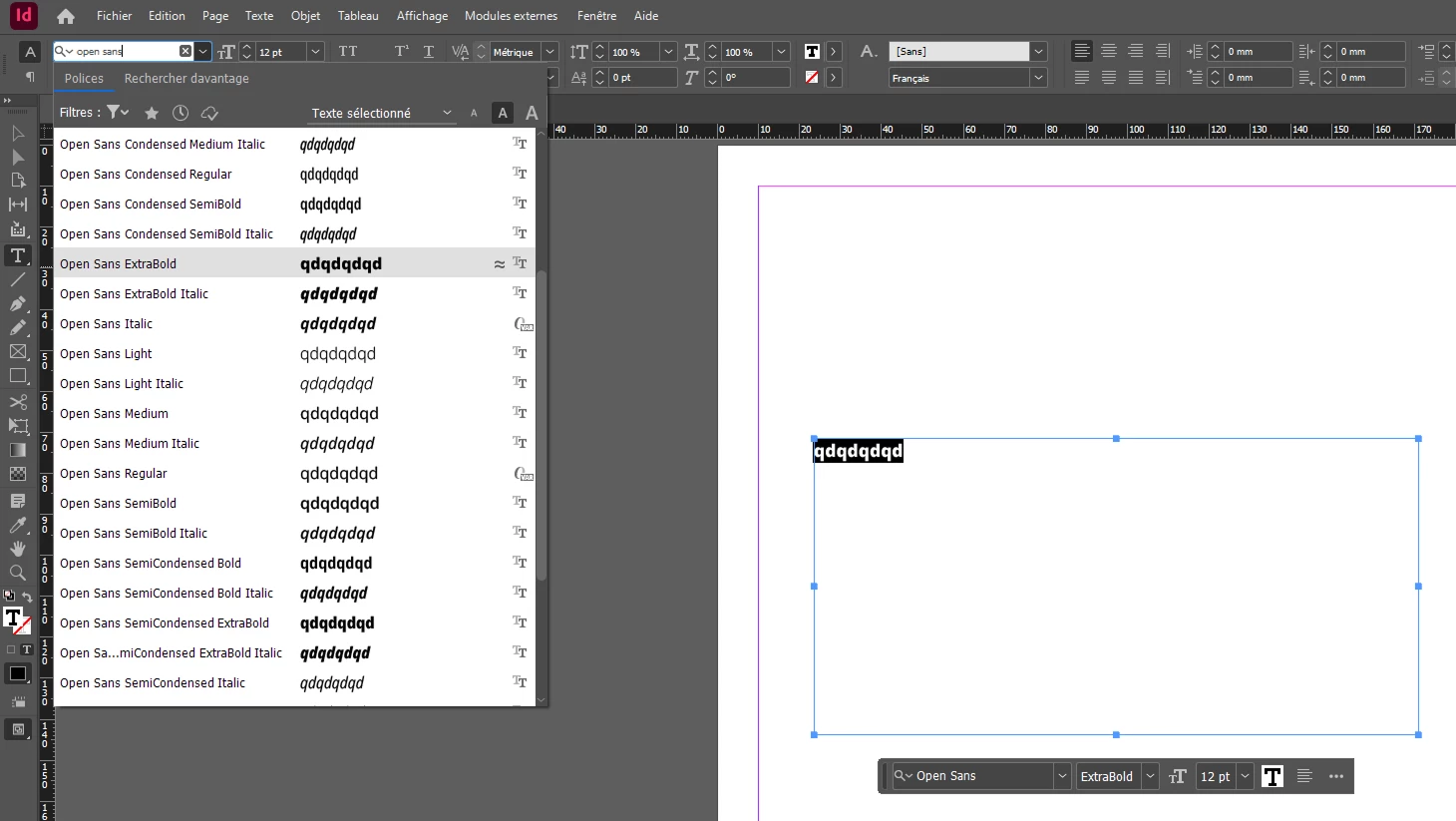
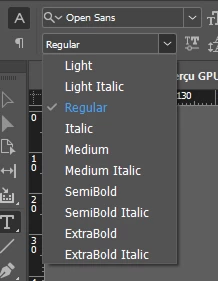
In InDesign and Illustrator, when I want to change the font weight of a text using the Open Sans typeface, I can't select Bold because it is not shown (image 3 & 4) :
If you're wandering, no I have not Open Sans installed with Adobe font and I don't want to. I want to be able to work in Adobe with my local fonts, as we would expect !
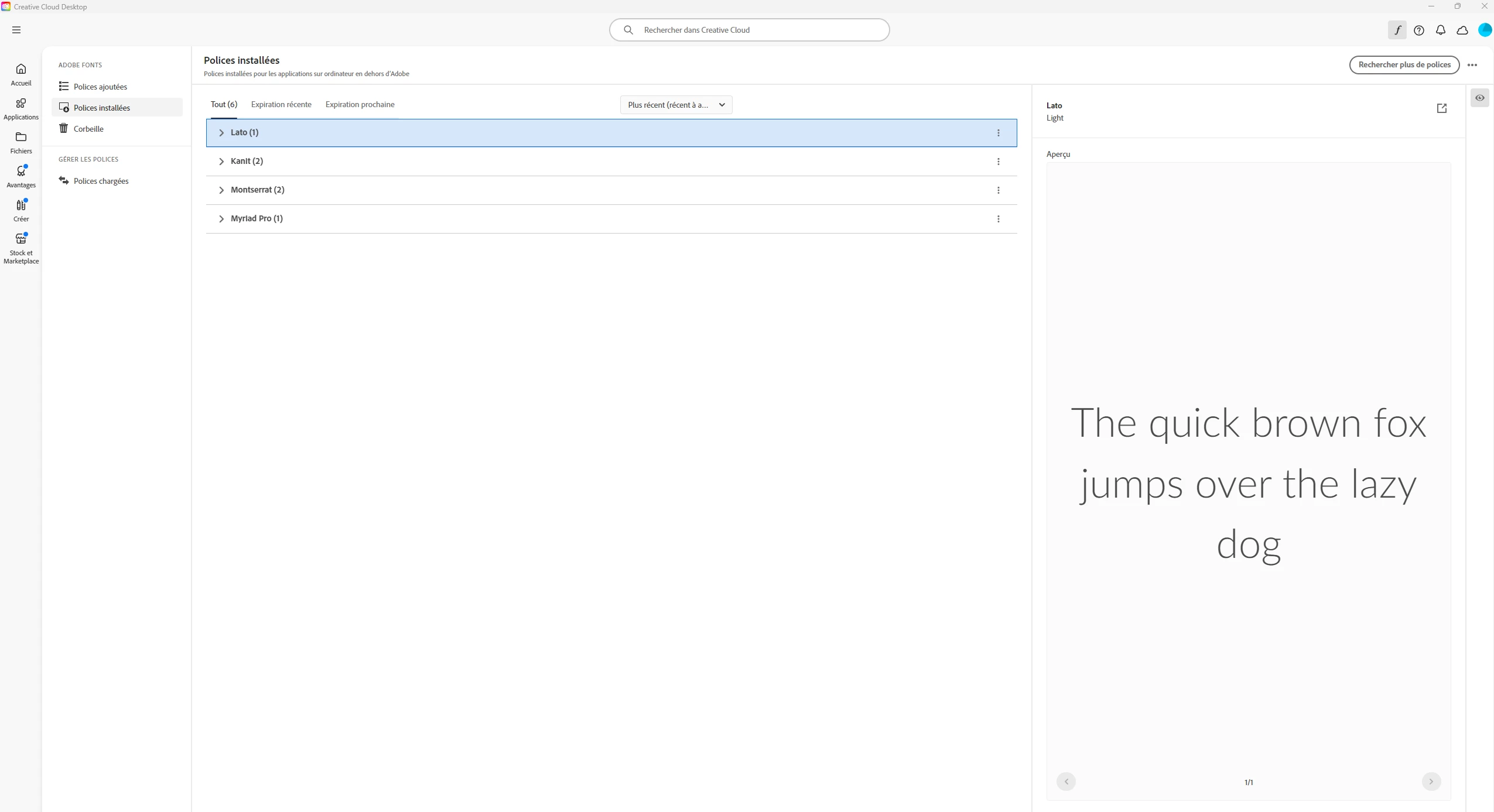
Here is a screenshot of my Adobe fonts (image 5):
Can someone please help me to get this Bold font in my Adobe apps...
Thanks a lot


 AdChoices