
Participant
March 16, 2015
Answered

Swashes and small-caps in MS Word

  • March 16, 2015
  • 1 reply
  • 2556 views

How can I access swashes and small-caps for Adobe Garamond (or any other opentype font with these features built into the font file) using MS Office, specifically Word?  Swashes don't activate when checking "discretionary ligatures," and the small caps that appear when checking "small caps" are not "true" small caps-- they're just Word's poor fabrication.


Thanks!
This topic has been closed for replies.
Correct answer MiguelSousa

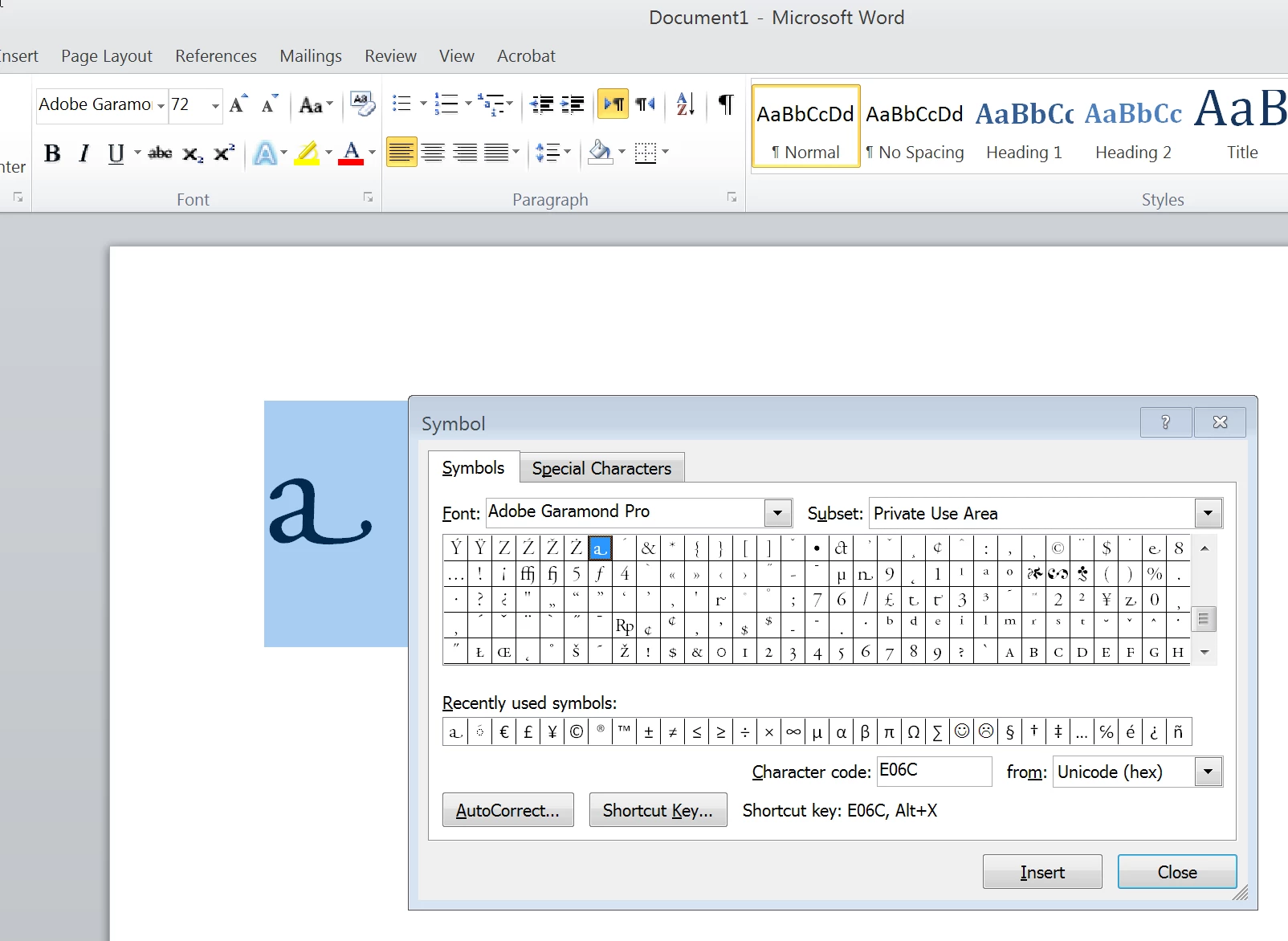
You have to use the "Insert Symbol" option, select the "Private Use Area" subset, and insert them one by one.

It would be wonderful if MS Word provided a better user experience when working with OpenType features, but that's not something the font is in control of.

1 reply

MiguelSousa
Community Manager
MiguelSousaCommunity ManagerCorrect answer
Community Manager
March 16, 2015

You have to use the "Insert Symbol" option, select the "Private Use Area" subset, and insert them one by one.

It would be wonderful if MS Word provided a better user experience when working with OpenType features, but that's not something the font is in control of.

jfish50Author
Participant
March 16, 2015

Thanks, this is much what I expected -- disappointing but expected.