nicolesy
Participant
August 3, 2015
Answered

Typekit not syncing with InDesign/Creative Cloud

  • August 3, 2015
  • 2 replies
  • 717 views

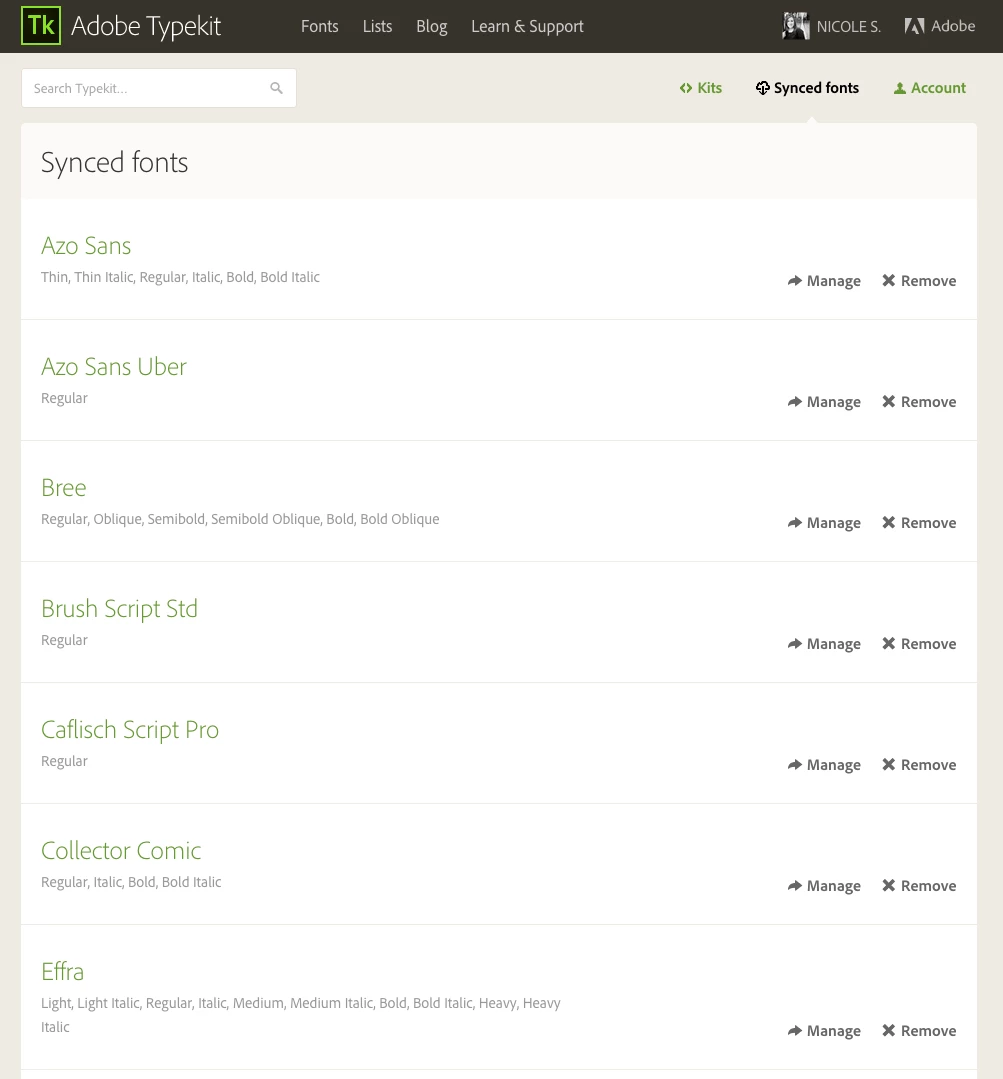
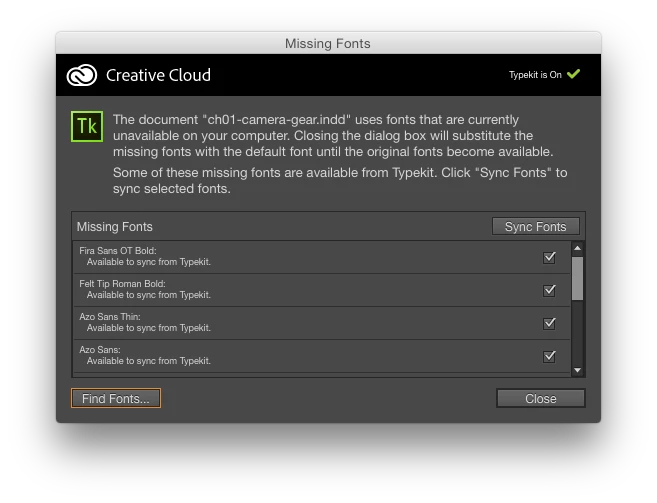
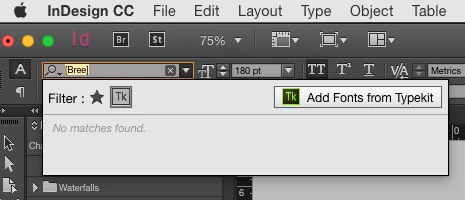
I seem to be having issues with Typekit syncing with my CC apps. The CC app does not show that I have any synced fonts, and none of my CC apps show the fonts that should be syncing. But on Typekit all of my fonts are there and it says they are synced.

I tried turning the Sync off, quitting CC, and then re-opening, but it didn't sync when I turned Typekit back on.
This topic has been closed for replies.
Correct answer liz, Adobe Type

Hi nicolesy,

I'm sorry that you are having trouble syncing fonts from Typekit! Please check the other troubleshooting steps in this page to start:

http://help.typekit.com/customer/portal/articles/1649149

If that doesn't solve the problem, send use the Creative Cloud log files from your computer to support@typekit.com, and we'll look into it further.  There are instructions on where to find the logs on OS X and Windows in the troubleshooting page:

help.typekit.com/customer/portal/articles/1649149#logs

Thanks,

-- liz

2 replies

nicolesy
nicolesyAuthor
Participant
August 5, 2015

Looks like it's working again!

It turns out that there was something wrong overall with a connection to Adobe. I assume that Typekit not syncing was one result of the problem. All good now

liz, Adobe Type
Community Manager
liz, Adobe TypeCommunity ManagerCorrect answer
Community Manager
August 4, 2015

Hi nicolesy,

I'm sorry that you are having trouble syncing fonts from Typekit! Please check the other troubleshooting steps in this page to start:

http://help.typekit.com/customer/portal/articles/1649149

If that doesn't solve the problem, send use the Creative Cloud log files from your computer to support@typekit.com, and we'll look into it further.  There are instructions on where to find the logs on OS X and Windows in the troubleshooting page:

help.typekit.com/customer/portal/articles/1649149#logs

Thanks,

-- liz

nicolesy
nicolesyAuthor
Participant
August 4, 2015

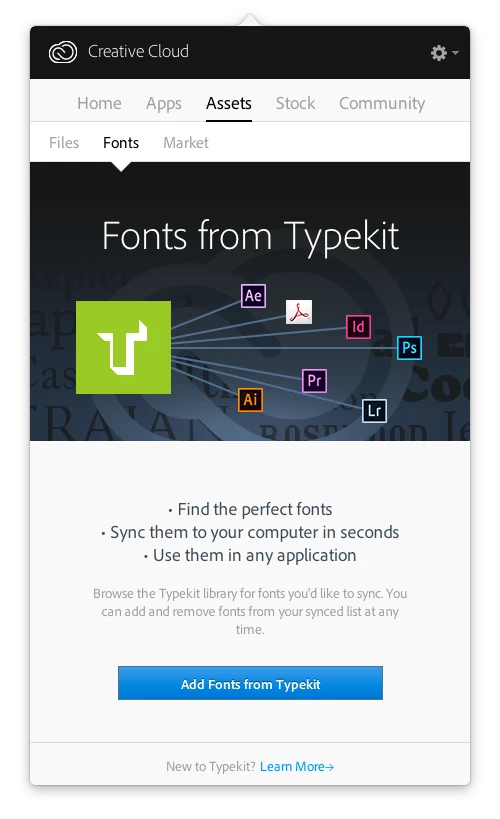
Thanks for the reply I tried the troubleshooting options, but nothing is working. I even logged out of CC and back in to see if it would help. I'm still getting the "Add Fonts from Typekit" screen in the CC app when I go to the fonts panel.