
Question
Quick Access to quick access? Custom Scan is a pain now, on purpose?
In Adobe Acrobat XI you could add a button to custom scan right at the top of the window for Adobe Acrobat XI.
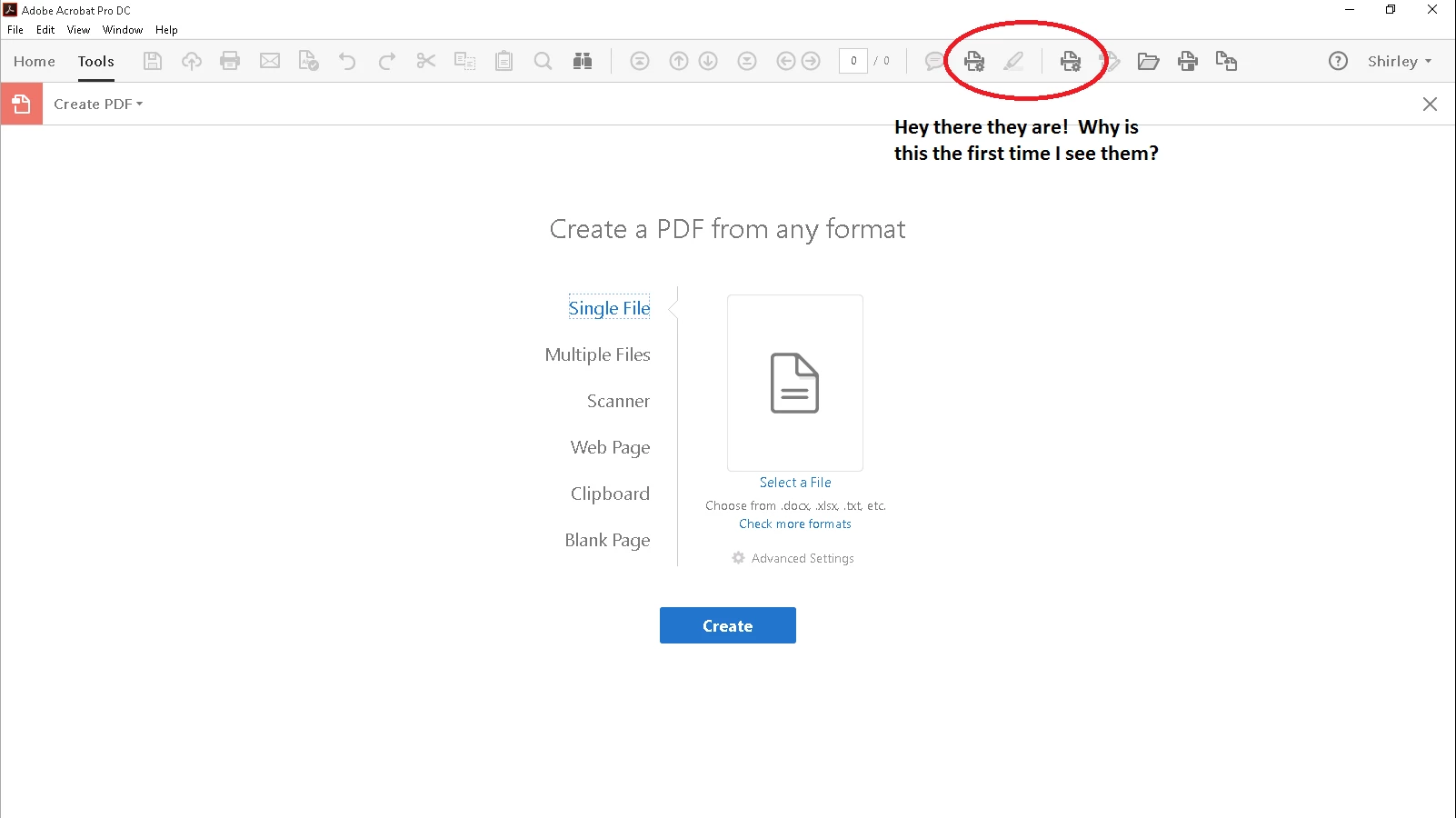
Now in Adobe Acrobat Pro DC I have to go to Tools > Create > Scan > Custom Scan. I can add the custom scan icon to the Create page quick access (which is inexplicably not visible from the "Home" tab), but this only saves one step and the process remains cumbersome.
Is there a way to provide quick access to quick access? If anyone knows how to get the quickscan image from my second attached image into the quick access bar on my first attached image please let me know.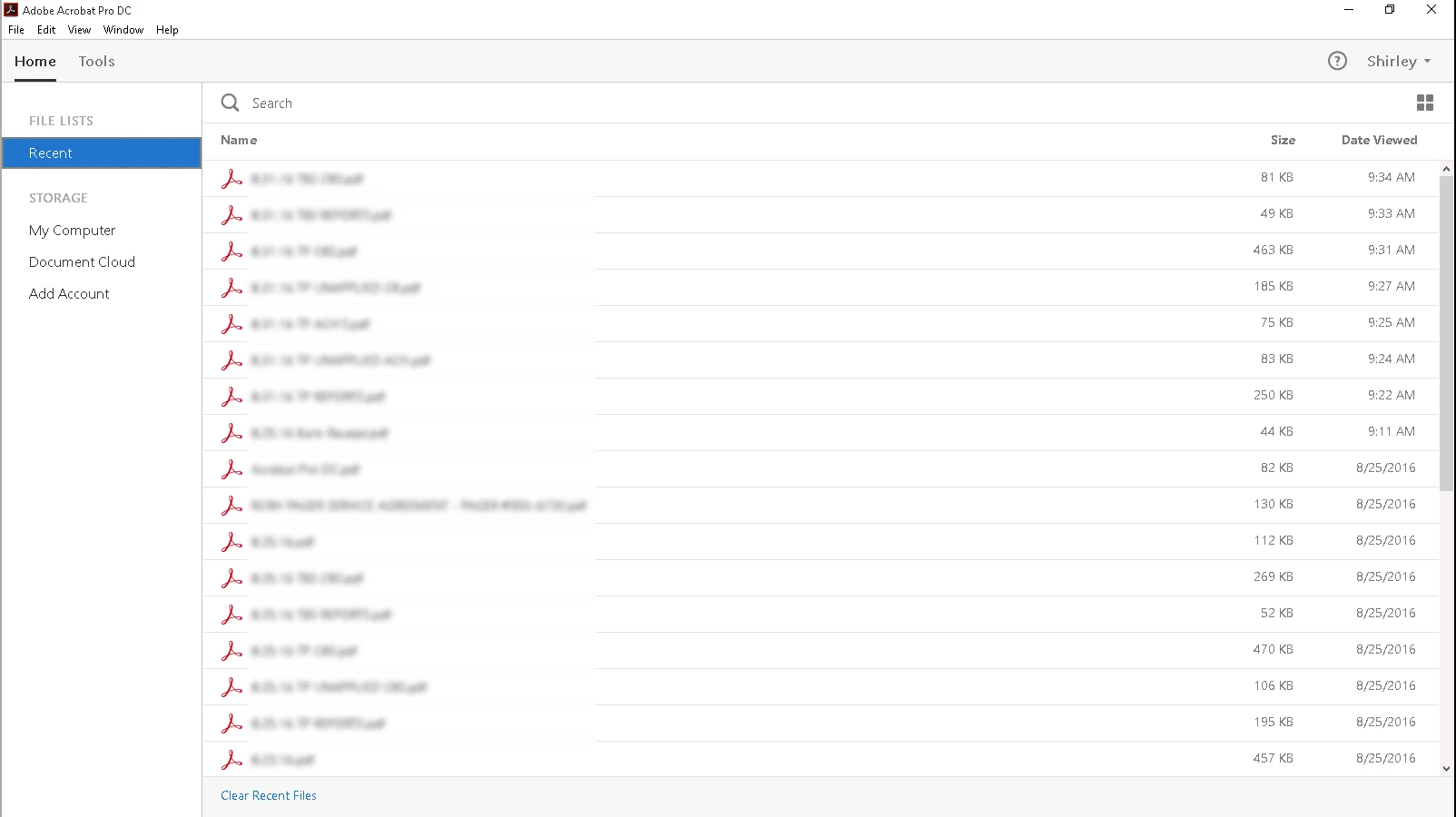
 AdChoices