
Question
Shrink Document in Appearance Option of Header & Footer (Add) in Action Wizard does not get applied to every page
Hi,
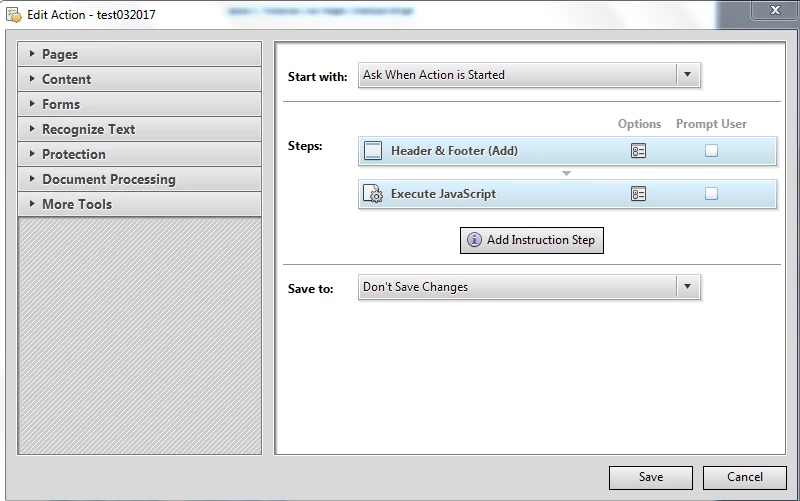
I am using the action wizard to try to make sure the header/footer created in the java script is applied after the content of chosen PDF files is shrunk to avoid overwriting of content. To do this, I brought over the "Header & Footer (Add)" prior to the Java Script Code.
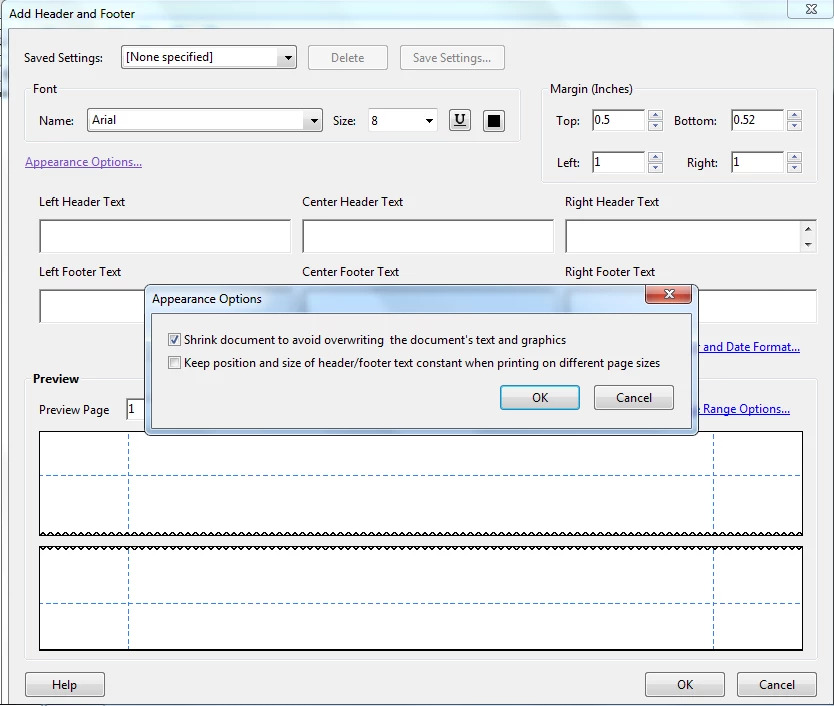
Within the "Header & Footer (Add)" Option, I selected "Appearance Options" and checked the "Shrink document to avoid overwriting***" and made sure "Page Range Options" is set to "All Pages."
However, the action wizard only shrinks the first page. The subsequent pages in the pdf file get overwritten with the header/footer created in the Java Script code. What am I doing wrong? I am using Adobe Acrobat Pro X on Windows 7 machine.
 AdChoices