August 19, 2015
Answered

Flash player causing high CPU usage %, Windows 10 Pro 64-bit

  • August 19, 2015
  • 3 replies
  • 19434 views

Hey,

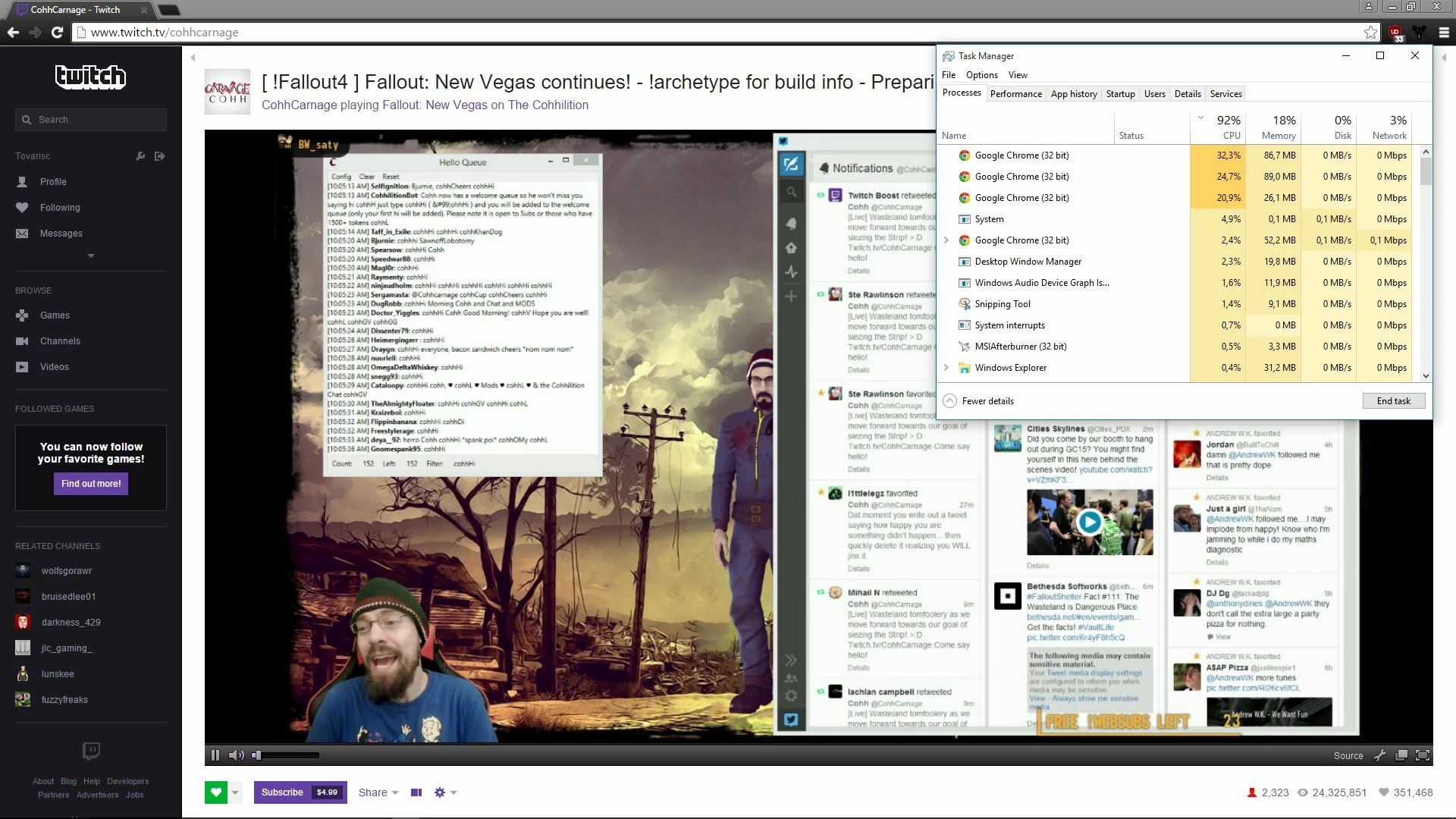
About week ago I build new PC and did clean Windows 10 install from .ISO. One day while I was gaming my FPS went from 100+ to ~20 so I tracked down causing the issue. In one of the browser tabs had just started livestream on Twitch, utilizing Flash Player. CPU usage % was off the hook causing CPU to hit 100% and choke whole system. Funny part being that with my old PC, that was running i5 750, I didn't have this issue.

Build;

W10 Pro 64-bit, pure install / no upgrade from previous Windows

Asus Z170-A

i5 6600K @ 4,4GHz

16GB DDR4

GTX980Ti with 355.60WHQL drivers

Full DXDiag of my computer HERE

I have tried to no help;

  • Enabling and disabling hardware acceleration
  • Installing Flash player from Adobe website, disabling Chrome integrated one and running one installed from website
  • Different browser [Chrome & FireFox]
  • Contacting Adobe via Twitter, only to be told "Works fine on my PC" by rep

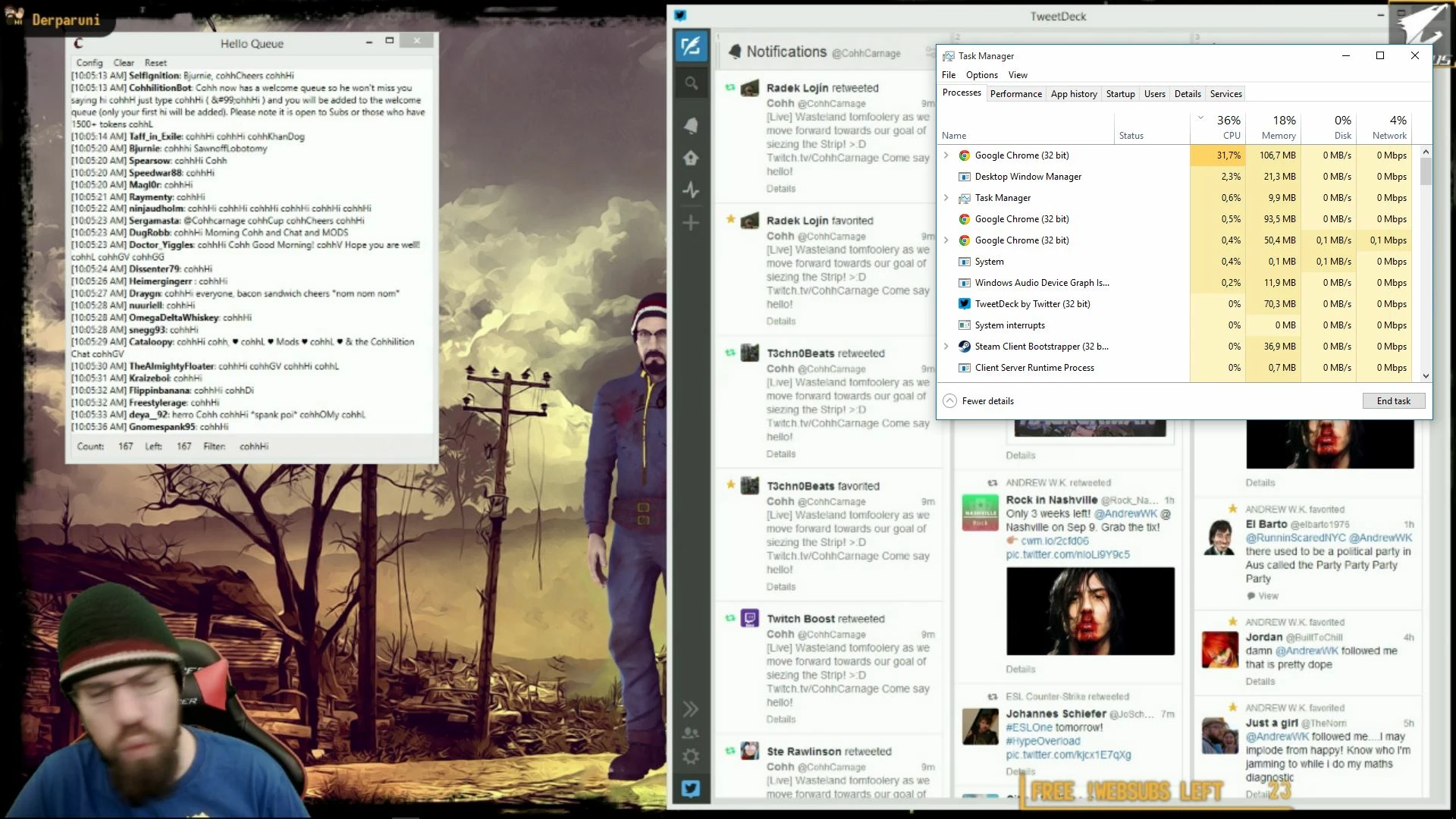
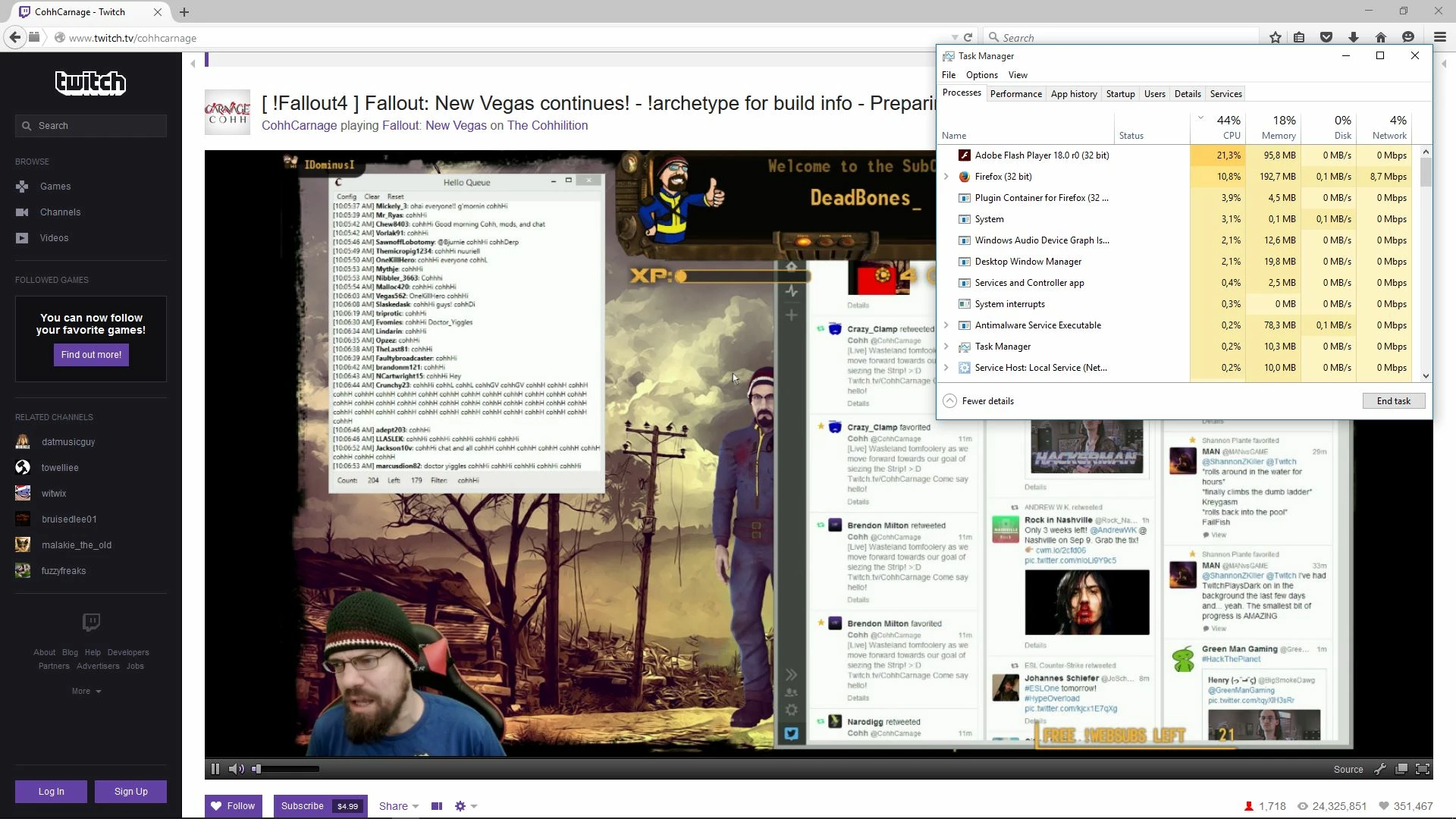
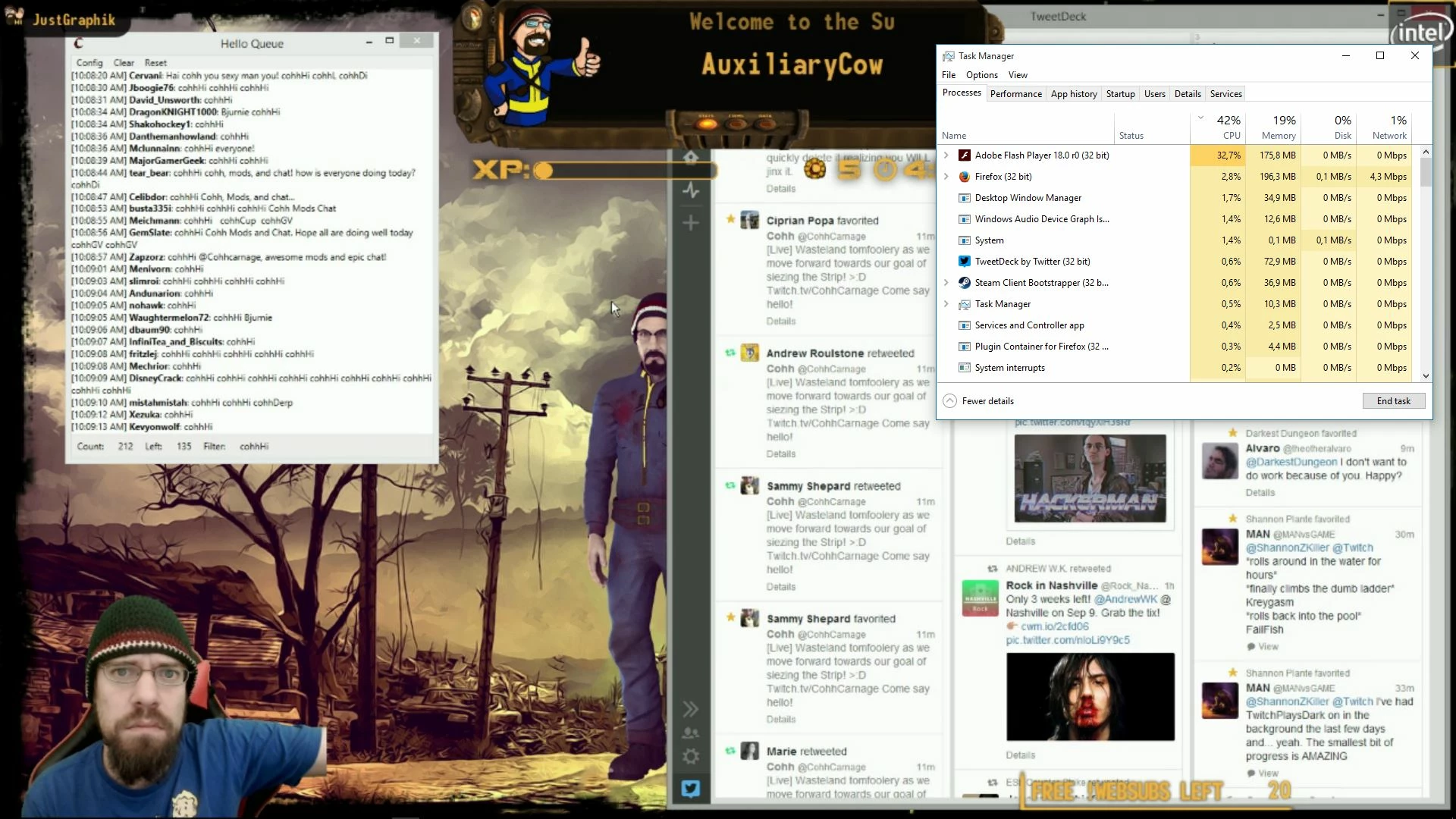
Pics;
Any advice to solve this CPU utilisation issue would be welcome, or am I just out of luck and have to suffer from this?

    This topic has been closed for replies.
    Correct answer jeromiec83223024

    Sorry, I was just skimming forum posts earlier.  It didn't click that this was Twitch.

    Long story short, Twitch could serve you video that could be offloaded to your GPU, but they don't.  They're using the old-school video object that pre-dates GPU support.  We don't really know why.  Hulu does this as well.  Moving to StageVideo seems like a win-win for Twitch and the community, and it falls back gracefully to the software experience that you're currently getting.  We'd be more than happy to talk to them about the benefits and address any concerns they might have.  We've reached out a few times, but haven't gotten any traction.

    If you don't believe me, believe the video engineers at Google (see comment 10):

    Issue 456421 - chromium - Flash uses beyond extreme CPU in Chrome for 720p+ streams - An open-source project to help …

    3 replies

    Adobe Employee
    August 21, 2015

    HI Tovarisc ,

    With the scenario explained above by you,I am unable to reproduce the issue at my end .I have checked the issue on Win 10 ,Nvidia GE Force GTX 650 on Chrome 44.0.2403.155 and Firefox 40.0 with flash player version 18.0.0.232 ,but the CPU usage never shoot up ,as shown by you in the snapshot .

    I need few information from your side :-

    1) Flash player version .

    2) Streaming application you are using for broadcasting .

    Also ,it would be very helpful if you can share a video ,with steps reproducing the issue with me ( email id :nitanwar [@] [adobe] com) .

    August 22, 2015

    1) Adobe Flash Player 18.0.0232 / Twitch Player 1.6.1

    2) For broadcasting? I don't broadcast anything, I just watch Twitch

    3) Steps to reproduce the issue: Open browser of your choice [e.g. Chrome] and go to Twitch.tv and open any live broadcast

    jeromiec83223024
    Inspiring
    August 23, 2015

    Unfortunately, I provided the correct answer.  Twich doesn't use StageVideo, so we can't leverage your GPU when playing video, and 25-30% CPU decoding an H.264 video in software isn't unreasonable.

    jeromiec83223024
    Inspiring
    August 19, 2015

    Is this a Firefox only issue?  It would be useful to know if you see the same problem in Chrome, IE or Edge.  Also, is this the standard 32-bit release Firefox, or are you running something else?

    August 19, 2015

    Pictures in opening post are 2 from Chrome and 2 from FireFox. Issue is same on all three browser.

    Chrome: 44.0.2403.155 m

    FireFox: 40.0.2 and downloaded from Download Firefox — Free Web Browser — Mozilla so I assume it's standard 32-bit release

    Here is picture of CPU usage when watching using Edge;

    jeromiec83223024
    jeromiec83223024Correct answer
    Inspiring
    August 19, 2015

    Sorry, I was just skimming forum posts earlier.  It didn't click that this was Twitch.

    Long story short, Twitch could serve you video that could be offloaded to your GPU, but they don't.  They're using the old-school video object that pre-dates GPU support.  We don't really know why.  Hulu does this as well.  Moving to StageVideo seems like a win-win for Twitch and the community, and it falls back gracefully to the software experience that you're currently getting.  We'd be more than happy to talk to them about the benefits and address any concerns they might have.  We've reached out a few times, but haven't gotten any traction.

    If you don't believe me, believe the video engineers at Google (see comment 10):

    Issue 456421 - chromium - Flash uses beyond extreme CPU in Chrome for 720p+ streams - An open-source project to help …

    Preran
    Legend
    August 19, 2015

    Am asking around for assistance with this issue. Stay tuned.