Participant
March 25, 2019
Question

Flash10b stopping Lego Digital Designer 4.3.11 installer

  • March 25, 2019
  • 2 replies
  • 11447 views

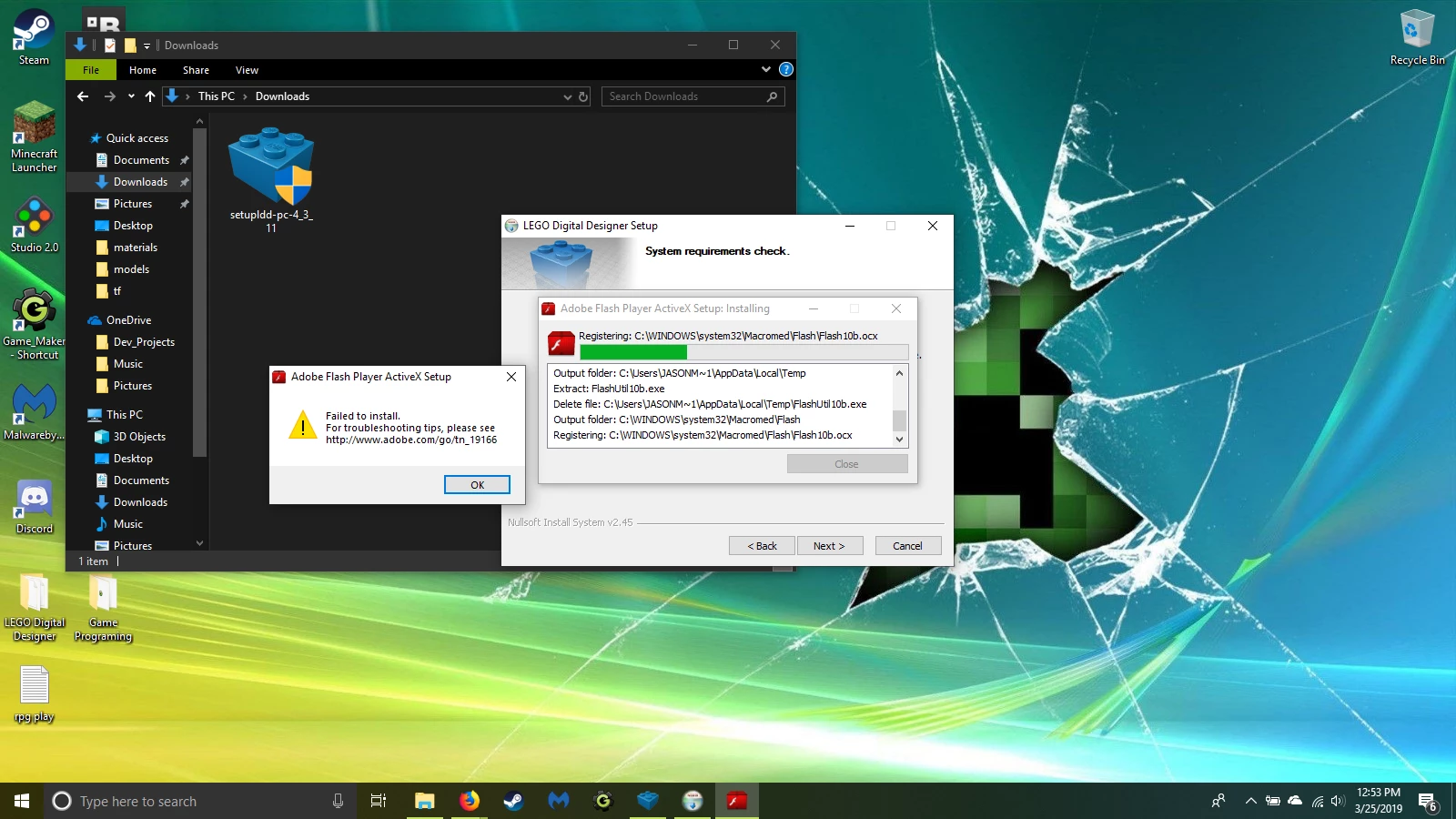
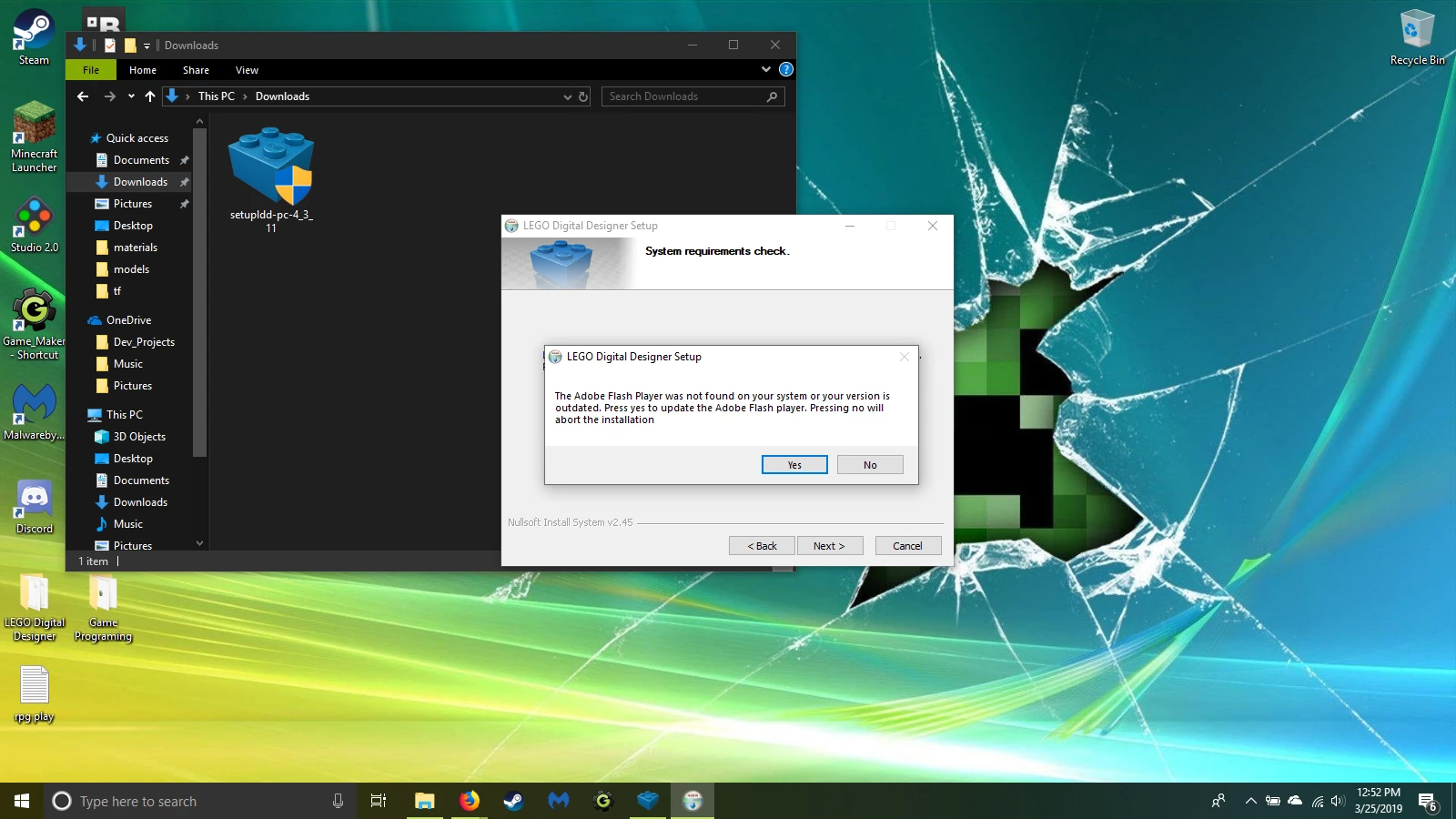
for awhile now I have been trying to download the latest version of Lego Digital Designer 4.3.11. every time their installer tries to detect and install what it thinks is the necessary Adobe Flash version, it gets stuck on a file named Flash10b.ocx. and the process aborts.

I have already contacted the Lego support team twice now, and their follow up email suggests I get help from you people this time around.

this comes with some strings: this HP laptop is running windows 10, and about 4 weeks ago I had completely wiped and reset everything to clean out all the malware and pup files that were holding back the machines performance.

everything is fresh, so logically I shouldn't be having these problems installing the software and having Adobe Flash work with it... I am unsure.

any suggestions would be appreciated.
[moderator: edited title for clarity]

This topic has been closed for replies.

2 replies

Participant
May 9, 2019

I observed same behavior you reported on Windows 10 Pro Version 1809 OS build 17763.475.

Here is my workaround:

1. Start LDD installer, proceed until it Adobe Flash Player warning (don't press Yes yet)

2. Open this folder: %TEMP%\WZSE0.TMP\

3. Delete this file: install_flash_player_active_x.exe

4. Find OpenGLChecker.exe and rename it as: install_flash_player_active_x.exe

5. Click Yes and, voila, Flash player installer skipped!

lgoodman74
Participant
July 16, 2019

This really helped me, thank you.

_maria_
Community Manager
Community Manager
March 25, 2019

This sounds like an issue with the LDD installer, not Flash Player.

Lego has included Flash Player ActiveX Control version 10.0.22.87 in their setupldd-pc-4_3_11.exe installer.

Flash Player 10.0.22.87 was released in early 2009.  As of Windows 8.x, Microsoft embeds Flash Player ActiveX Control in IE, and Edge on Windows 10, and all updates are released by Microsoft via Windows Update.  Due to this, Microsoft considers Flash Player ActiveX Control a system component and locks the permissions on the file to prevent users from uninstalling it, or other programs from modifying it.

I tested this on the following Windows 10 system:

  • Windows 10 Home Version 1803 OS build 17134.648 - Virtual Machine (host is the Lenovo P51 mentioned below)
    • Flash Player ActiveX version installed = 32.0.0.156 (KB4489907)
    • LDD installed fine with no issues
  • Windows 10 Pro Version 1803 OS build 17134.648 - Virtual Machine (host is the Lenovo P51 mentioned below)
    • Flash Player ActiveX version installed = 32.0.0.156 (KB4489907)
    • LDD installed fine with no issues
  • Windows 10 Enterprise Version 1809 OS build 17763.379 - Lenovo P51 (physical machine)
    • observed same behaviour you reported - LDD fails to install with the Flash Player error.

I tried looking for LDD installation logs to troubleshoot, but couldn't find them.

I don't know when setupldd-pc-4_3_11.exe was released, however, it's digital signature is dated November 24, 2017.  It's quite shocking that software released around November 2018 has bundled a version of Flash Player that was released 8 years prior.

I recommend going back to Lego for assistance. We can't troubleshoot why their software is attempting to install a 10 year old version of Flash Player ActiveX Control on a system it cannot install Flash Player on.