

New Participant
February 18, 2023
Question

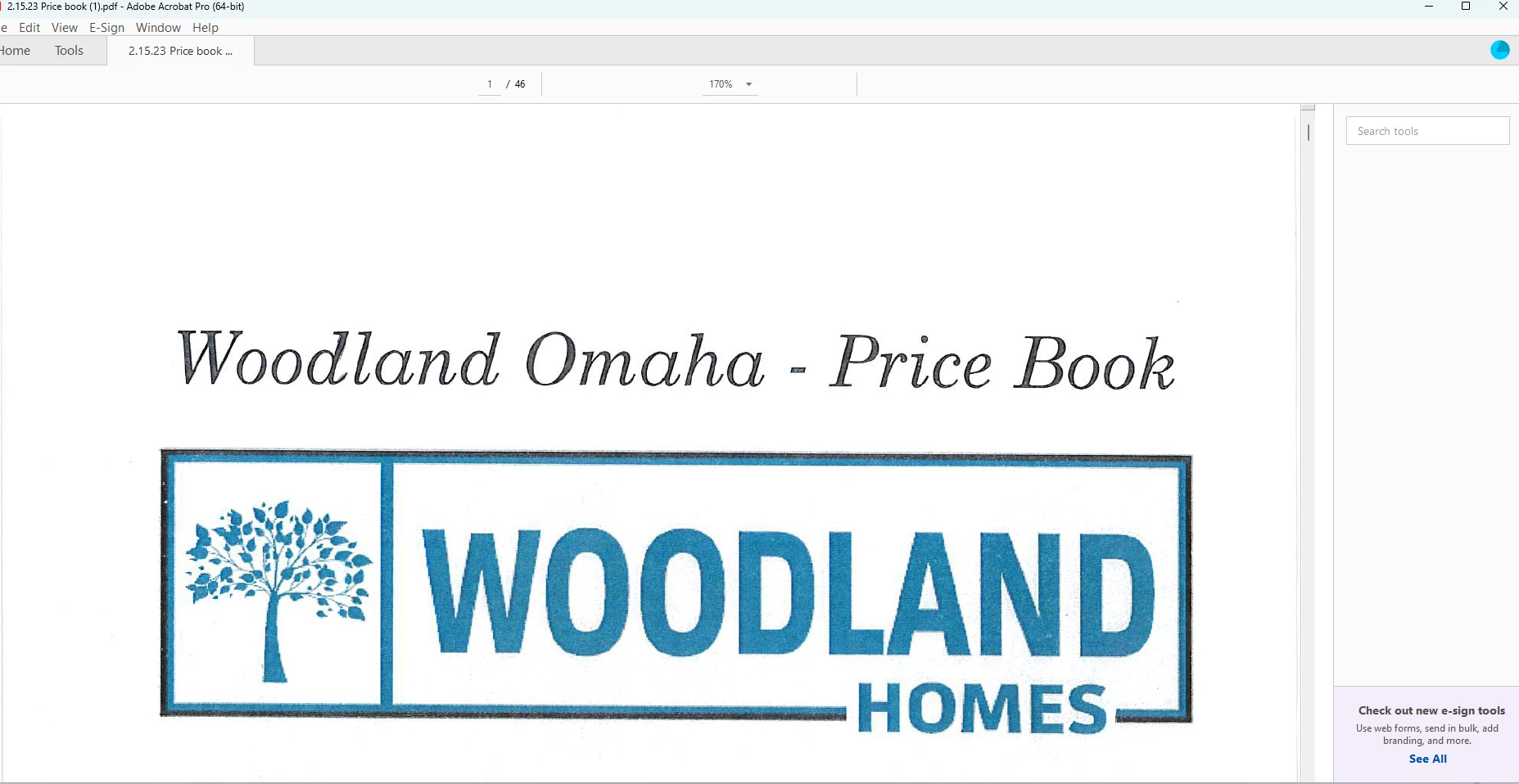
adobe pro tools are there but not visible
  • February 18, 2023
  • 1 reply
  • 2415 views

my tools on the right hand side will not appear any longer. 

When I clicked on the tool Fill and sign the app just closes. 


Not sure what is going on. 



This topic has been closed for replies.

1 reply

ls_rbls
Community Expert
February 19, 2023

Hi,


Are you on Microsoft Windows 10 or Windows 11?

New Participant
February 21, 2023

11

ls_rbls
Community Expert
February 21, 2023

I think that some plugins and built-in features of Adobe Acrobat that used to work well with Windows 10(64-bit) are completely deprecated (or removed) or not fully supported in Window 11; specifically if Windows 10 was upgraded to 11 on the same machine.


Just for troubleshooting purposes, I would say to download and install Adobe Acrobat Pro DC(32-bit) and compare the behavior.


I've seen many users posting about not seeing working toolbars or some items disappearing in the Acrobat's  working space.


One prime example of these erratic behaviors on Wndows 11 is the inability to drag and drop an application shortcut icon to the taskbar.


That said, the Internet Explorer 11 integration with the File Explorer is now handled by the new Microsoft Edge (Chromium) web browser.


Because of that, some enterprise work environments require to completely uninstall Inter Explorer 11 and switch to Microsoft Edge ,  OR, leave Iternet Explorer 11 installed but enable Internet Explorer Mode on Microsoft Edge web browser for legacy Intranet networking support.


I am outlining this fact because regardless of Microsofr moving forward to a 64-bit environment, Adobe Acrobat still works perfectly on 64-bit Microsoft Windows.


But above all, because Adobe Acrobat' Security (Enhanced) and Trust Manager sandboxing still integrates with the Microsoft Windows File Explorer which silently continues to interface with the Internet Explorer's Internet Zones. 


So a lot can be going on that we don't know.


In short, all I am trying to say is that I don't have these issues with my 32bit version of Acrobat on a 64bit Windows computer.


You should give it a try.


If you need help on how to enable 32bit apps support on Windows 11 let me know.