Hello Members,
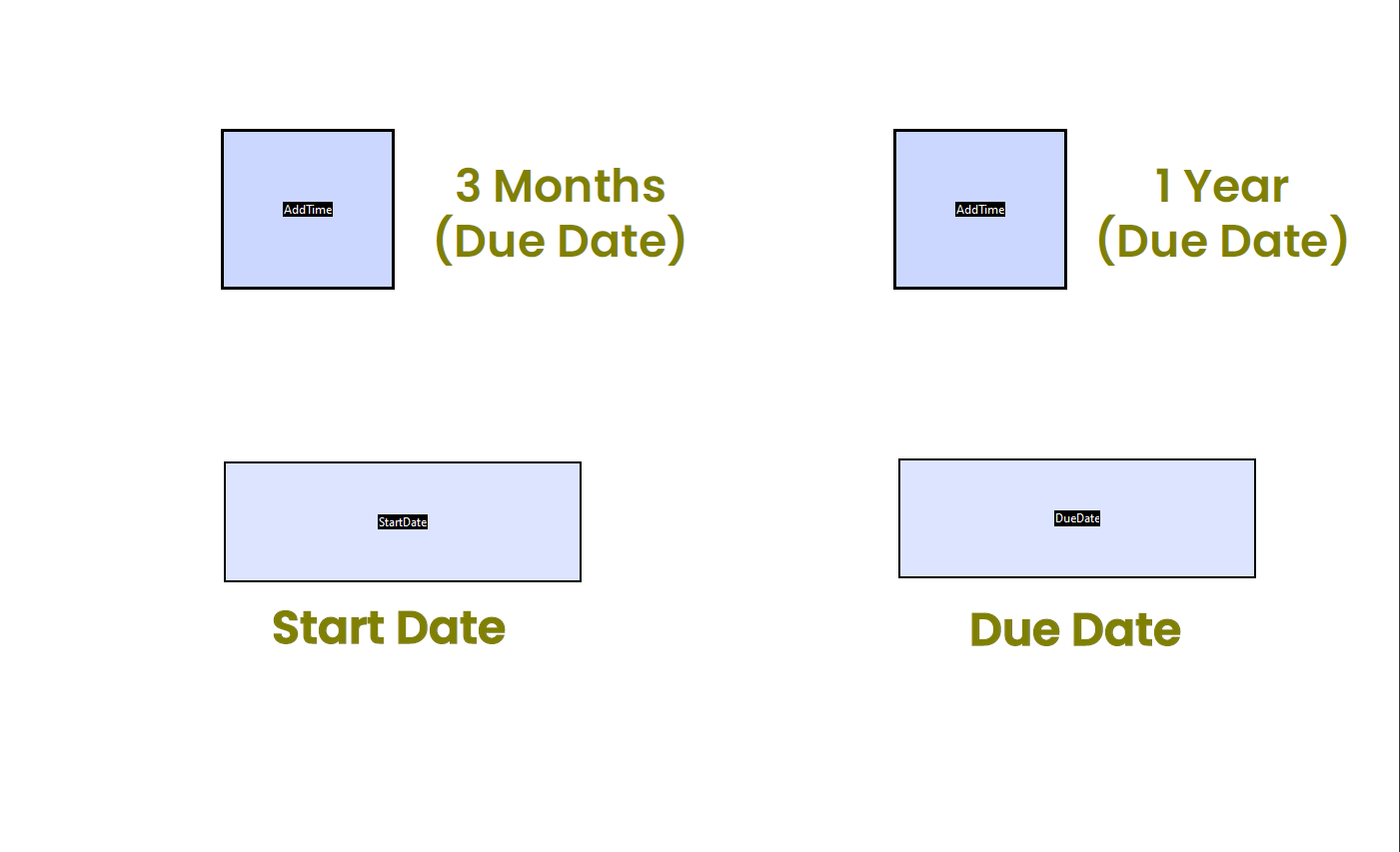
I want to auto-calculate the due date field with the condition of two check boxes and a start date.
If one box is checked it should fill due date with an addition of 3 months.
If the 2nd box is checked it should fill date with an addition of 1 year.
Note: a) The due date should appear one day less. b) February have 28 days
Kindly check the attachment.
I'm using this script in "DueDate" text field but I can't figure out how can i add "StartDate" field as a reference of the Start Date in this script.
var date = new Date();

var addTime = this.getField("AddTime").value;

var days = 0;
if (addTime != "Off") {
    switch (addTime) {
    case "91days" :
        days = 90;
        break;
    case "365days" :
        days = 364;
        break;

    }
    date.setDate(date.getDate()+days);
    event.value = util.printd("dd-mmm-yyyy", date);
}
else {
    event.value = "";
}







 1
Reply
1
Reply


 AdChoices