


- Home
- Acrobat
- Discussions
- Blank White Dialog Covers Adobe DC Document Window
- Blank White Dialog Covers Adobe DC Document Window
Blank White Dialog Covers Adobe DC Document Window

Copy link to clipboard
Copied
I'm setting up an existing user on a new computer. When launching Acrobat DC by the desktop or start menu icon, or even double-clicking a PDF document, Acrobat begins to launch but then a blank white dialog box appears. Escape key does nothing. If I close the dialog by clicking the X, then Acrobat closes too. With this blank dialog in the way, I cannot click on anything in the Acrobat window underneath.
..........
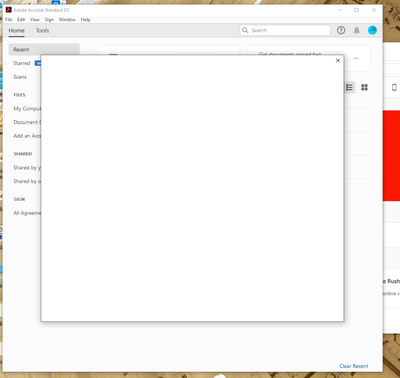
I've already uninstalled, rebooted, and reinstalled Acrobat DC. Problem still occurs under this user's login and mine that has admin privileges. Problem happens even when signed in to Creative Cloud and opening Acrobat from there.
I'm stumped. Any suggestions?
--Jeff


 10
Replies
10
10
Replies
10


Copy link to clipboard
Copied
From your screen capture, can see that you're using Windows.
What version of your OS?
And what version of Acrobat? Include the build number.
| PubCom | Classes & Books for Accessible InDesign, PDFs & MS Office |
Copy link to clipboard
Copied
You are correct, it is Windows 10 Pro, build 18363 (1909). Acrobat DC Standard, not sure about the build because I can't get to the About menu, but presumably the latest since I just reinstalled it this morning.
--Jeff

Copy link to clipboard
Copied
I am having the eact same problem as visumancer.
Copy link to clipboard
Copied
Copy link to clipboard
Copied
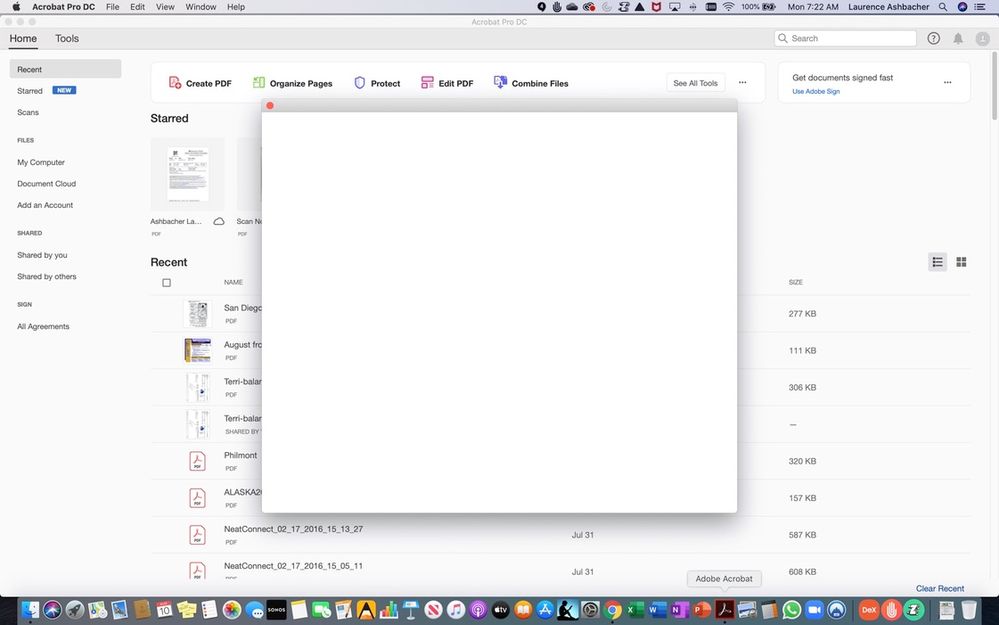
I am using a Macbook Pro with ,acOS Catalina 10.15.5

Copy link to clipboard
Copied
I wonder if that's the Adobe login screen that is not loading properly?
Dave
Copy link to clipboard
Copied
That's a good thought, and I also speculated that it could be the EULA screen or even the tour screen. I don't know of any way to determine what is actually is though.
--Jeff

Copy link to clipboard
Copied
Hey did you ever figure this out?
I just recently got this on Windows 10 64 bit. Reinstalled etc. as well.
None of my apps work and I can't get support cuz it's with my work login so they tell you to check with the designated IT guy and even the IT guy is also stumped.
Copy link to clipboard
Copied
Yes, finally had to call Adobe support to figure it out.
The issue turned out to be with the user login. You're allowed to run the software on two computers, and in our situation, we had a guy that was working half a day in the Treasurer's office and the other half in the Clerk's office. The problem came up when we moved him to a different computer in the Clerk's office: now Adobe detected a third login.
The fix was to remove his login from his first computer in the Clerk's office, which freed up a login to move to his new computer.
Enhancement request for Adobe: just say "too many logins" instead of throwing a blank window. ¯\_(ツ)_/¯
Copy link to clipboard
Copied
Great news. This makes sense, but not exactly a straight-line of logic to figure it out. Glad you're back in business!
My best,
Dave


Get ready! An upgraded Adobe Community experience is coming in January.
Learn more
 AdChoices