


Question
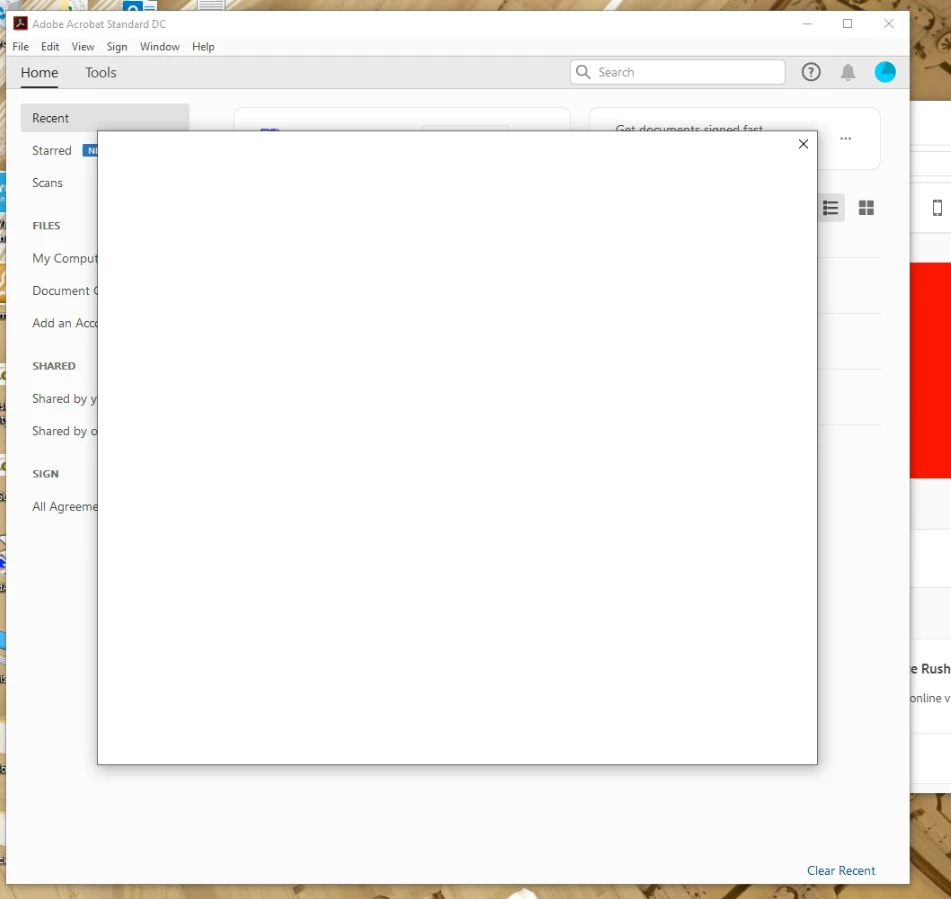
Blank White Dialog Covers Adobe DC Document Window
I'm setting up an existing user on a new computer. When launching Acrobat DC by the desktop or start menu icon, or even double-clicking a PDF document, Acrobat begins to launch but then a blank white dialog box appears. Escape key does nothing. If I close the dialog by clicking the X, then Acrobat closes too. With this blank dialog in the way, I cannot click on anything in the Acrobat window underneath.
..........
I've already uninstalled, rebooted, and reinstalled Acrobat DC. Problem still occurs under this user's login and mine that has admin privileges. Problem happens even when signed in to Creative Cloud and opening Acrobat from there.
I'm stumped. Any suggestions?
--Jeff
 AdChoices