Try them and tell us what you think.
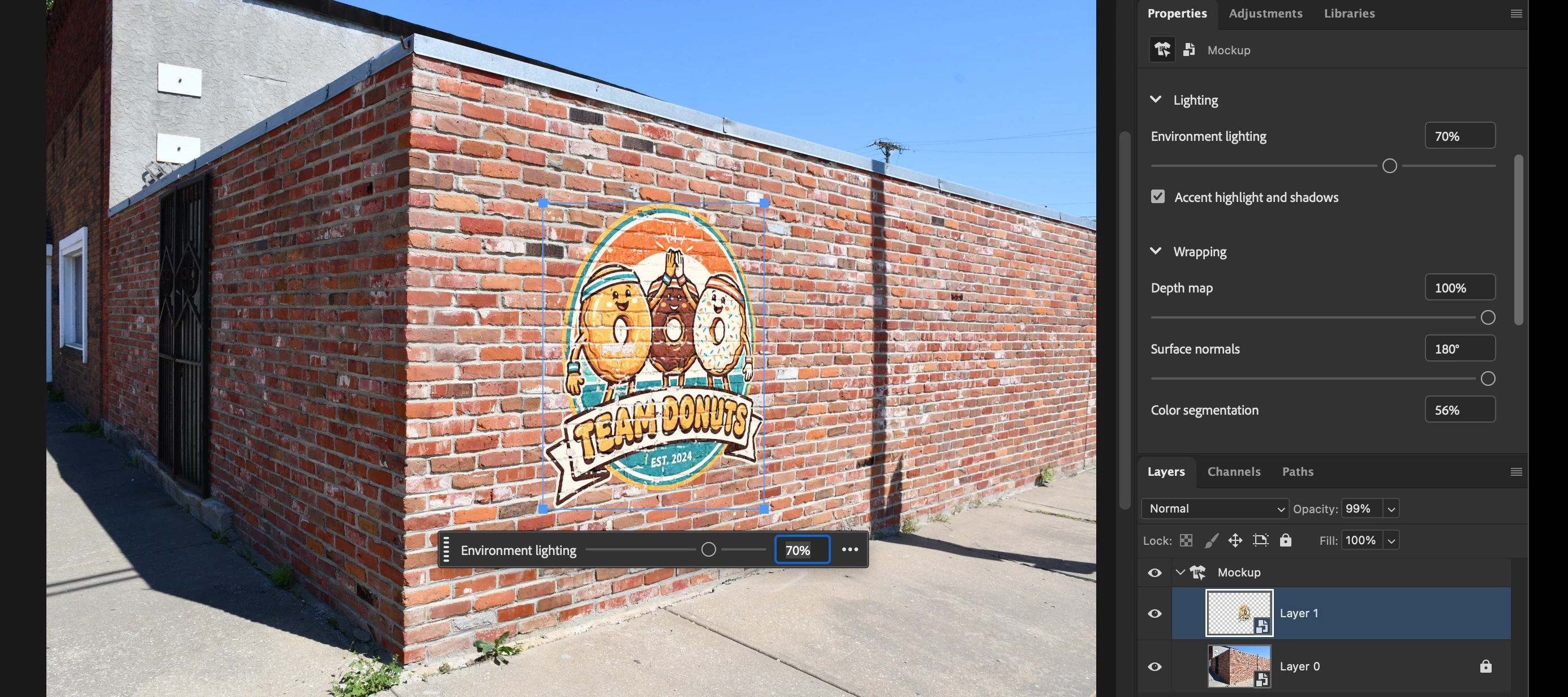
Wrap a logo or design onto a T-shirt, mug or wall in one click, with live lighting.

See your edit next to the original in split or single view, without toggling layers.
Hide the file formats you never use in Save As and Save a Copy.
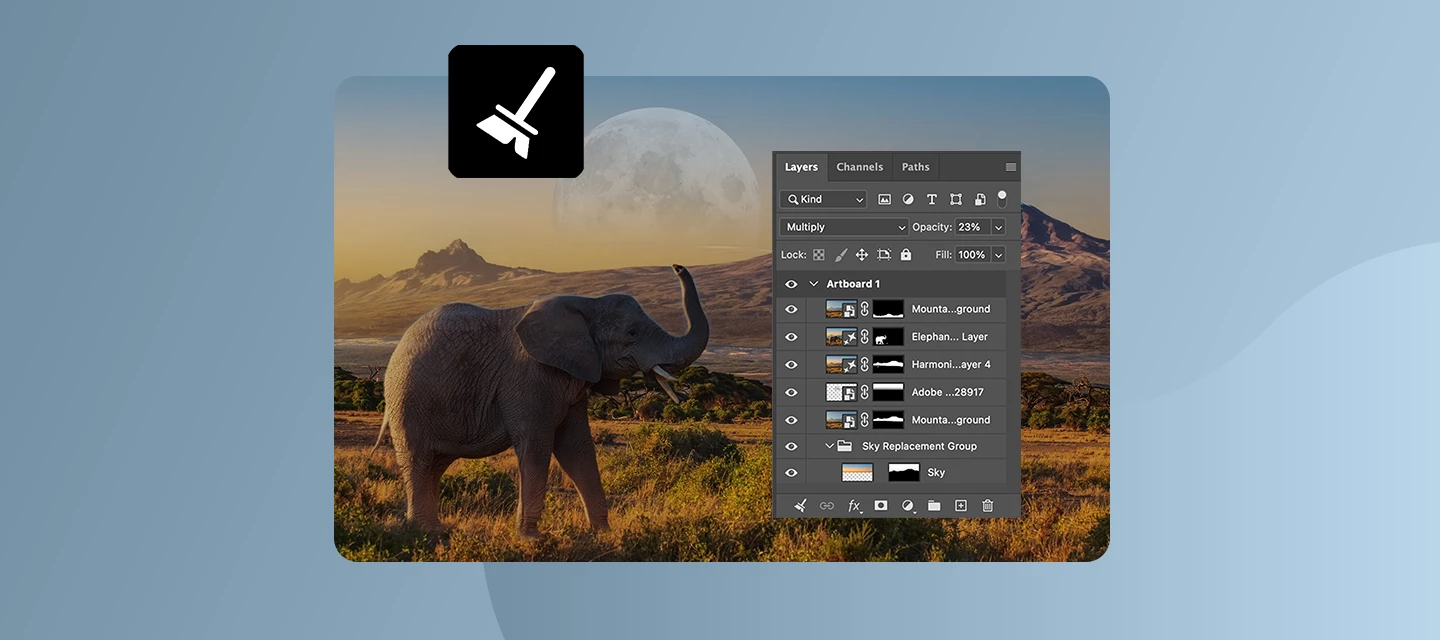
Delete empty layers and rename the rest by content, in one action.
Finer hair and edge detail, no cloud processing required, on by default.

Shaped text that reflows as you reshape it and stays editable. No trip to Illustrator.
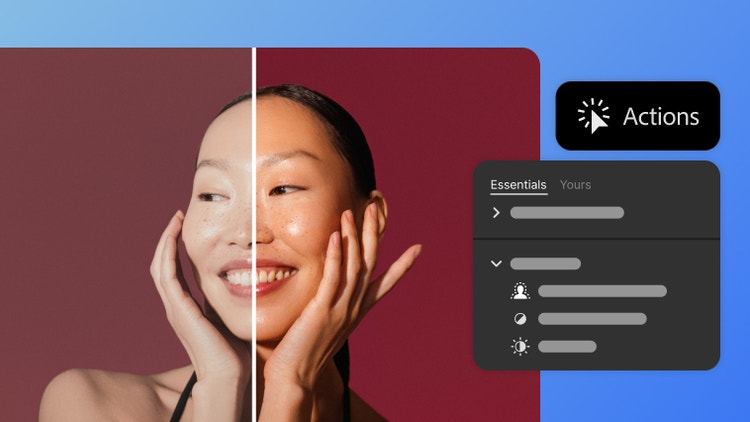
Search, right-click in Button Mode and easier organization for big libraries.
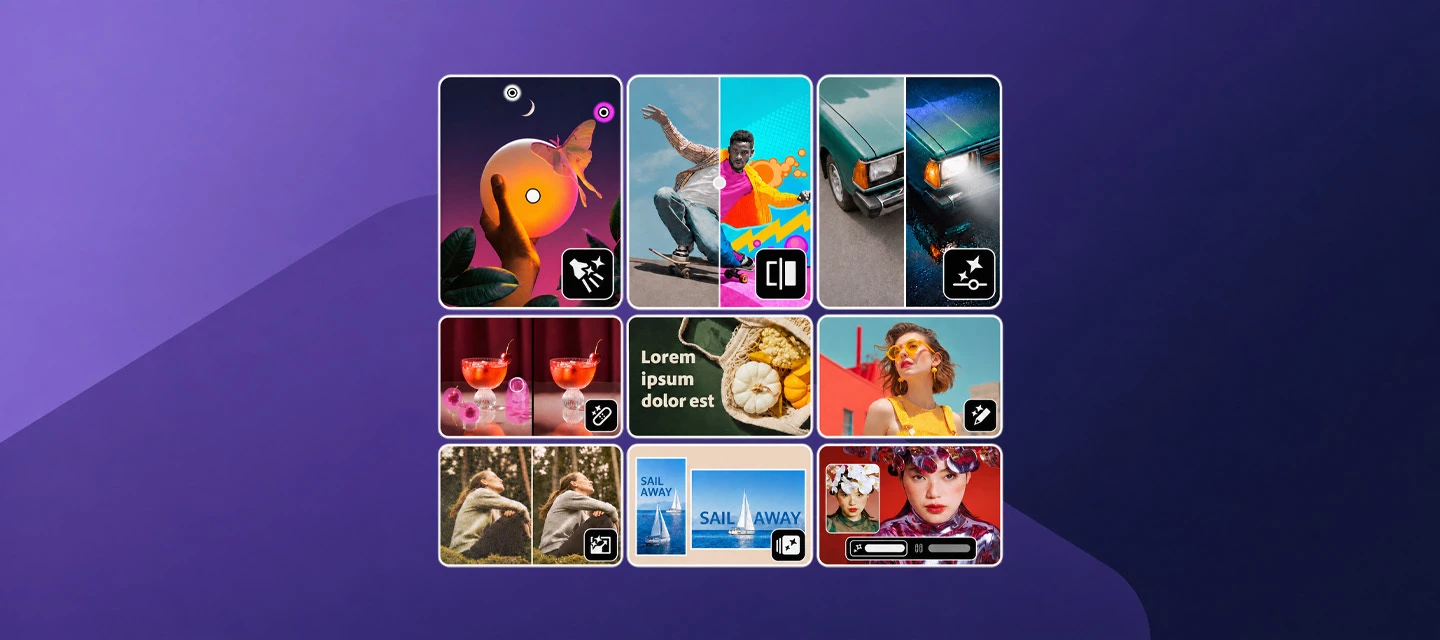
See the on-disk size of smart objects and layers to find what's bloating a file.
What would you like to see next? Tell us the feature that would make the biggest difference in your work.

Copy and paste (multiple) guides. Dragging them in split windows is said to be a solution but it doesn't work on my end.
all the other versions of Photoshop are filled with bugs (Like crashing Camera Raw), and i need to edit my photos ASAP. i found out that this version (V25.9) is the most stable but i cant find a way to download it. please help[Moved from the Bugs sub
I am using a Wacom Intuos tablet. Whenever I click the tablet settings for opacity, size, etc, it unselects when I close the tablet settings window. My tablet works in other programs. I have turned off/on Windows Ink and every other fix I could googl
How do I stop camera raw opening automatically when I open tiff files (from illustrator when they are linked). This is something that appeared in the latest version I was forced to use 28.00. I already went to the file handling menu in my camera raw
I have 78 layers in Photoshop 2026. Darken mode has been applied. When I flatten the image, export, or apply smart objects, the resulting image is darker and has a moiré pattern. How can I get the exported file to look like the image as I see it in P
"In the future, I want to create more high-quality stock assets, improve my editing and design skills, and build a consistent income as a contributor."
So Ive been having this issue since I updated the Photoshop app.When I try to use the eraser tool (for example) I press E and the tool briefly changes to eraser but then it goes back to whatever tool I was using before (this all happens in like a sec
error code 9872d7.488 occurs anytime i attempt to edit a new or existing file. It crashes and makes me close out. I uninstalled and reinstalled. Everything is up to date. This started a few days ago and I am, unable to work.
I think photoshop can make a better (faster) workflow possible if you can organize all your actions better. I was used to "the retouching toolkit", when all af a sudden they decided to update and made the old version impossible to use. I would have t
In Bridge, I open an NEF file in Adobe Camera Raw (by default). I then open it in Photoshop, do my processing edits on layers, flatten the layers and do a Save As to save it as a JPG. I want it to save in my Local Disc/User/[name[/Pictures. I do not
I had Photoshop activated on my Tower PC and laptop. My tower bombed and has been destroyed. I was forced to reinstall Windows 11 therefor reinstallation of photoshop again. This I cannot do as Adobe says the software has been activated twice before.
I used to be able to select multiple images by drawing a marquee around them by holding down the Ctrl button and drawing a marquee around them with the move tool to select everything that was under it. I can no longer do that. Now my workflow has cha
When you hover over the toolbar now it opens flyouts before even clicking.This was a bad idea as it covers the button next to it, meaning if you are even just trying to choose a tool, it’s already obscured by the flyout of the button next to it if yo
I have created a path and typed text into it. Along the path is a little circle with an x in it. This little x appears to be hiding my text and i can not move it. How do I get my text to show up???
I already owned Adobe Photoshop, from years ago, and my computer quit, and I wasn’t able to re install it. That was Adobe photoshop elements 13. It was perfect for my purposes. That is really what I want back, and am very disappointed to re buy, n
When working in Photoshop with many documents open at once, it can quickly become difficult to identify the document you’re looking for among all the tabs — especially when frequently dragging layers, images and other assets between documents.It woul
Hi Adobe Team,I'm a frequent Photoshop user and would like to suggest a small but powerful feature: the ability to change the color of document tabs (similar to how it's done in After Effects or Premiere).This would greatly help with visual organizat
Hi, I am urgently reporting a very inconvenient issue with Photoshop’s current brush size-saving system, and I’m asking for a fix.I love Photoshop and want to continue using it, but the lack of a per-brush size memory feature makes it very stressful
Onion skins in Photoshop have opacity settings for previous and next frames. That's awesome. Please also add an option to tint previous and next frames in different colors.
Feature Request: Non-Generative, Fully Editable Harmonize in PhotoshopI would love to see an update to Photoshop's Harmonize feature that allows users to blend subjects naturally into backgrounds without generating an entirely new AI image.Currently,
I’d like to see an offering of a version of Photoshop without any AI features or functionality. Call it Photoshop Pure, or something else, but the main goal is to have an “current” version of Photoshop that has zero AI features or connections. I’d be
In previous versions, you used to be able to use the Move tool to drag and creating a box that would select all layers in that area if auto-select layer is on. This feature is no longer working in 2027 (v28). Please fix this bug!
Every time I try to launch photoshop, it crashes.
According to google’s AI summary this is a “known friction between InDesign and Photoshop 2027” that occurs when external programs send quick AppleEvents (Mac) or DDE/COM-calls (Windows) in a loop.
System configuration iMac with Apple M1 chip 16 GB RAM macOS 27.2.1 Adobe Photoshop 28.0.0 Release Adobe Camera Raw 19.0.0.2794 Problem descriptionCamera Raw's AI-powered selection features fail to download their required AI models. When I tr
Bonjour, mon outil pinceau ne marche plus. Cela me l' fait plusieurs fois ces derniers temps. J'ai réinitialisé le pinceau, je suis allée également dans edition-préferences-performance- décocher le bouton utiliser un processeur graphique. Cela a rema
I am clicking on the update button but it doesn’t move.
Hello Adobe Team,I am experiencing an issue where the selection mode options (New selection, Add to selection, Subtract from selection, Intersect with selection) in the top options bar randomly switch on their own while using selection tools such as
System Information: OS: Windows 11 Processor: Intel Core i9-12900KS RAM: 64 GB GPU: NVIDIA GeForce RTX 3080 Ti (12 GB) NVIDIA Driver: Studio Driver 621.24 (November 12, 2026) Photoshop: 2026, version 27.11.1 (also tested an earlier version)
Hi everyone,Since updating to Photoshop 28.0.0 on my MacBook Pro M4 running macOS 27.2.1, the "Desaturate Monitor Colors By" option in Color Settings no longer has any effect. This is critical for my print/prepress workflow.Steps to reproduce:Open an
Ever removed an unwanted object from a photo, only to be left cleaning up its shadow, reflection, or other traces afterward? The Remove tool in Adobe Photoshop on desktop just got better with Remove related elements, helping you remove an object and
The MAX 2026 release of Adobe Photoshop delivers a faster, more stable, and more robust editing experience, alongside powerful AI-driven capabilities and enhanced creative controls. This update brings interactive image relighting, editable generative
Ever generated an edit that was almost right, but wished you could dial the effect up or down without generating another variation? With Generative restyle in Adobe Photoshop on desktop, you can turn an edit created with Prompt to edit into an adjust
You asked, we listened, and we're excited to share that Quick Compare is now available in Adobe Photoshop on desktop.A lot of you wanted an easy way to see your edit next to where you started, without breaking your flow. Retouching a photo, tweaking
Keeping your Layers panel organized just got a whole lot easier. Layer Cleanup in Photoshop 27.6 and above automatically deletes empty layers and renames layers based on their content, so you can focus on creating, not housekeeping. With a single act
Ever wished you could completely change the mood of a photo without setting up lights or reshooting? With Relight in Photoshop, you can add dramatic, cinematic, or subtle lighting effects to an image using interactive on-canvas controls powered by ge
It was wonderful meeting so many of you face-to-face at MAX! A big thank you to everyone who stopped by, shared their experiences, asked questions, and gave us honest feedback.Hearing directly from our users helps us better understand your challenges
You asked for it, and we’ve brought it to Adobe Photoshop! The latest desktop release delivers a faster, more stable, and more intuitive editing experience, packed with highly requested features and workflow improvements. From Quick Compare, Layer Cl
Let’s Create Some Grass Brush Details Using Adobe Photoshop!The Grass brush in Photoshop can be used to effectively add grass details to a composition in a randomized - yet controlled - way. We'll discover how to access the Grass brush - which can be
Ever had an image that looks perfect in landscape, only to struggle when you need the same creative for a square post or vertical story? Generative Recompose in Adobe Photoshop on desktop helps you adapt an image to a new canvas size or aspect ratio
Create gorgeous images, rich graphics and incredible art.
Already have an account? Login
Enter your E-mail address. We'll send you an e-mail with instructions to reset your password.