




Messy Layers? Declutter them instantly with Photoshop Layer Cleanup
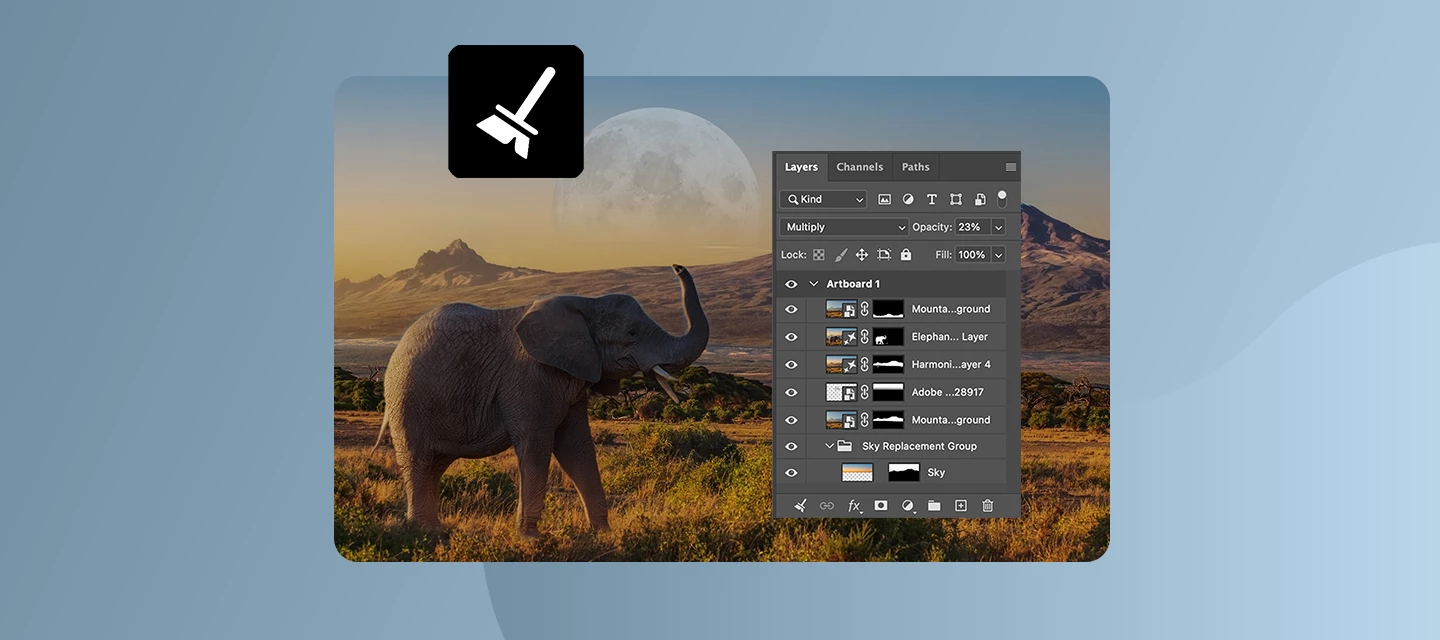
Keeping your Layers panel organized just got a whole lot easier. Layer Cleanup in Photoshop 27.6 and above automatically deletes empty layers and renames layers based on their content, so you can focus on creating, not housekeeping.
With a single action from the Layers panel, Photoshop scans your document and removes blank pixel or text layers that tend to pile up during exploration. At the same time, it can intelligently rename layers, giving them clear, descriptive names that reflect what’s inside, so you no longer have to guess what “Layer 37 copy 2” contains.
You’re in control of how much cleanup happens. Run it across the entire document for a full reset, or apply it only to selected layers when you want to tidy up as you go. Here is a quick tutorial demonstrating this feature.
Why this matters
- Faster navigation in complex files
- Cleaner handoffs when sharing PSDs with teammates
- Less friction when revisiting older projects
- Better layer discipline without manual effort
Whether you’re polishing a final file or jumping between ideas mid‑flow, Layer Cleanup automatically keeps your workspace lightweight and readable.
Join the conversation
How do you usually organize your layers: strict naming from the start, or cleanup at the end? Share your reviews and workflow (or before‑and‑after layer panels) with the community.
 AdChoices