



Photoshop MAX 2026: Relight, Restyle, Compare & Create Like Never Before!
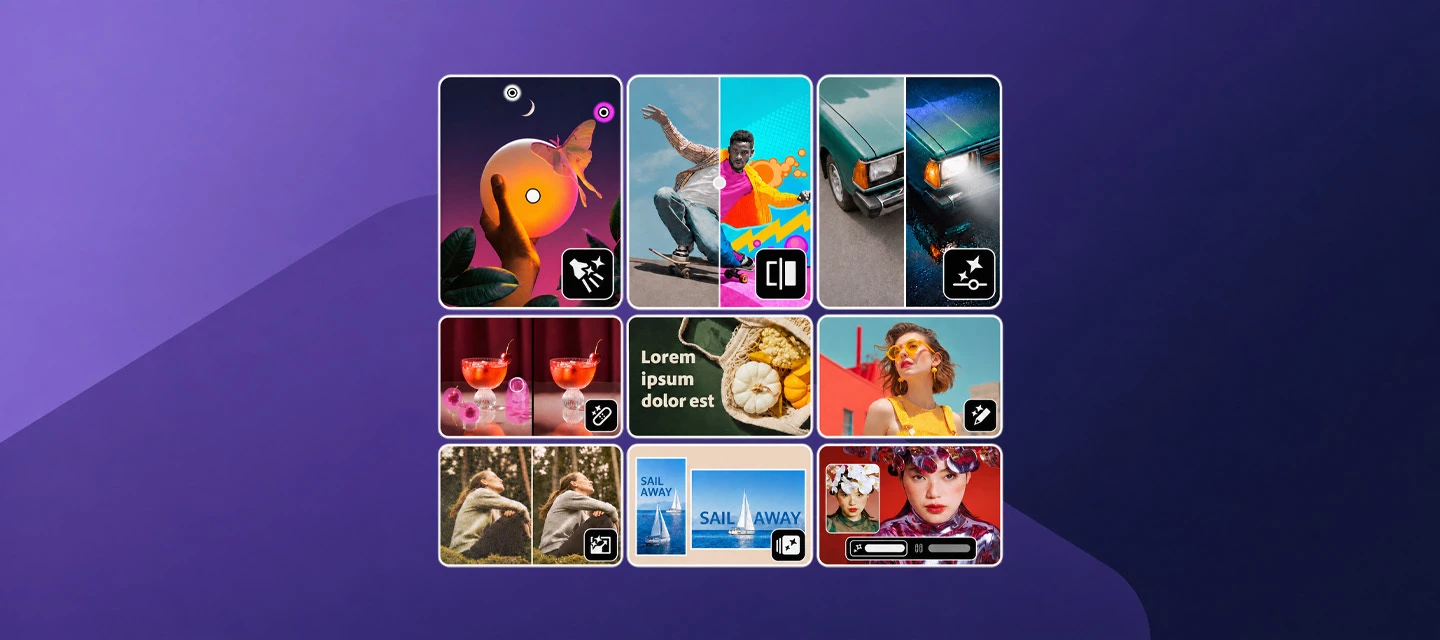
The MAX 2026 release of Adobe Photoshop introduces powerful AI-driven editing capabilities alongside new creative controls designed to help you work faster and achieve more polished results. This update brings interactive image relighting, editable generative adjustments, smarter object removal, AI-assisted editing workflows, image comparison tools, text-prompt-based editing, image upscaling, and customizable placeholder text. Whether you're refining professional photography, creating social content, or exploring creative concepts, these additions make it easier to experiment, iterate, and fine-tune your work.
The highlights:
- Add up to three customizable light sources with Relight to adjust lighting, color, intensity, and diffusion directly on your image canvas.
- Turn generated edits into editable layers with Generative Restyle and fine-tune results using dedicated controls.
- Remove unwanted objects and their associated shadows, reflections, smoke, and other visual artifacts for cleaner compositions with Remove related elements.
- Use AI Assisted Editor to make edits with natural-language prompts while maintaining access to advanced editing tools through Pro Editor.
- Compare your edited image against the original with Quick Compare using split-screen or single-view modes.
- Transform images using text prompts with Prompt to Edit and review multiple variations before applying changes.
- Improve resolution, clarity, and detail with Generative Upscale.
- Personalize placeholder text by replacing default “Lorem ipsum” content with your own custom text.
- Effortlessly adapt images to new sizes and aspect ratios with Generative Recompose, which intelligently repositions subjects and adjusts backgrounds to fit.
🎉 You Asked for It, Now It's Here!
🐛 Bugs squashed, thanks to you!
- Photoshop 27.10: "Edit in Photoshop" from Lightroom Classic & Lightroom Desktop does not load image with Denoise
- Shortcuts don't work anymore after upgrade to MacOS Monterey (I use non-English keyboard)
- [Win] Script "Load Files into Stack" failed with a "Cannot convert" error on non-English system locales.
Want the full list? Check the Photoshop release notes.
Update Now:
Open the Adobe Creative Cloud desktop app, and hit Update. If auto-updates are on, you might already have version 28.0.
Spill Your Thoughts!
Which feature are you most excited to try first: Relight, Generative Upscale, Prompt to Edit, or AI Assisted Editor? Share your workflows, before-and-after results, and creative experiments with the community. We'd love to hear how these new tools fit into your editing process and what you'd like to see next.
 AdChoices