


- Home
- Acrobat
- Discussions
- extract serial number from top right corner of pag...
- extract serial number from top right corner of pag...
extract serial number from top right corner of page to excel or text file

Copy link to clipboard
Copied
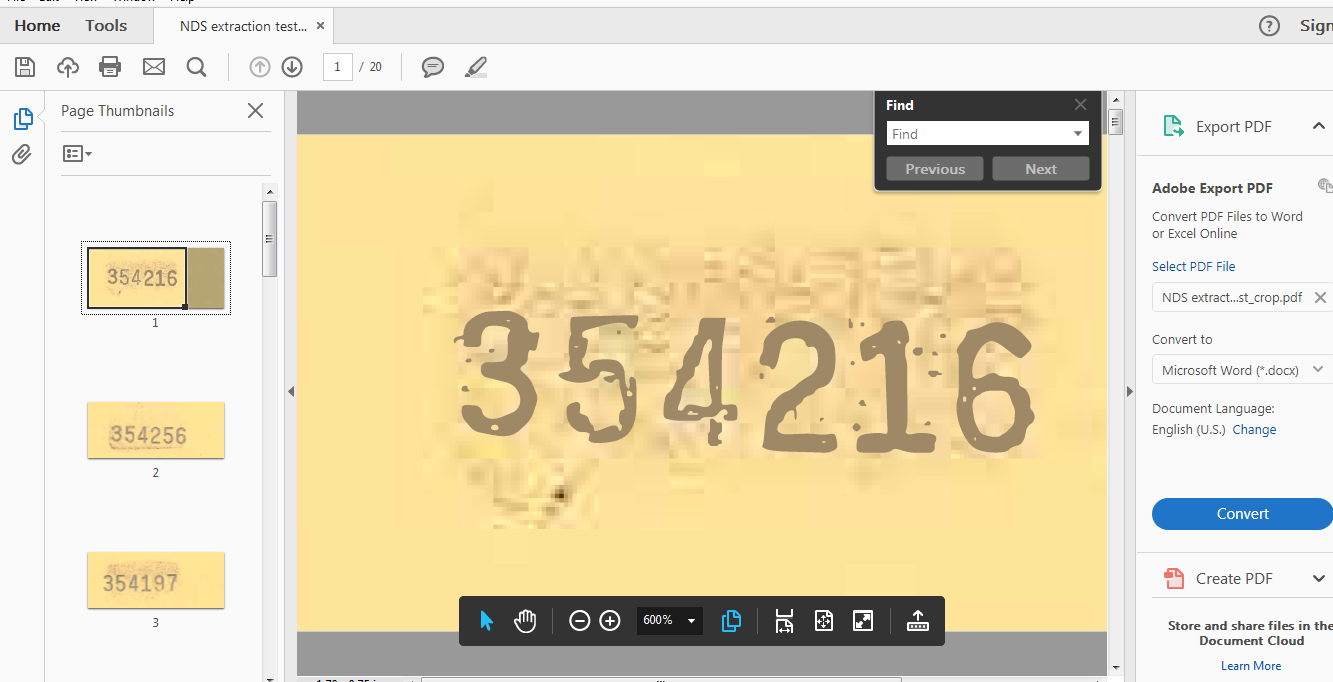
I have thousands of documents, each having a unique serial number in the top right hand corner. How do I extract the serial numbers to one excel file? I don't play in Adobe much and did a test where I scanned in 20 pages and cropped to just the top right corner to isolate the serial number. I can go through with the export, but appears it's only pulling the first page of data and nothing else.


 8
Replies
8
8
Replies
8




Copy link to clipboard
Copied
Is the text selectable? If so, can you copy and paste it into Word (for example) and it comes out correctly?
If it's not selectable it means it's just an image and you'll have to first run Text Recognition on it (and for it to be successful) before you could extract anything from it.
Copy link to clipboard
Copied
To be able to process multiple files (or to run Text Recognition) you would need Acrobat Pro, by the way. From the screenshot it seems you only have the free Reader, which is not suited for this kind of task. It can also be done using a standalone application.
Copy link to clipboard
Copied
We do have a fancier version on another computer and that's what I used when editing the files and trying to figure it out myself, but wasn't successful. I came back to my computer and tried to use the internet for help and found you all. Is there a text recognition job aid I can refer to? (Posting and then going to google  )
)
Copy link to clipboard
Copied
As I said, you can try Acrobat Pro for this. There's a trial version you can use for free for 7 days.
There are other applications that can perform OCR on PDF files, of course, like ABBYY FineReader.
Copy link to clipboard
Copied
THanks! Yeah, she has Adobe Pro DC on her computer and that's what I was using to generate the doc, but couldn't figure out how to extract the text. It was only exporting text from the first page and nothing else. So I didn't know if there was something I was missing. I'll be able to try again after 3:30pm EST today.
Copy link to clipboard
Copied
See my first reply. If you can select and copy the text then we can discuss how to automatically extract it.
Copy link to clipboard
Copied
Thank you, I was able to get it figured out -- sort of. I appears only the first page was text and the others were just pictures and as I scrolled through the document it would read it and convert it. Or I could do into "enhance scans" and then "recognize text" when it's exporting more information than I want/need if I don't crop to just the top right corner, but if I do crop the image comes so grainy/pixelated it is having trouble recognizing digits. If you have any other suggestions on how to make this work I'd love to hear them! I think the alternative right now is to ask the printer if they're able to do anything to darken the numerical text like the alphabetical text b/c that reads just fine. Unfortunately we have 10,000 forms to go through first lol
Copy link to clipboard
Copied
I can't really help you with the OCR process, but if you do get it to a point where all the numbers are recognized (either in the cropped format or as the full page), I could probably create for you a tool that will extract that information to a text file, for a fee. You can contact me privately via try6767 at gmail.com to discuss it further, if you wish.


Get ready! An upgraded Adobe Community experience is coming in January.
Learn more
 AdChoices