
Answered
How to I manually tag just one header in Acrobat DC?
I converted a document from Word and there are two places where a Heading 1 is not tagged properly. Re-doing it from Word does not help. The text is styled properly in word. I am trying to use TURO to tag this one heading but all I get is grey buttons. What am I doing wrong? Standard tutorials are not helping because they don't tell me what to do when everything is greyed out. I'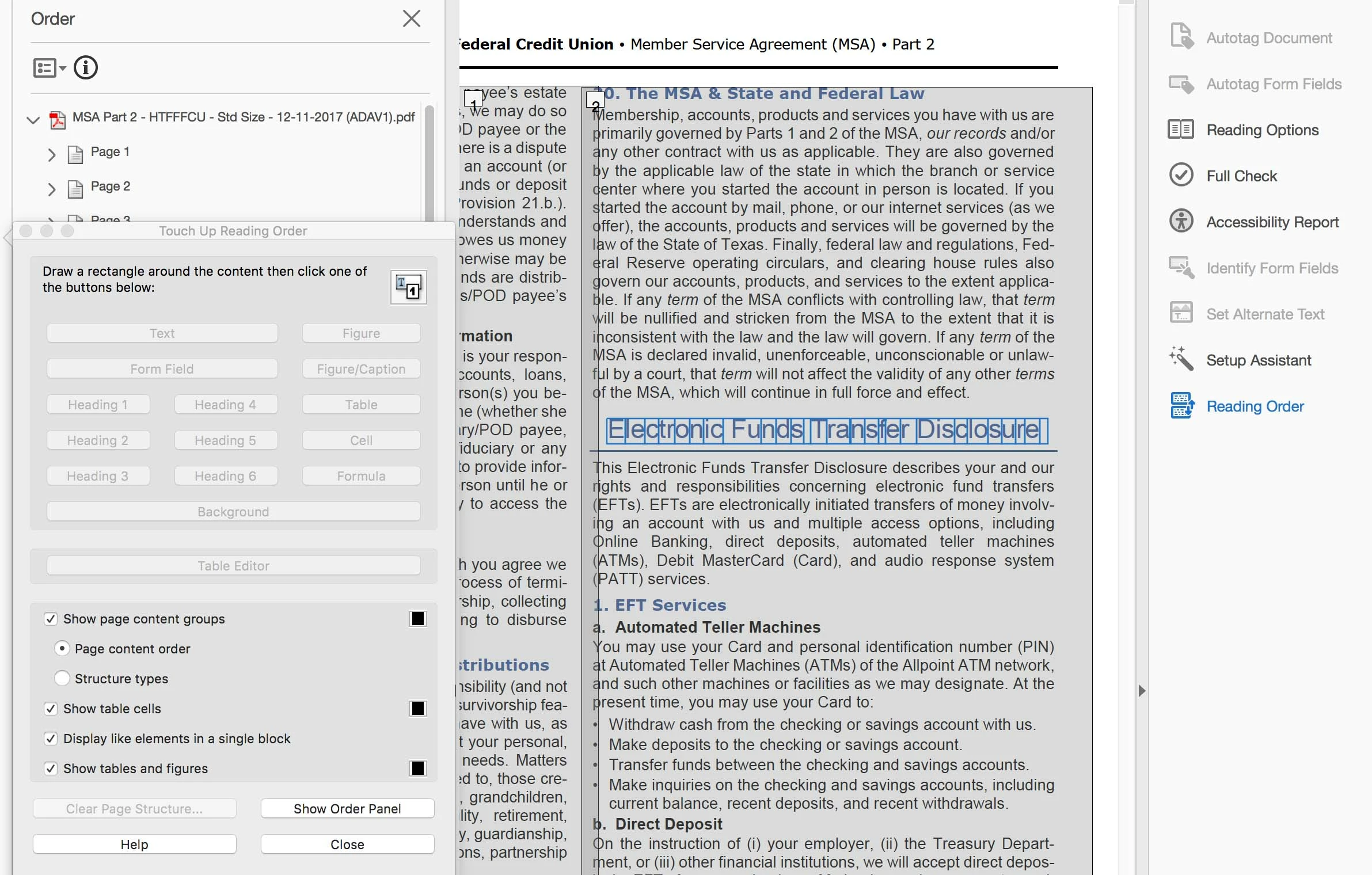 m on a Mac using 10.11.6. I can provide a screen capture of what I am seeing.
 AdChoices