


- Home
- Acrobat
- Discussions
- Re: PDF Accessibility Checker 3.0 problem screen r...
- Re: PDF Accessibility Checker 3.0 problem screen r...

Copy link to clipboard
Copied
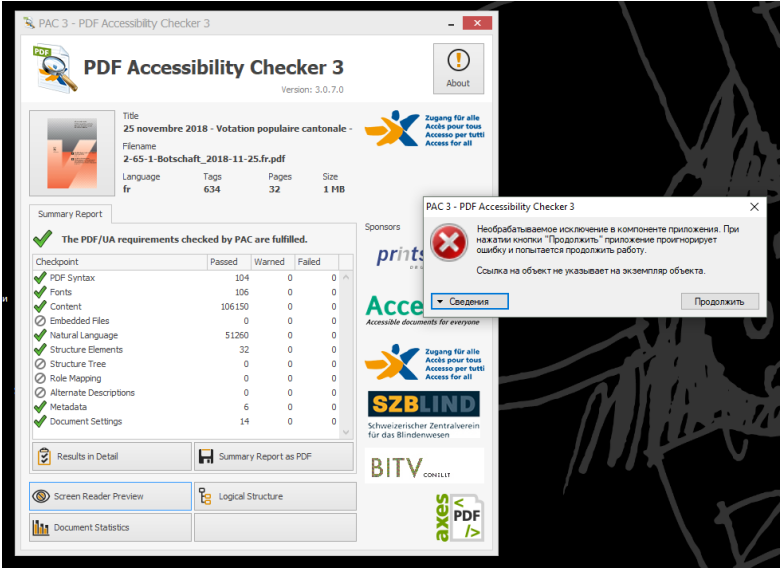
Good day. The problem is that there is an empty tag. After deleting it, as a result: the screen reader does not open in the PDF Accessibility Checker 3.0 program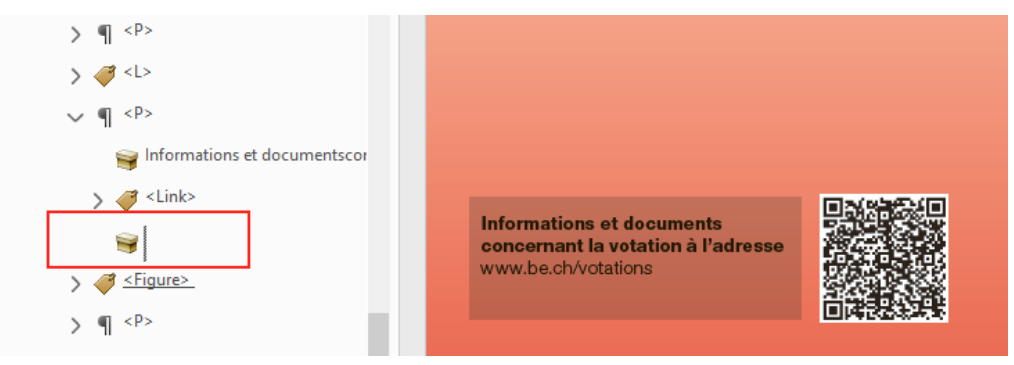





Copy link to clipboard
Copied
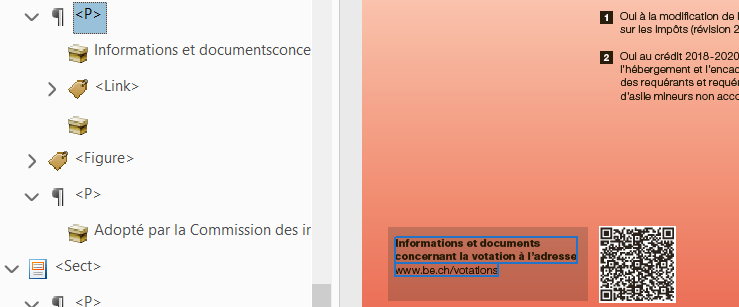
I'm not getting any errors from the PAC 3 checker on the document supplied. I see the empty tag that you're referring to and I think there's some type of disconnect in the document because I can't artifact it and when I delete it it won't let me save the document. Honestly, I'd leave it. It's not a failure condition and there's no point wasting your time with something this trivial. I hope that helps!
 5
Replies
5
5
Replies
5


Copy link to clipboard
Copied
I can't read that error message but it's strange to me that it won't even open it. Regardless, it's not a good idea to just delete those content objects. This will typically cause an "untagged content" error. Instead, right click on the content object and choose "change tag to artifact". Make it a page artifact and click OK. See if that helps.
Copy link to clipboard
Copied
Hello Chad, unfortunately, your recommendation did not work. Is there any other solution to this problem?
log file PDF Accessibility Checker 3.0
Copy link to clipboard
Copied
Are you able to share a link to the file so I can take a look?
Copy link to clipboard
Copied
Copy link to clipboard
Copied
I'm not getting any errors from the PAC 3 checker on the document supplied. I see the empty tag that you're referring to and I think there's some type of disconnect in the document because I can't artifact it and when I delete it it won't let me save the document. Honestly, I'd leave it. It's not a failure condition and there's no point wasting your time with something this trivial. I hope that helps!


Get ready! An upgraded Adobe Community experience is coming in January.
Learn more
 AdChoices