Exit
  • Global community
    • Language:
      • Deutsch
      • English
      • Español
      • Français
      • Português
  • 日本語コミュニティ
  • 한국 커뮤니티
0

pdf formler

New Here ,
May 12, 2017 May 12, 2017

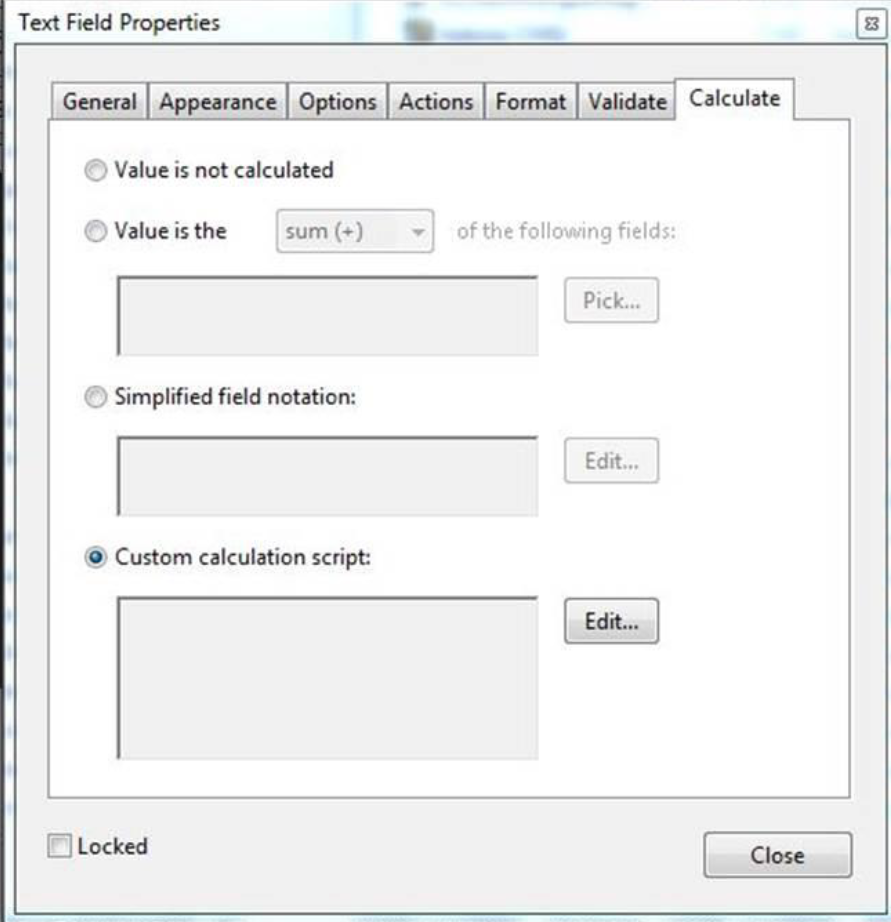
HejFormler .pngcalculate.png

Jag får inte Acrobat pro DC att fylla i formuläret rätt där jag använt formler. den uppdaterar inte alla fälten ibland.

I rutan netto så bara jag använder sum + och det fungerar varje gång men i rutan till vänster har jag döpt till momstotal och där har jag custom calculation script:

var a=this.getField("netto");

var b=this.getField("frakt");

event.value=(a.value+b.value)*1.25;

(jag lägger ihop netto och frakt och 25% moms på det)

i momsrutan har jag denna formel:

var d=this.getField("netto");

var e=this.getField("frakt");

var f=this.getField("momstotal");

event.value=(f.value-(d.value+e.value));

i öresavrundningen har jag följande formel:

var l=this.getField("total");

var m=this.getField("momstotal");

event.value=(l.value-m.value);

och i att betala har jag följande formel:

var g=this.getField("momstotal");

event.value=Math.round(g.value);

den räknar rätt om jag har ifyllt frakten. om jag lämnar den blank så blir det fel. sedan när man lägger till fler artiklar så uppdaterar han inte alltid alla rutor.

Vad är felet?

Ulf

TOPICS
PDF forms
638
Translate
Report
Community guidelines
Be kind and respectful, give credit to the original source of content, and search for duplicates before posting. Learn more
community guidelines
Community Expert ,
May 12, 2017 May 12, 2017

This is wrong:

  event. value = (a. b. value + value) * 1.25;

use following:

  event.value = (a.value + b.value) * 1.25;

Here is something missing:

event. value = (value-(d. e. value + value));

Why do you add spaces after the points?

Translate
Report
Community guidelines
Be kind and respectful, give credit to the original source of content, and search for duplicates before posting. Learn more
community guidelines
New Here ,
May 13, 2017 May 13, 2017

?

Translate
Report
Community guidelines
Be kind and respectful, give credit to the original source of content, and search for duplicates before posting. Learn more
community guidelines
Community Expert ,
May 13, 2017 May 13, 2017
LATEST

My mistake. I looked at the english translation of your posting.

Did you check the calculation order?

Translate
Report
Community guidelines
Be kind and respectful, give credit to the original source of content, and search for duplicates before posting. Learn more
community guidelines
