



Placing custom stamp with JavaScript doesn't work
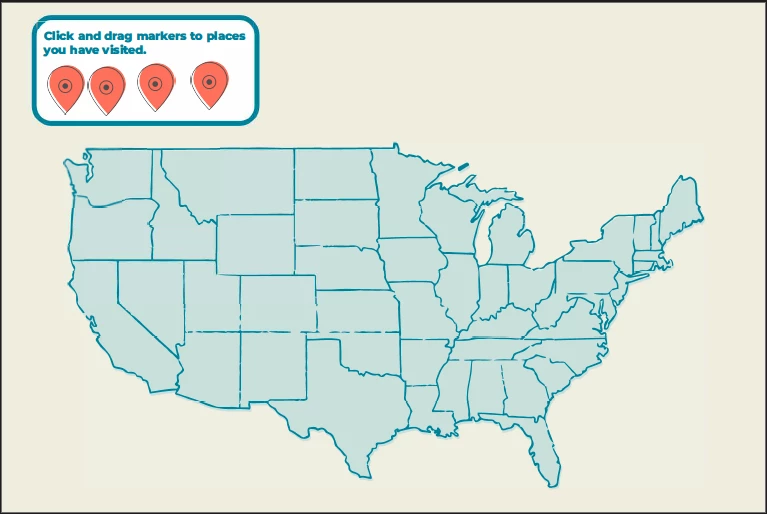
I have a PDF map with custom stamps. The custom stamps are images of map markers, see the image below. My goal is to create a button that places a new map marker (stamp) in the PDF. The problem is my code does not work for my custom stamp but it does for regular stamps. The code does not load the custom image I used for the map marker.
The below image is what happens when I run the code. It places the new stamp but without the image.
My code:
this.addAnnot({page: 0, type: "Stamp", AP: "#LA6uOA8puFBQLb6f_AoRaC"});
ODDLY ENOUGH... If I remove the AP from my code it works! (KINDA) It will place the most recent stamp I imported into the document. So if I goto Tools>Add a stamp>Stamp>Dynamic>MapMarker and place this stamp into the document... the button works perfectly. But I want my button to place the stamp I choose, not what is recent.
I used this code to get the 'name' of my custom stamp:
this.selectedAnnots[0].AP
Which returned this:
#LA6uOA8puFBQLb6f_AoRaC
If I change the AP name to one of the standard stamps, it works fine... which leads me to think something is off with the name and I can't figure it out. Any insight into this will be super helpful as I've been going crazy trying to figure out why this isn't working.
 AdChoices