Answered
Recently Deleted Files
I hope we have access to our recently deleted files atleast for 30 days. Thank you.

I hope we have access to our recently deleted files atleast for 30 days. Thank you.
@Biancaaa well, if you are working on your desktop, the files would be thrown to your trash or recycle bin. Unless you manually cleared that folder, it's gone forever. Or if you are like many people, it just sits there....my wife gets mad at me all the time, I see a folder full, I clear the folder out...her rationale, that's my back-up (my rationale, that's the trash can to be thrown out...so now, I create a special back-up can with 'grover' from Sesame Street as her trashy backup!)
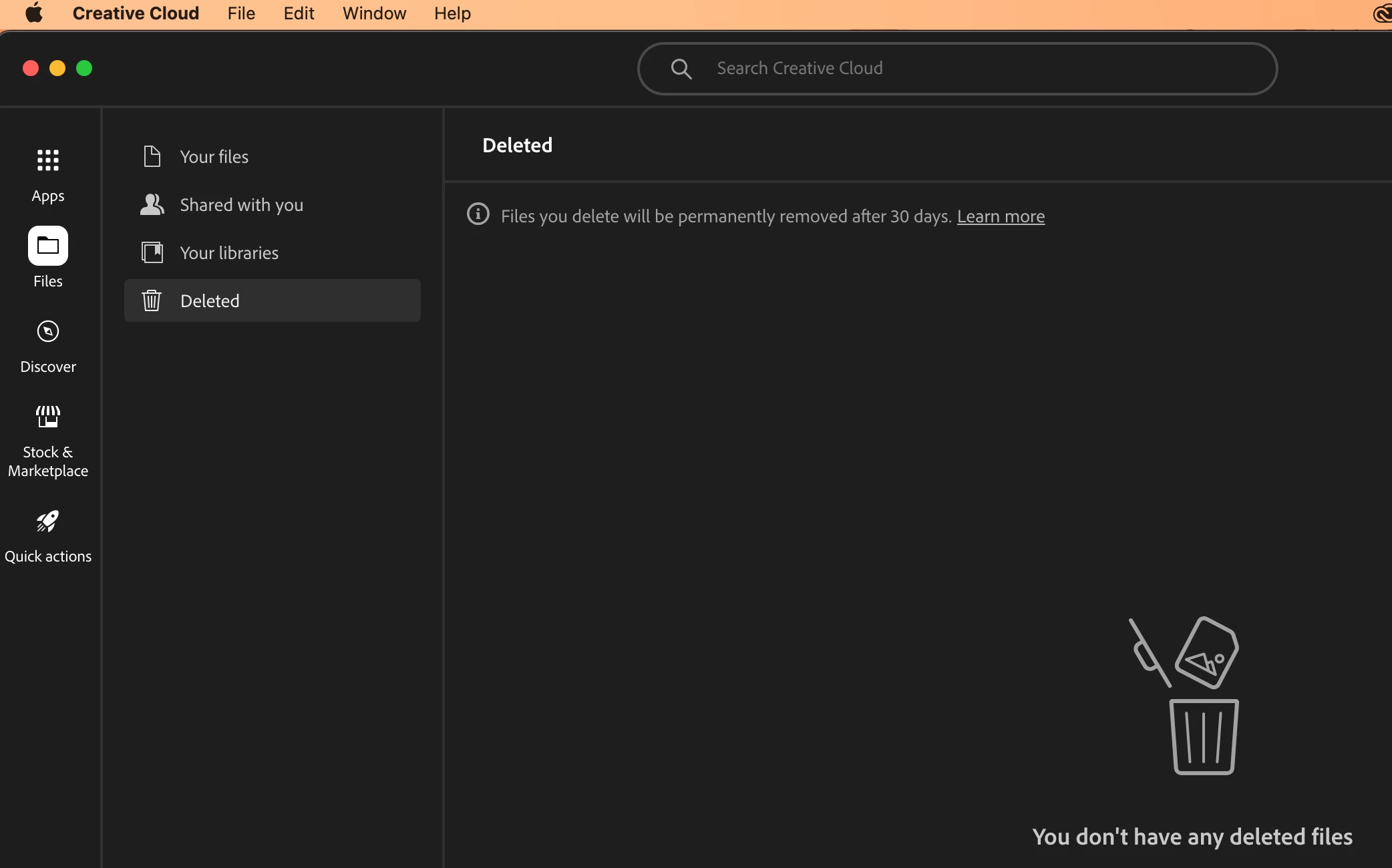
If you are working on the cloud, then the files should be in your deleted folder. You can access this folder and restore any files you need within 30 days of deletion. After 30 days, files in the Deleted folder are permanently removed and cannot be recovered. https://assets.adobe.com/cloud-documents
Already have an account? Login
Enter your E-mail address. We'll send you an e-mail with instructions to reset your password.
 AdChoices