Copy link to clipboard
Copied
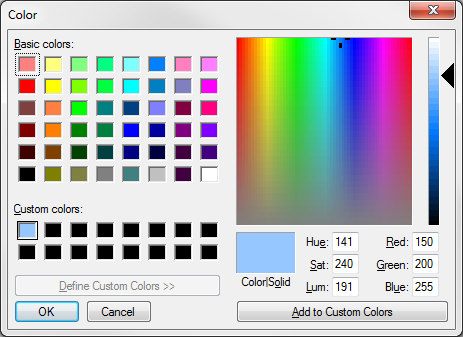
Using Acrobat DC 2017, I am trying to set a specific RGB value as the fill color for all radio buttons in a large form. I have accessed the Radio Button Properties, Appearance tab, set the color using the 'Fill Color' box and selected 'Locked.' But the next time I add a new radio button, the fill defaults to whichever one of the Basic Colors was last selected. How do I fix this?

Copy link to clipboard
Copied
When you select Locked for a field, it affects just that field. If you right-click on a field in form editing mode, you can select "Use Current Properties as New Defaults" to do what you want.
Copy link to clipboard
Copied
When you select Locked for a field, it affects just that field. If you right-click on a field in form editing mode, you can select "Use Current Properties as New Defaults" to do what you want.
Copy link to clipboard
Copied
Perfect. Thanks. I was trying to do this with more than one button selected and the "Use Current Properties..." was grayed out.
Get ready! An upgraded Adobe Community experience is coming in January.
Learn more
