



Copy link to clipboard
Copied
I have a table error.
Regularity - Failed / Element 1.
2 questions.
In web table if you have a 3 column table, and you span 3, in the html, there is only one <td colspan-"3">
Is it the same in PDF? Should a cell spanning 3, have 3 <TD> or 1?
OR
this table is actually 3 pages long, with only one header cell.
Could one of these issues be causing the error?





Copy link to clipboard
Copied
Yes you would use a ColSpan = "12" (the value must be an integer). It's fine for a table to span more than one page but all of the rows should be in a single <table> tag with one header row for the entire table.
 5
Replies
5
5
Replies
5


Copy link to clipboard
Copied
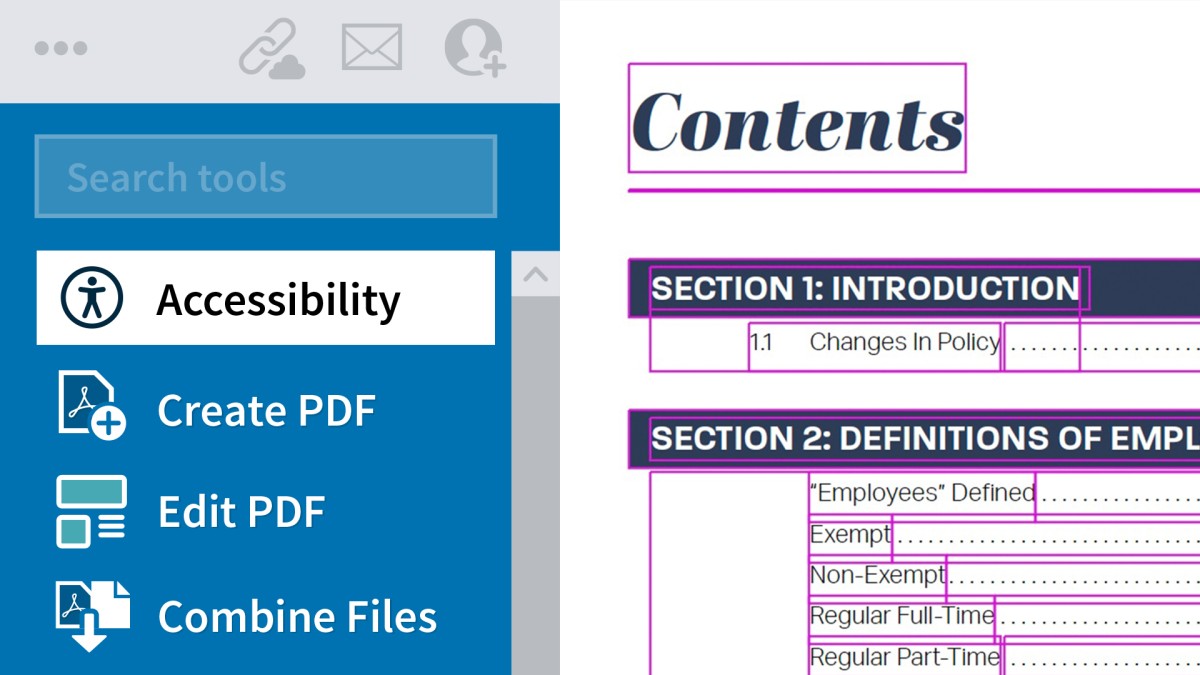
You receive the regularity error when all of the rows in a table don't have the same number of rows. To fix, you are correct in that you need to at a ColSpan or RowSpan attribute to tell the cell that it occupies the space of more than one cell. If you're familiar with HTML then you probably know how to do this. I also show this technique in my LinkedIn Learning course at https://www.linkedin.com/learning/creating-accessible-pdfs/the-table-editor?u=0.
Copy link to clipboard
Copied
Yes, a colspan. So for example, you have a 5 row table with 12 columns.
first row spans all five columns. So the <td> I have bolded, are they required in PDF? On in the row, would there just be the <td colspan="5">?
<tr>
<td colspan="5">
<td>
<td>
<td>
<td>
<tr>
<td>
<td>
<td>
<td>
<td>
Also, what do you say about a table in a pdf that goes over 3 pages, with only 1 header row on P1.?
Copy link to clipboard
Copied
Typo
colspan="12"
Copy link to clipboard
Copied
Yes you would use a ColSpan = "12" (the value must be an integer). It's fine for a table to span more than one page but all of the rows should be in a single <table> tag with one header row for the entire table.
Copy link to clipboard
Copied
Thank you.


Get ready! An upgraded Adobe Community experience is coming in January.
Learn more
 AdChoices