


Answered
Autoscroll?
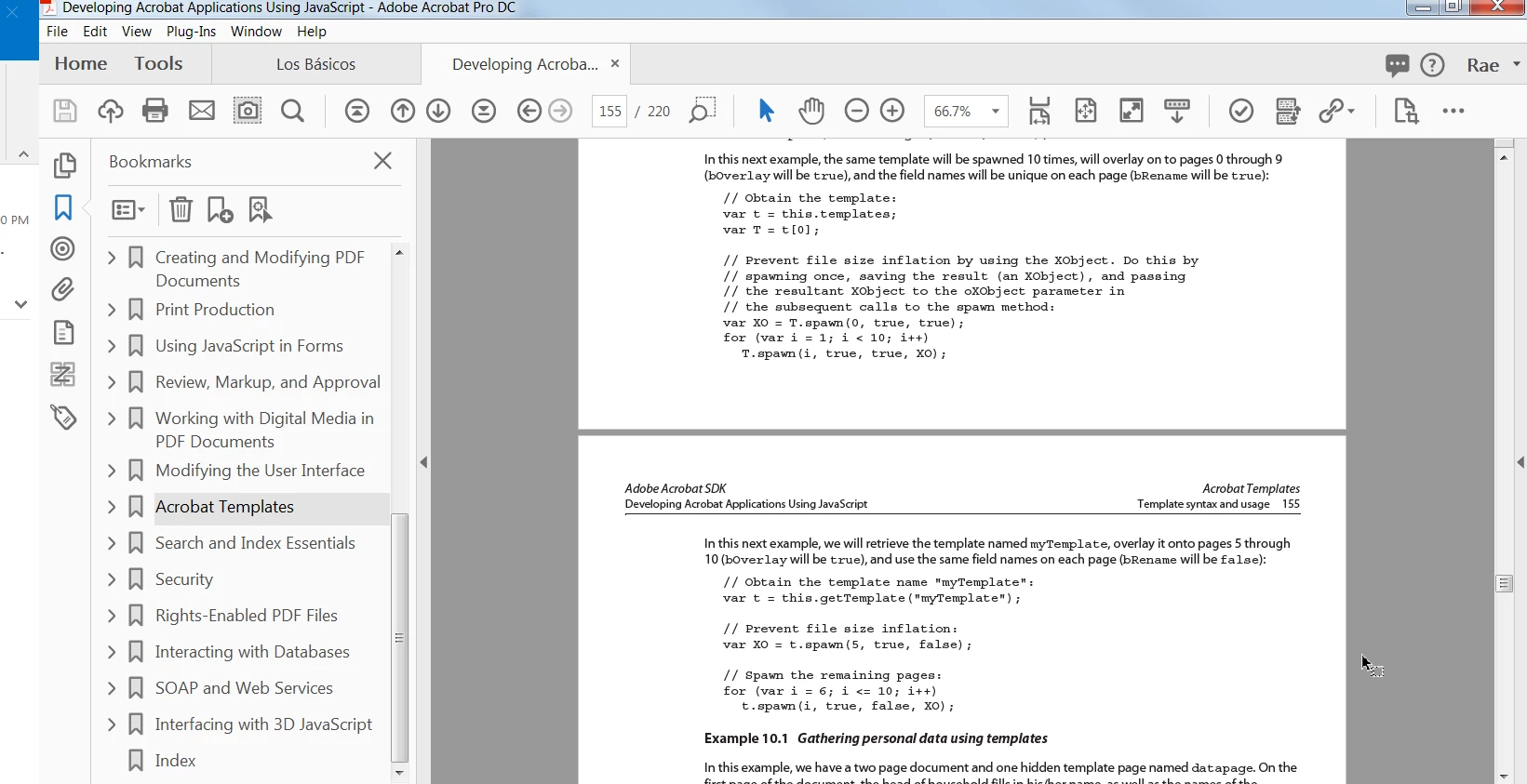
Using Acrobat DC Professional with Windows 7 and trying to set Bookmarks to items on the lower half of a page we discovered that even with View / Page Display / Enable Scrolling and Show Gaps between Pages selected, the view will not allow us to show the bottom of one page and the top of the next page as shown below.
Document properties are set to Single Page Continuous.
I accidentally discovered that if I first turn on Automatically Scroll and then turn it off I can scroll anywhere and bookmark any view even the one below.
Is there a way I could duplicate this effect using Javascript on file open?
I'm looking for some help to code a Javascript to run Auto Scroll and then immediately turn it off, returning to top of the file.
Thanks!
 AdChoices