
Question
Cannot open files from Home screen on a Mac
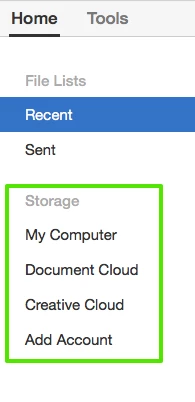
This week I lost the ability to open files from the Home screen. With most applications, this isn't a problem, however, the Home screen appears to be the only place that you can open remote files from Office365. Nothing happens when I click on anything under the Storage section (screenshot below). I'd expect a popup form to appear when I click "Add Account". I've already run through tier 1 support and have been waiting for tier 2 to call me back. Before I nuke all of Creative Cloud and re-install, I wanted to reach out to see if there is a simple fix.
 AdChoices