
Error Message with Registration Prompt - Adobe Acrobat 8 Standard
I have spoken to the Adobe Support Chat Team (1 hour of my life through two different departments I will never get back) and at the end they advised me there is no 'chat' support for Adobe 8 and to seek the answer through the forums. Grrrrr. So here I am hoping a genius can solve what seems like such a simple problem.
I have Adobe Acrobat 8 installed on my pc using the CD-ROM and a serial number. The problem I am experiencing is when I open and/or re-name a pdf file, an Adobe prompt to "register my product" pop-up window appears and when I select 'register now' I receive an error message (as per screen dump). When I select 'never register' the prompt temporarily goes away but pops back up a few minutes later. Selecting 'Register Later' just gives you more time but same problem.
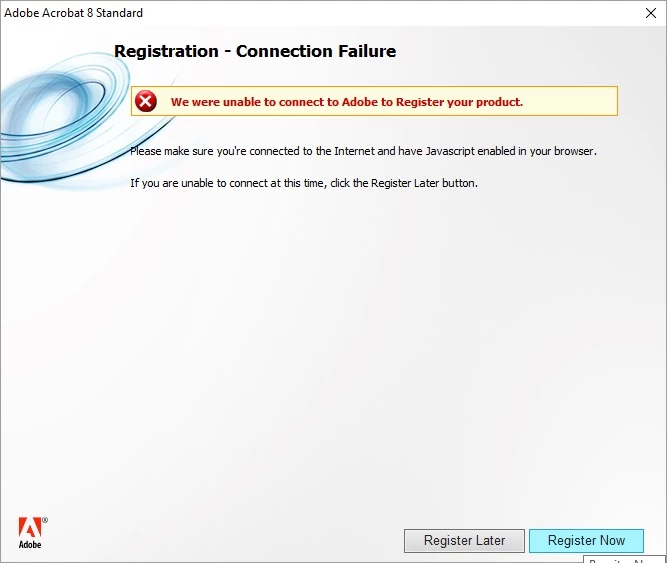
I have checked that Javascript is enabled. I am using Windows 10 (and previously Windows 7).
I thought it may be because I am using Google Chrome as a browser so have also tried Internet Explorer, with "scripts enabled" and security levels changed to "low". (these were suggestions on google but have not worked).
I have uninstalled and reinstalled just now to see if the problem fixes itself but it hasn't.
This is driving me crazy as I am constantly working with PDF documents, renaming and modifying them.
Any help would be greatly appreciated.
 AdChoices