Participating Frequently
November 28, 2016
Answered

How do I write a 3 part equation in an acrobat calculation field?

  • November 28, 2016
  • 2 replies
  • 1471 views

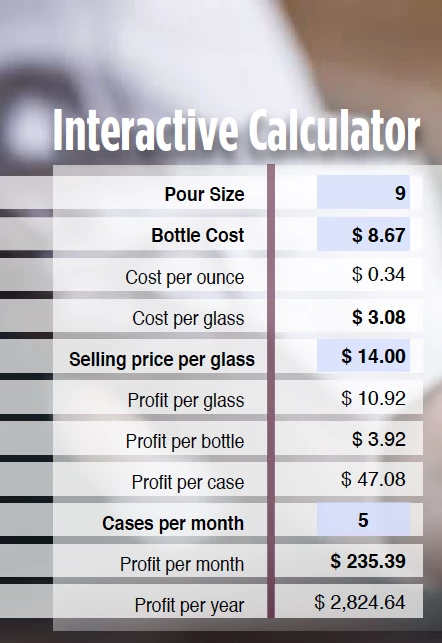
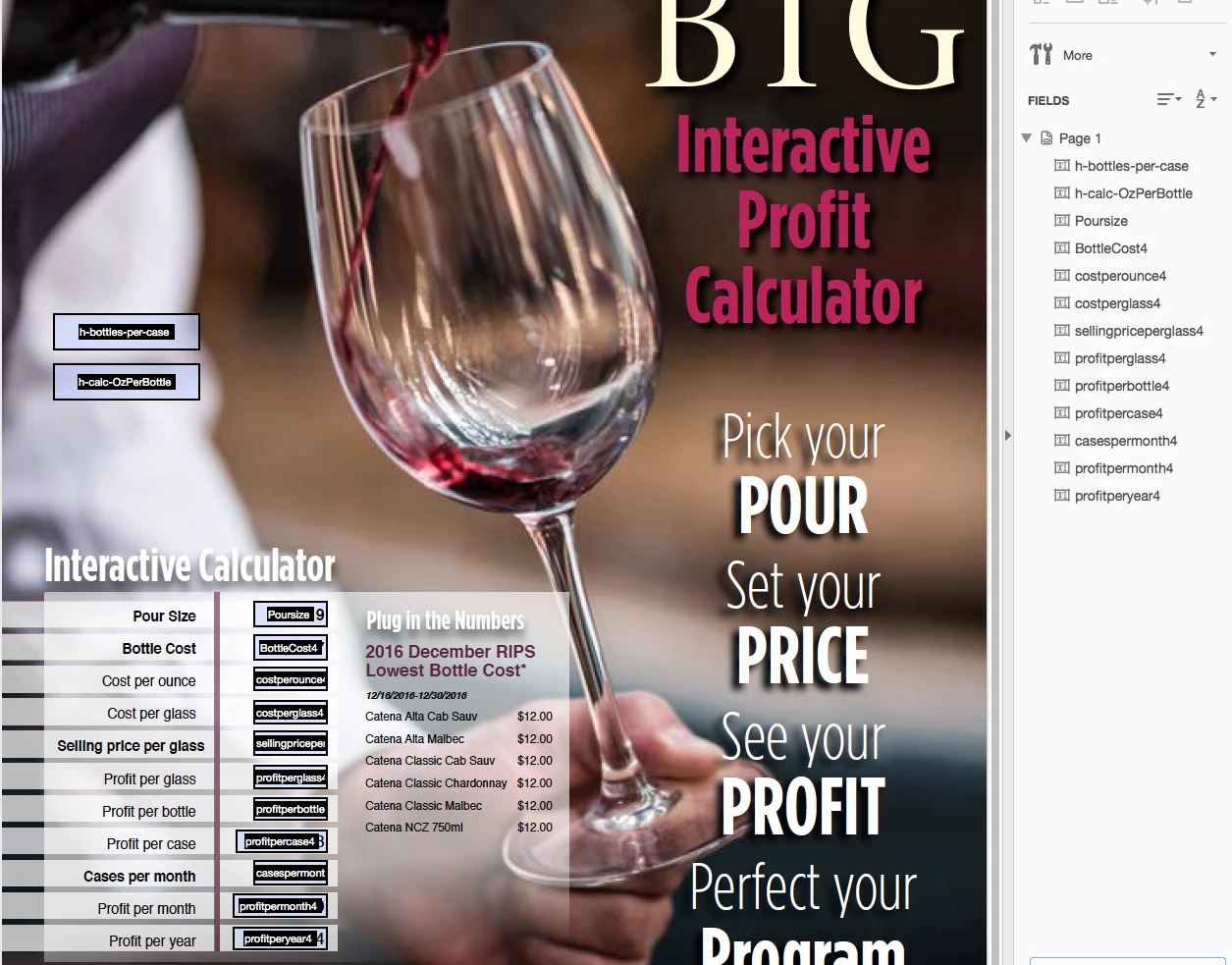
I have set up an interactive Cost per Glass calculator and I cannot figure out how to write the code for my profit per bottle:

(profitperglass*25.36)/poursize

I also tried to set it up with the 25.36 as a variable field that I reference but it still doesn't work. (25.36 is the number of ounces in the bottle)

I was able to make a file with the Pour size as a set number but now I want the pour size to be a fillable variable that will then affect their profit.

All the other calculations are input in the "Value is..." and the "Simplified fields..."

I don't know where or how to do this one.

It is possible, I can do it in excel?
This topic has been closed for replies.
Correct answer Karl Heinz Kremer

Karl,

That did it, it makes sense.

The only problem now is slightly visual.

For some reason that cell (profit per bottle) does not populate with the $0.00 like the rest that are determined by the input fields. The property format calls for it. It does populate when I put in the  variables. Any ideas?

Joan  Harten

[Mod: Personal information removed]


Change line #5 in the above calculation script to this:

event.value = 0

2 replies

JR Boulay
Community Expert
Community Expert
November 29, 2016

So, what is the formula for this one?

Acrobate du PDF, InDesigner et Photoshopographe
Karl Heinz  Kremer
Community Expert
Community Expert
November 28, 2016

The field names are case sensitive, so "Poursize" is different than "poursize". Also, it looks like you don't have a field named "profitperglass" - it's "profitperglass4". You should be able to use the following forumula in the "simplified field notation" field:

(profitperglass4 * 25.36) / Poursize
Participating Frequently
November 28, 2016

Thank you that did it!

Joan  Harten

[Mod: personal information removed]