

Question
my adobe acrobat 9 pro download doesn't finish installing
I am running OS X El Capitan on my MacBook Pro
I have downloaded everything from the adobe help online, and installed per the instructions.
The I click on Adobe Acrobat Pro after moving it into the applications folder and waiting for it to finish copying the files.
It gets to this screen:
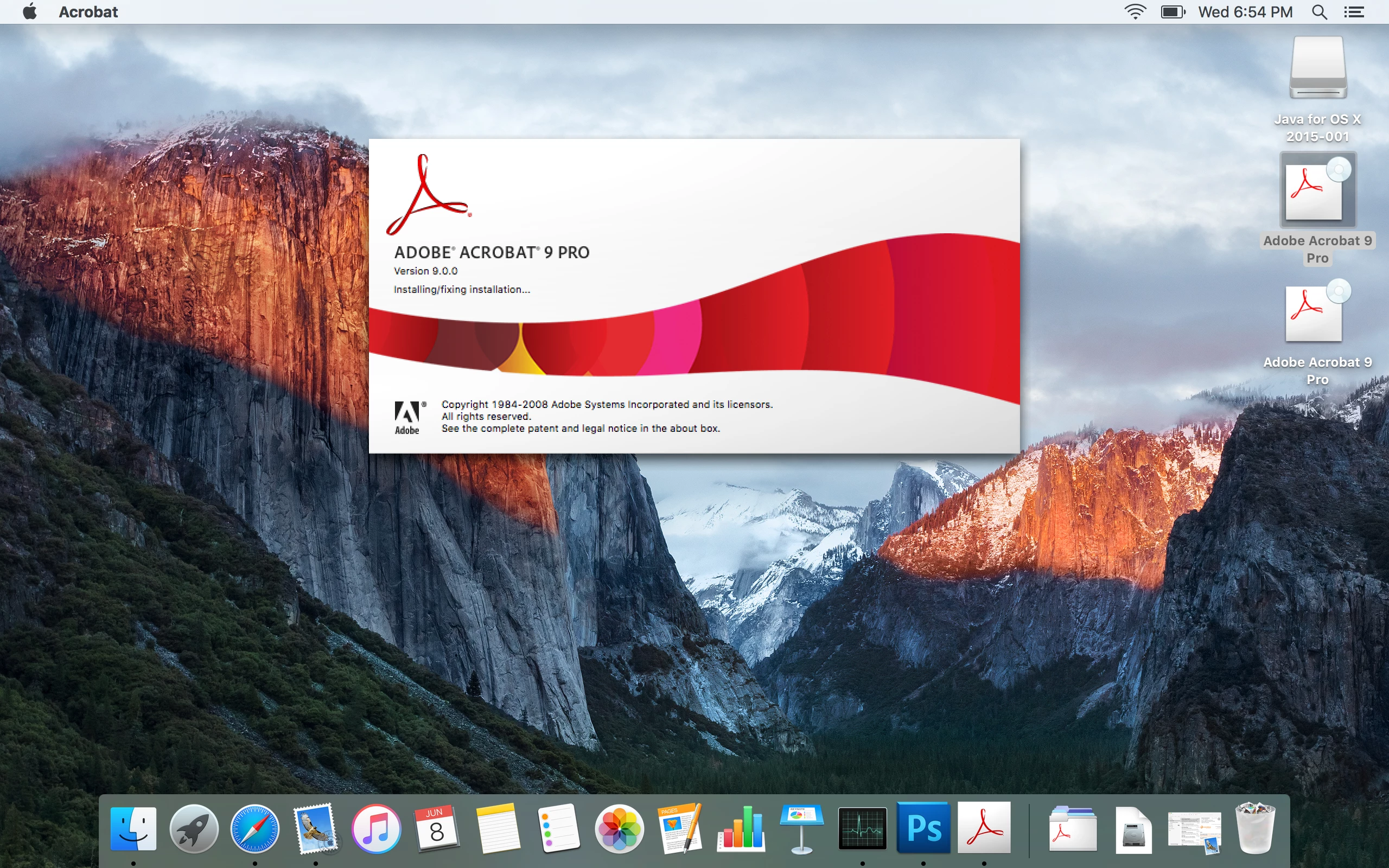
Then the installer screen disappears, but nothing else happens. My desktop is empty of any prompts to enter my serial number, and I am unable to do anything in the program.
I am not sure what I am doing wrong, and, if there is another feed that addresses this issue, I am not finding it. Any help would be lovely!
 AdChoices