This topic has been closed for replies.

1 reply

kglad
Community Expert
Community Expert
May 18, 2016

are you using a personal computer at your home, or are you using a computer owned and managed by an employer?

Participant
May 18, 2016

On my personal home computer (second machine/system). So "no," the computer is not managed by an employer or any such thing.

Participant
May 18, 2016

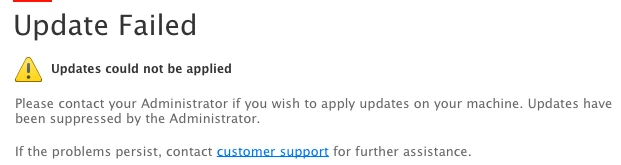
search for AdobeUpdaterAdminPrefs.dat and rename it.

if you have a mac, check /Library/Application Support/Adobe/AAMUpdaterInventory/1.0/AdobeUpdaterAdminPrefs.dat.

after renaming restart your computer and retry updating.

you could also update directly:

You can use the appropriate link below for your installation file(s)

Downloadable installation files available:

Download and installation help for Adobe links

Download and installation help for Prodesigntools links are listed on most linked pages.  They are critical; especially steps 1, 2 and 3.  If you click a link that does not have those steps listed, open a second window using the Lightroom 3 link to see those 'Important Instructions'.


Also not sure why this file is associated with the VLC program: