

Converting PDF to DOCX - missing font
Hello, I would like to convert PDF to DOCX with PDF Services Node.js SDK. It works fine but DOCX is missing font.
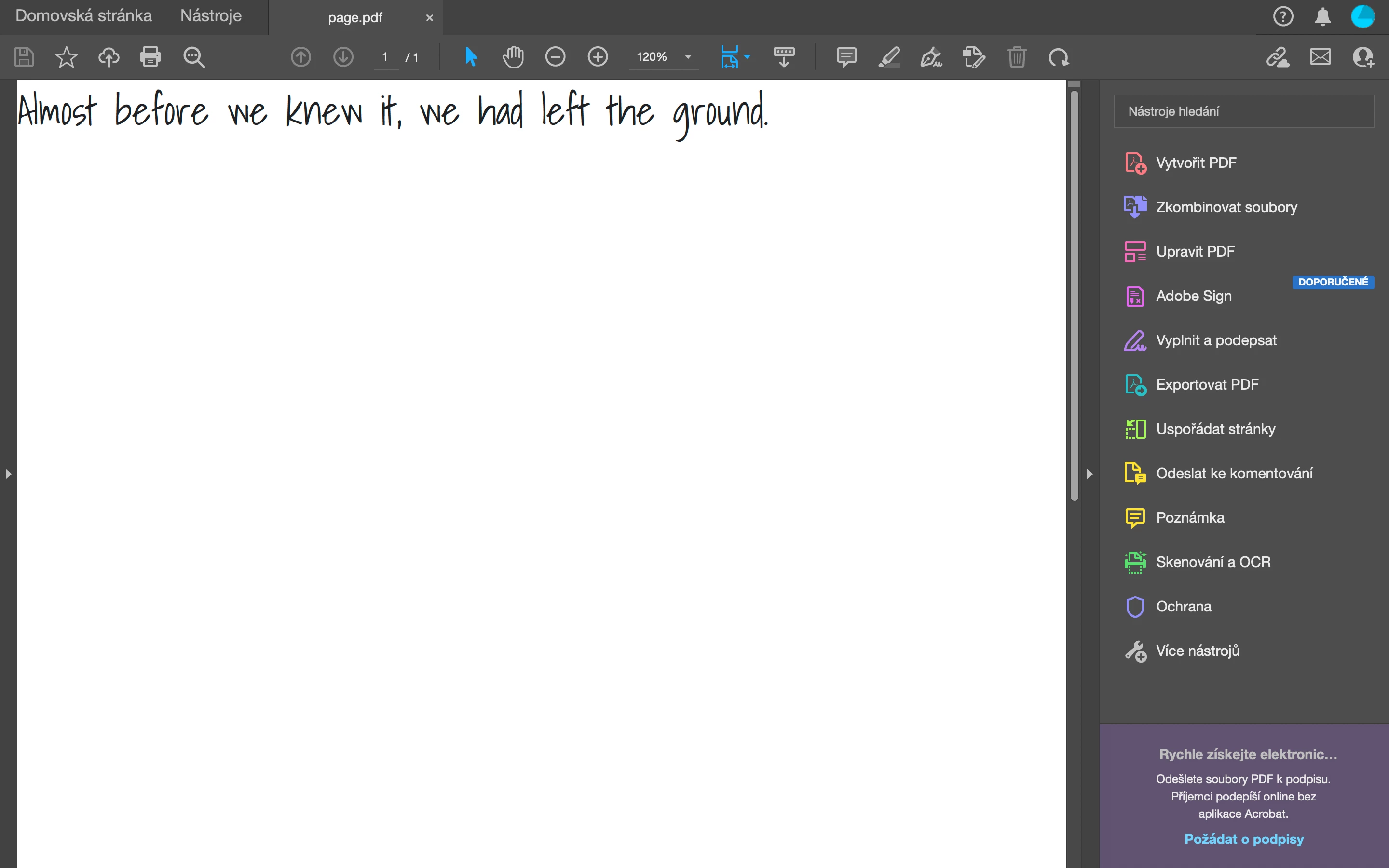
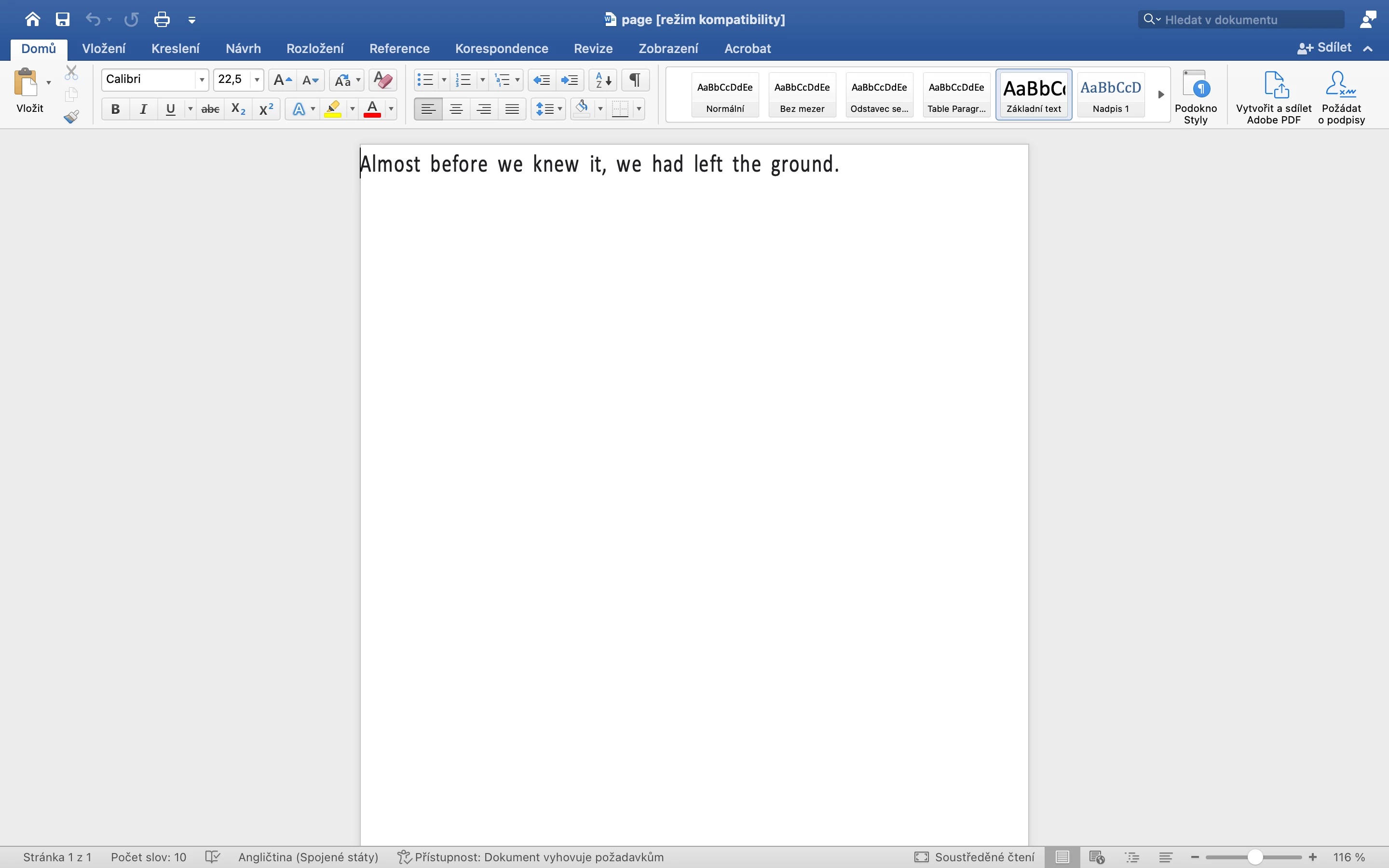
When I convert PDF to DOCX with Adobe Acrobat Pro DC desktop application, the font is included. But if I do it with web interface https://acrobat.adobe.com/link/acrobat/pdf-to-word or with the API, then the font is missing, respectively is replaced from Shadows Into to Calibri, see the attachment.
I found FAQ for Document Services PDF Services API https://community.adobe.com/t5/document-services-apis-discussions/faq-for-document-services-pdf-services-api/m-p/10726197 where it is written:
How does PDF Services API support Custom fonts?
- If a custom client font is detected during the PDF operation and is also available from our cloud service, then it will be used in the corresponding output file. The list of available fonts for Create or Export operations is listed below. If the font is not available, then the PDF Services API will substitute the font.
- Available Fonts for CreatePDF
- Available Fonts for Export PDF
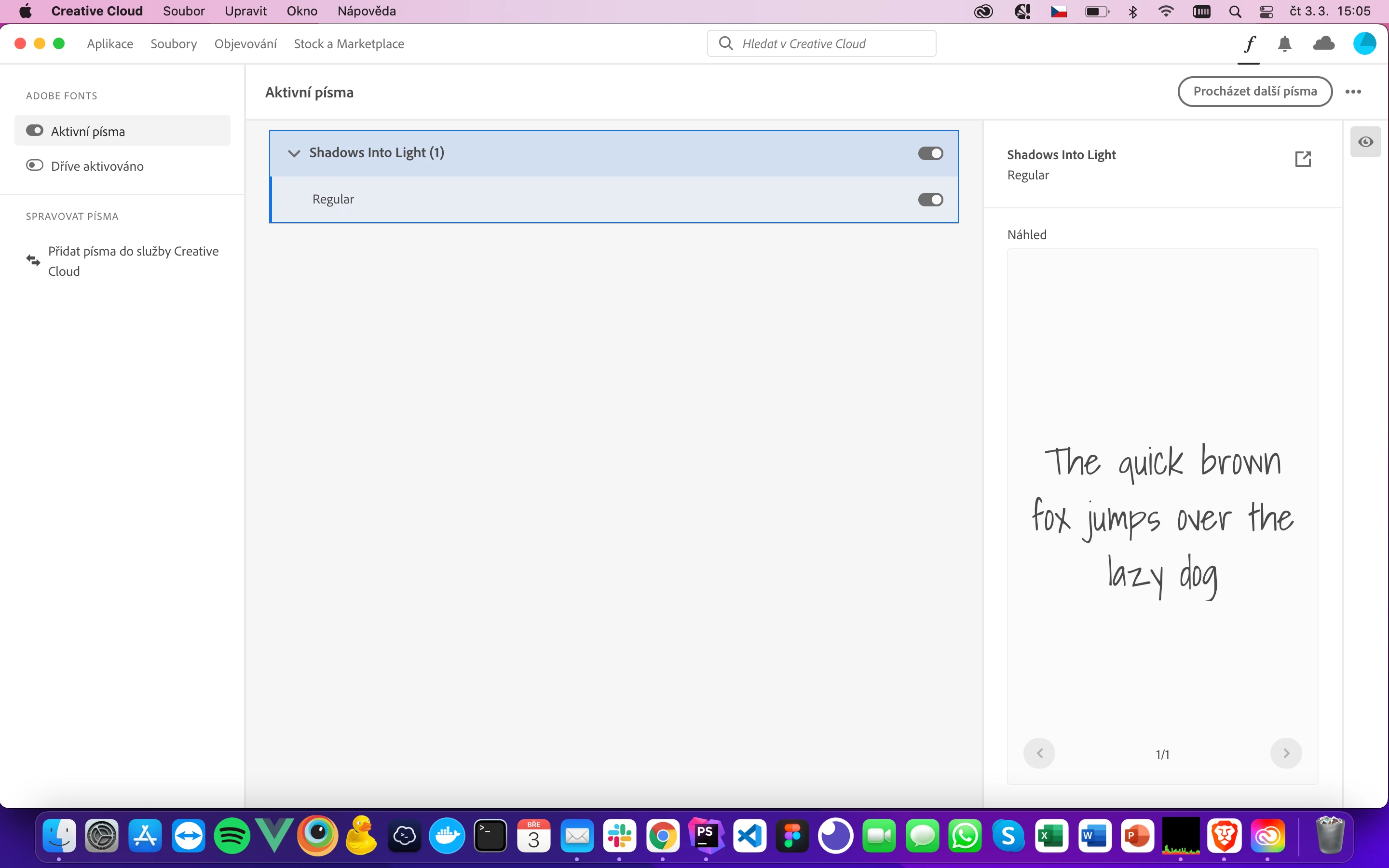
So I added the font to Creative Cloud Fonts but nothing has changed. Did I miss something? Did you have a similar problem?
NodeJS 16.13.1
@adobe/pdfservices-node-sdk 2.2.1


 AdChoices