


Copy link to clipboard
Copied
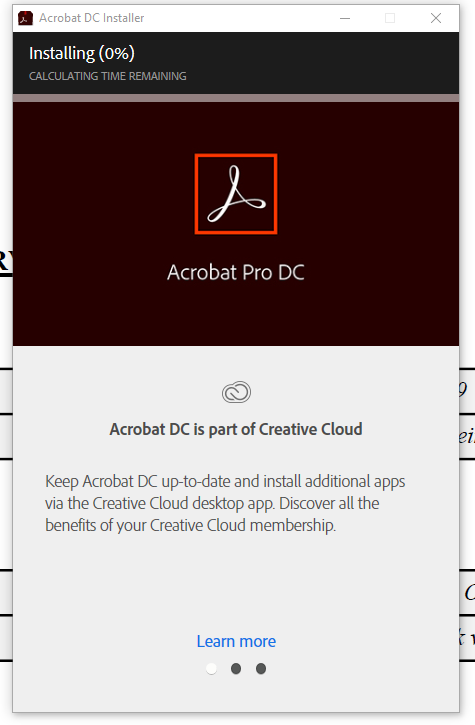
Tried to install it several times now, but the installation just stands like this for ever, and nothing happends.
i cant even hit the X to close the installer. i have to open task manager to close it. the installer just sits at 0%.
Any help is appriciated.
Use windows 10




Copy link to clipboard
Copied
if you have nothing cc installed, you can skip the first two steps. complete the others, esp cleaning your computer of cc files.
uninstall everything cc including preferences, https://helpx.adobe.com/creative-cloud/help/uninstall-remove-app.html
then uninstall the cc desktop app, https://helpx.adobe.com/creative-cloud/help/uninstall-creative-cloud-desktop-app.html
clean your computer of cc files per http://www.adobe.com/support/contact/cscleanertool.html
restart your computer (don't skip this)
reinstall the cc desktop app, https://creative.adobe.com/products/creative-cloud.
if you're unable to install the cc desktop app at this stage, use an administrator account (solution 4 here, https://helpx.adobe.com/creative-cloud/kb/creative-cloud-missing-damaged.html)
use the desktop app to install your cc programs/trials
 12
Replies
12
12
Replies
12


Copy link to clipboard
Copied
install the cc desktop app from here https://creative.adobe.com/products/creative-cloud and use it to install your adobe subscription and trial programs.

Copy link to clipboard
Copied
This worked for me- MACOS10.15.5 - Acrobat wouldn't update directly from CC- error 1. I used the above link and it does open now.
Copy link to clipboard
Copied
great.
(p.s when using the adobe forums, please mark helpful/correct responses, if there are any.)
Copy link to clipboard
Copied
Correction- it did work to get the basic Reader installed, but I still an unable to get the Acrobat Pro DC to install on OSX 10.14.5.
Copy link to clipboard
Copied
you can't install reader using the cc desktop app.
Copy link to clipboard
Copied
Nothing works. get the same error as above. Can`t even close the installer. have to open task manager to even be able to close the installer app\program.
Copy link to clipboard
Copied
read message 1.
Copy link to clipboard
Copied
No go. got the PRO version, but the installer just stays on 0%.
Cant close the installer. have to open task manager and force it to close there. 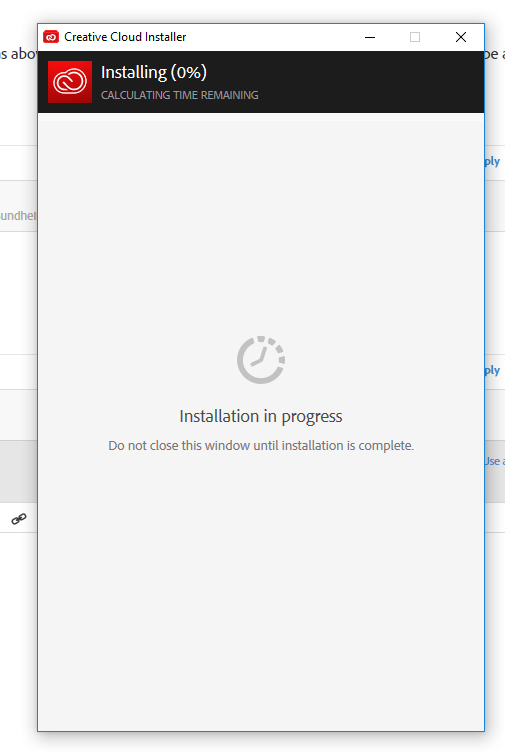
Been like this for 24 hours......
Copy link to clipboard
Copied
if you have nothing cc installed, you can skip the first two steps. complete the others, esp cleaning your computer of cc files.
uninstall everything cc including preferences, https://helpx.adobe.com/creative-cloud/help/uninstall-remove-app.html
then uninstall the cc desktop app, https://helpx.adobe.com/creative-cloud/help/uninstall-creative-cloud-desktop-app.html
clean your computer of cc files per http://www.adobe.com/support/contact/cscleanertool.html
restart your computer (don't skip this)
reinstall the cc desktop app, https://creative.adobe.com/products/creative-cloud.
if you're unable to install the cc desktop app at this stage, use an administrator account (solution 4 here, https://helpx.adobe.com/creative-cloud/kb/creative-cloud-missing-damaged.html)
use the desktop app to install your cc programs/trials
Copy link to clipboard
Copied
Solution:
Got a visit from an adobe guy at work. he figured out that the firewall at work blocked the install. installed from my home network. work fine. thanks for the help people 
Copy link to clipboard
Copied
you're welcome.

Copy link to clipboard
Copied
Can someone help?
I cannot even get the installer to run. This is the error message I am getting. I had Adobe on my computer for years, this last week, it started telling me it couldnt connect. So I was 'running offline'.. then, it just shut me out. I uninstalled from everywhere I can find it. Now, I cannot re-install because it wont even run. This happens sometimes I try to run it. Most times, it just never does anything. I tried adjusting my firewall settings. I even turned off the firewall and tried to install. Nothing. Ideas?


Get ready! An upgraded Adobe Community experience is coming in January.
Learn more
 AdChoices