
Two issues with Adobe Acrobat DC Pro
Hi,
- When right clicking certain files, Word and Excel for example, the following error is shown:
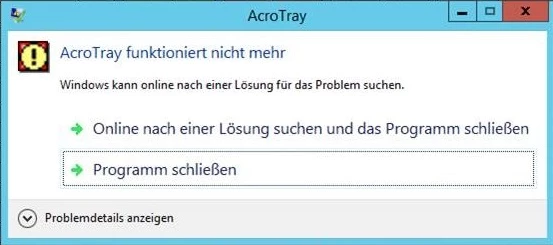
This is somehow caused by the context menu entries of Adobe. When I edit the Registry like this, the error is not shown:
HKEY_CLASSES_ROOT\*\shellex\ContextMenuHandlers\Adobe.Acrobat.ContextMenu --> here you can find a standard key with the following value: {A6595CD1-BF77-430A-A452-18696685F7C7}
If you add a minus in front of the value, the context menu entries are hidden, so the error won't show. This is only a workaround though and I need a solution.
- When trying to create a PDF file like this in Word…
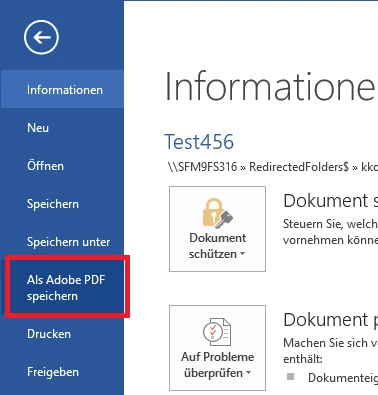
… the following error is shown (Your request could not be completed. Adobe Acrobat DC license has either expired or not been activated.)
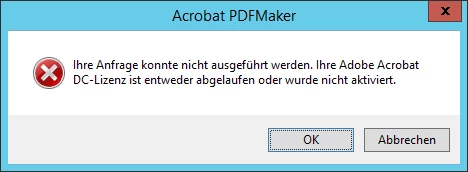
The product is activated, that's why I don't understand the problem. Also tried to reinstall the product already, didn't work. OS is Server 2012 R2 with all recent updates.
I would be grateful if someone could point me in the right direction, the chat support is 100% useless and telephone support doesn't even exist for this product.
Thanks!
 AdChoices