Participant
January 9, 2025
Answered

Adobe font is not ading to any of the apps

  • January 9, 2025
  • 2 replies
  • 921 views

Hi,

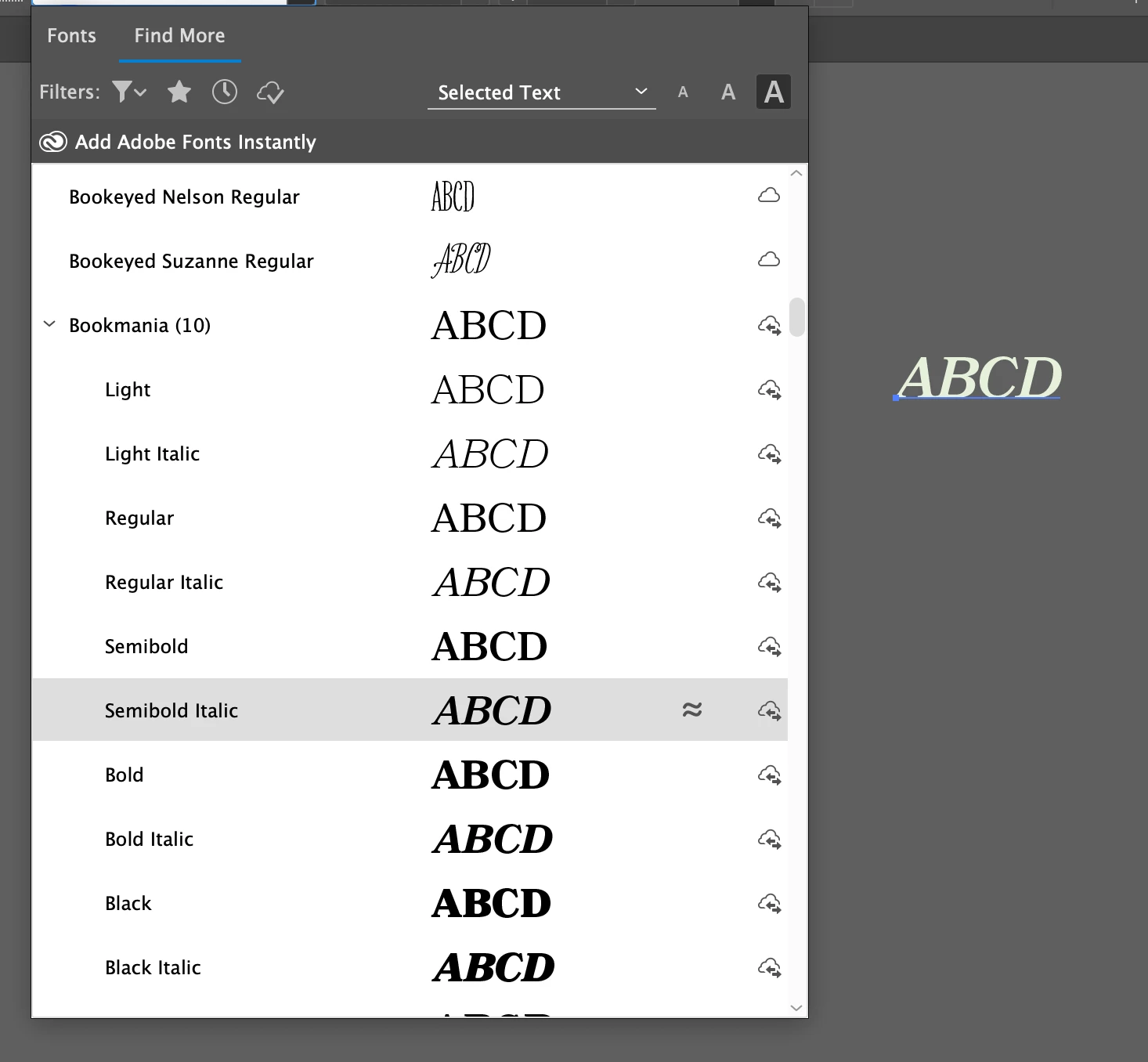
I tried adding a font from Adobe Fonts, but it is not syncing.

I’ve attached a screenshot for reference. I’ve restarted my system and apps multiple times, but the issue persists. Can someone assist me with this?

I can find the font under the "Find More" section in the Illustrator fonts menu, and it appears when I hover over it. However, it is not installed or added to my system.

Thank you!

Correct answer vivek238160427w5j

hi this is solved now. automatically

2 replies

vivek238160427w5jAuthorCorrect answer
Participant
January 9, 2025

hi this is solved now. automatically

Participant
May 25, 2025

Could someone please post the actual answer to this? I am having a similar problem. I added a font to Adobe Fonts. It is not showing up in Adobe Fonts, but when I go to Creative Cloud, it says that I have already installed Harrington. What is going on?!! Why is Harrington not showing up when I search for in on Adobe Fonts? How can I fix this? 

Community Expert
June 10, 2025

The Harrington typeface is not available to add at the Adobe Fonts website. Harrington is distributed by Font Bureau and they currently don't have an agreement to have Adobe Fonts carry their typefaces (there are some exceptions via other type foundries).


The Harrington typeface is most commonly included with copies of Microsoft Office. Did you try to upload a copy of Harrington into your CC account using the Creative Cloud Desktop app? If Harrington is already locally installed in your computer (via the Windows Fonts folder) then there would be no need to install the font for all apps via the CC Desktop app.

Participant
January 9, 2025


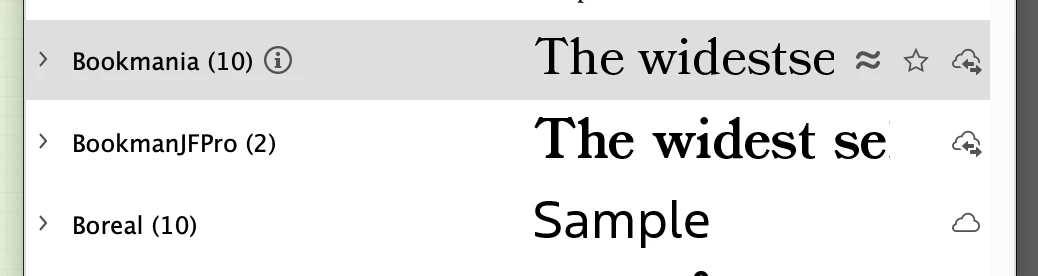
Also even if I see the font in find more section, but the font does not show fonts library.