
tomaszk99812485
Participant
August 16, 2023
Question

Adobe Fonts not

  • August 16, 2023
  • 2 replies
  • 1048 views

Hi,

I can't activate Adobe fonts in Windows 11 for a few days 😞

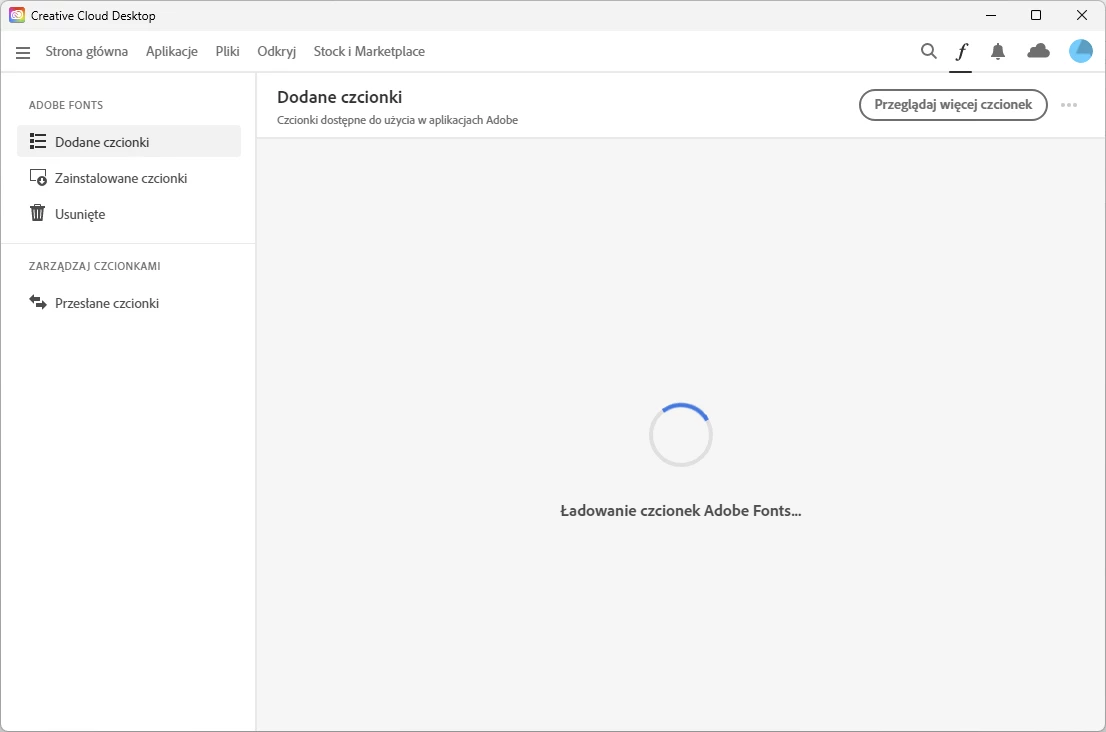
Fonts don't update in apps and I can't launch the Adobe Fonts App.

I've tried all the solutions on the internet and nothing works (Uninstalling and reinstalling, disabling
and enabling font synchronization, cleaning directories, using the CC cleaning tool, and more...).

It is interesting that on the laptop everything works fine.

It also works as on the same computer I run applications in a different user account...

Has anyone had a similar problem and managed to solve it?
 

This topic has been closed for replies.

2 replies

Participating Frequently
August 30, 2023

After installing Adobe CC, give permission to run CreativeCloud.exe as administrator and that's it. I don't know if it's safe but it works. 😞

Tarun Saini
Community Manager
Community Manager
August 16, 2023

Hi @tomaszk99812485,


We're sorry to hear about this. Could you please let us know how you activate Adobe Fonts? What happens when you try to activate it? Did you get any error messages? Have you tried restarting the device to check if that helps?


Please try the steps mentioned in this article and let us know if that helps: https://helpx.adobe.com/creative-cloud/kb/creative-cloud-app-doesnt-open.html


Regards,

Tarun

tomaszk99812485
Participant
August 22, 2023

Today the same thing happened on a new windows installation. The same situation...

Community Expert
August 26, 2023

Do you have any other software running in the background that could possibly interfere with the sync process, such as a VPN?