I am attempting to export a very long timeline (about 2.5 hours). While exporting, AME first processed all the audio files (144 total).
However, my computer is set up with 3 drives, 1 boot/software ssd, 1 larger caching ssd, and 1 long-term hdd.
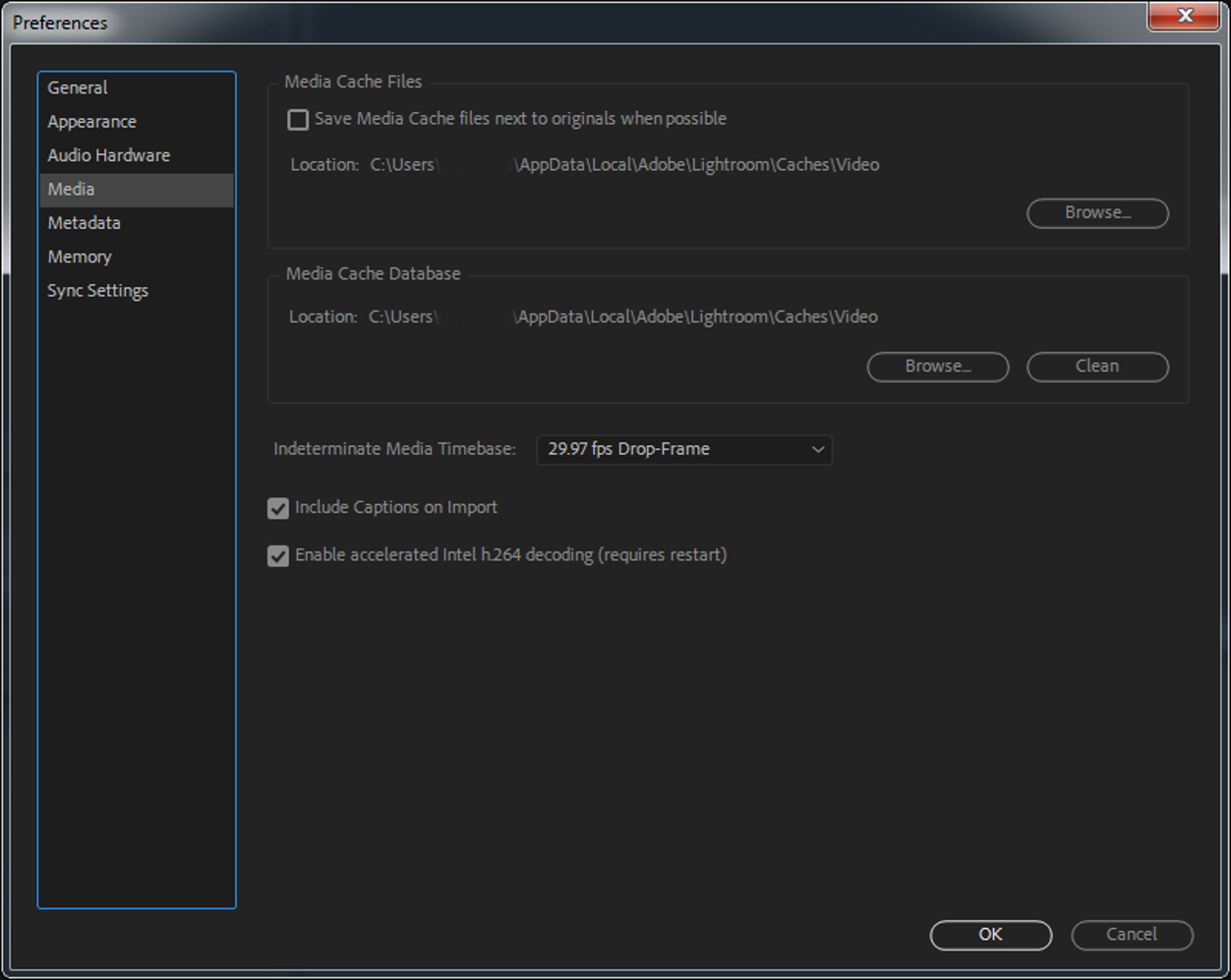
The media cache and database are both set to a folder on the larger caching ssd (500gb), but when the encoding starts, the audio files are cached onto the boot drive (only 120gb). This is a problem because that disk runs out of space, and the final video results in missing audio.
How can I change this? Again, the media cache/database are already set to the caching ssd. I can't find any setting to fix this.
I already tried uninstalling/reinstalling AME from the boot drive to the cache drive, it didn't change anything. Do I need to move Premiere too?
Thanks!
System information:
All software up to date (CC 2018)
Windows 10 64-bit
Intel 6700k
Nvidia GTX 1060 6gb
16gb RAM
Edit:
After looking deeper into it I determined that it is the CFA cache (C:\Users\<name>\AppData\Local\Temp\Adobe Adobe Media Encoder Audio Previews) that is overflowing. How do I move this?






 1
Reply
1
Reply





 AdChoices