

Question
Media Encoder STILL has a bug (MOGRT renders)
Hey there, I'm having a rendering issue with ME. I created a MOGRT file for my video titles before the 2019 update push and now that I've upgraded both Pr and ME to the latest version, the fonts have gone all wonky. Direct export from Premiere seems to be fine, but unless I render and replace the MOGRTs in the timeline, Media Encoder still looks way off. I have a whole series of these to export so I'm not loving that I have to do them one at a time. Anyone know of another fix besides turning off the Import Premiere Sequences Natively option in ME? That fix hasn't worked. Thanks!
Mac OS 10.13.6 Premiere/Media Encoder CC 2019
Media Encoder Export
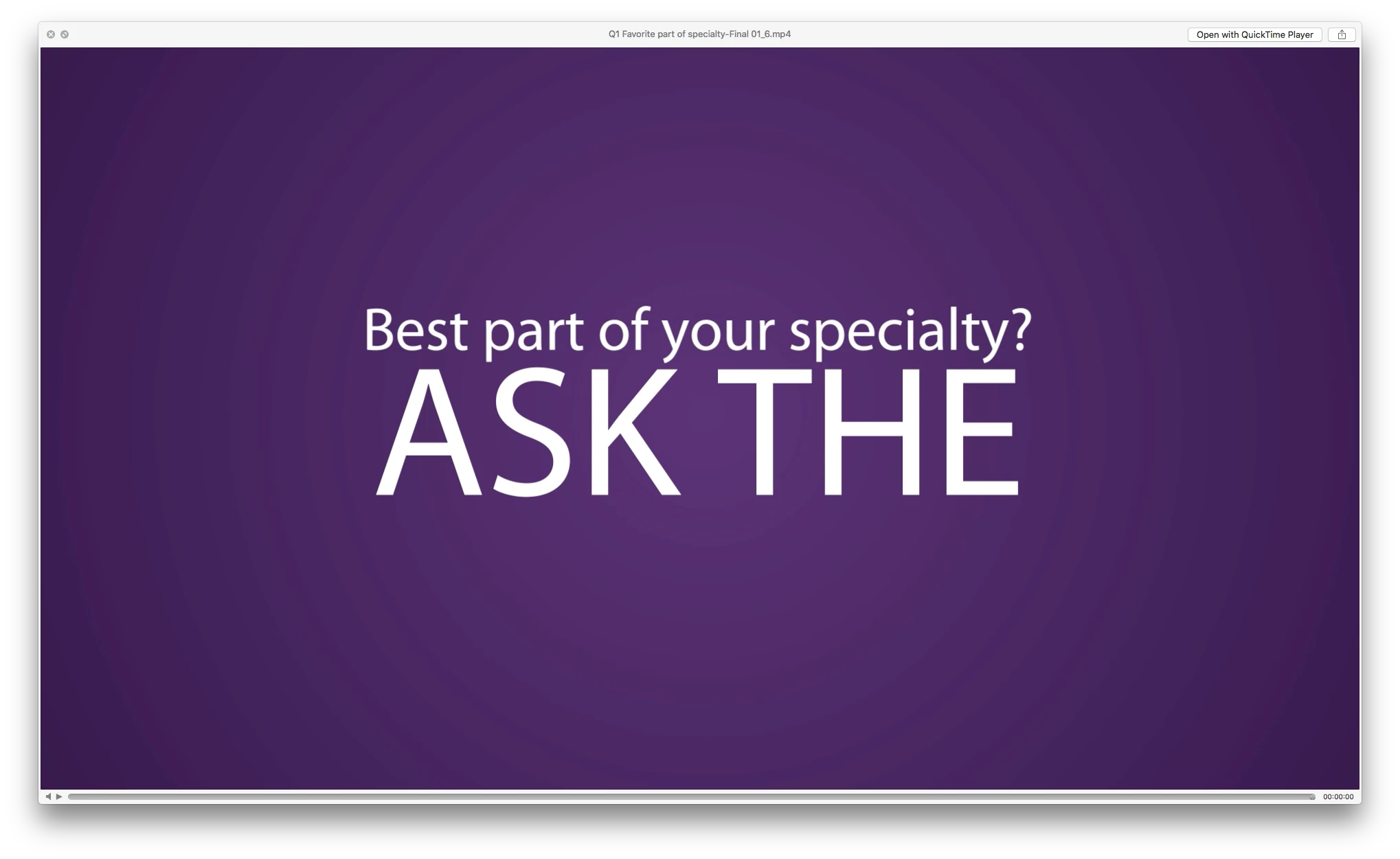
Premiere Export

Media Encoder Export
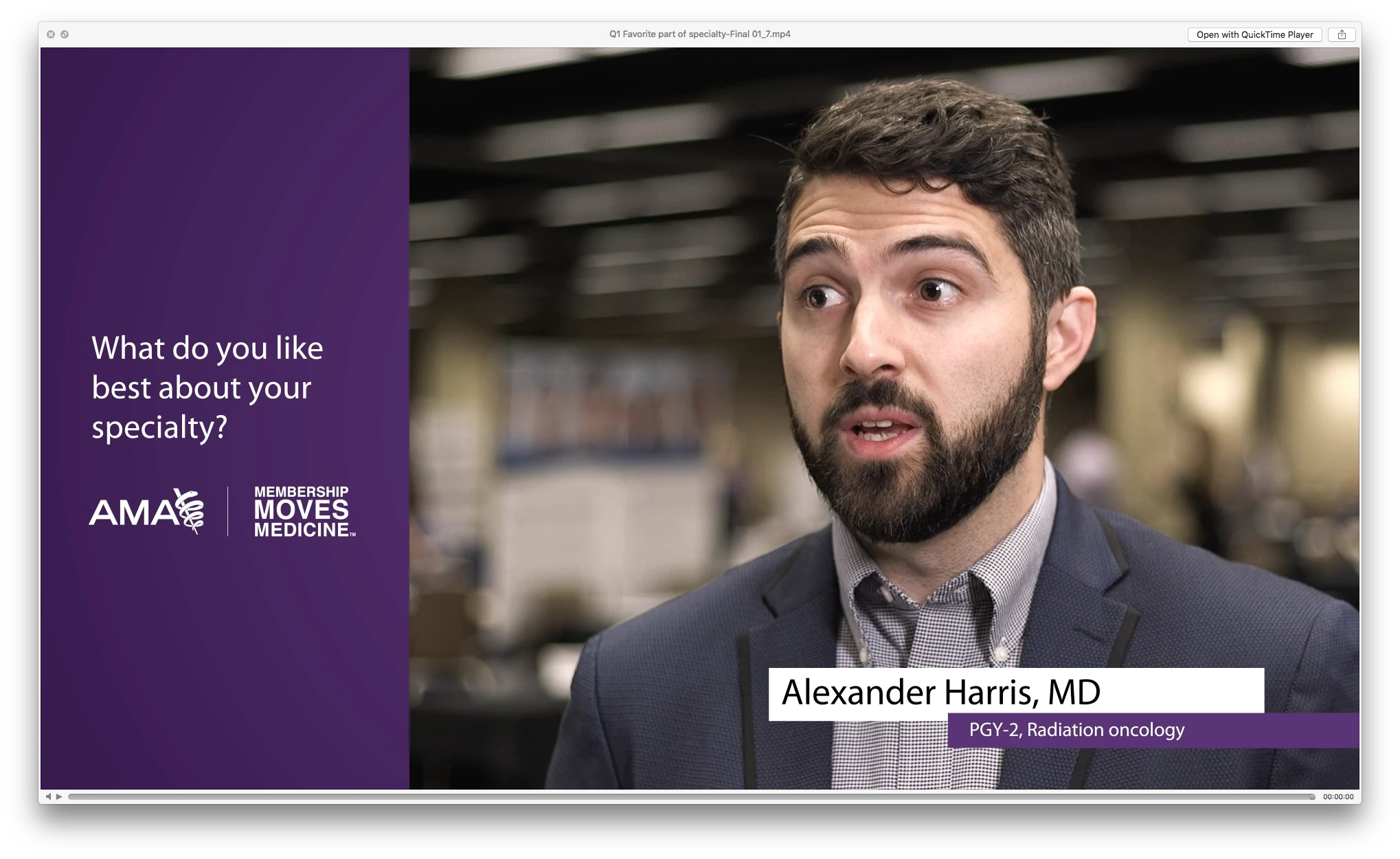
Premiere Export
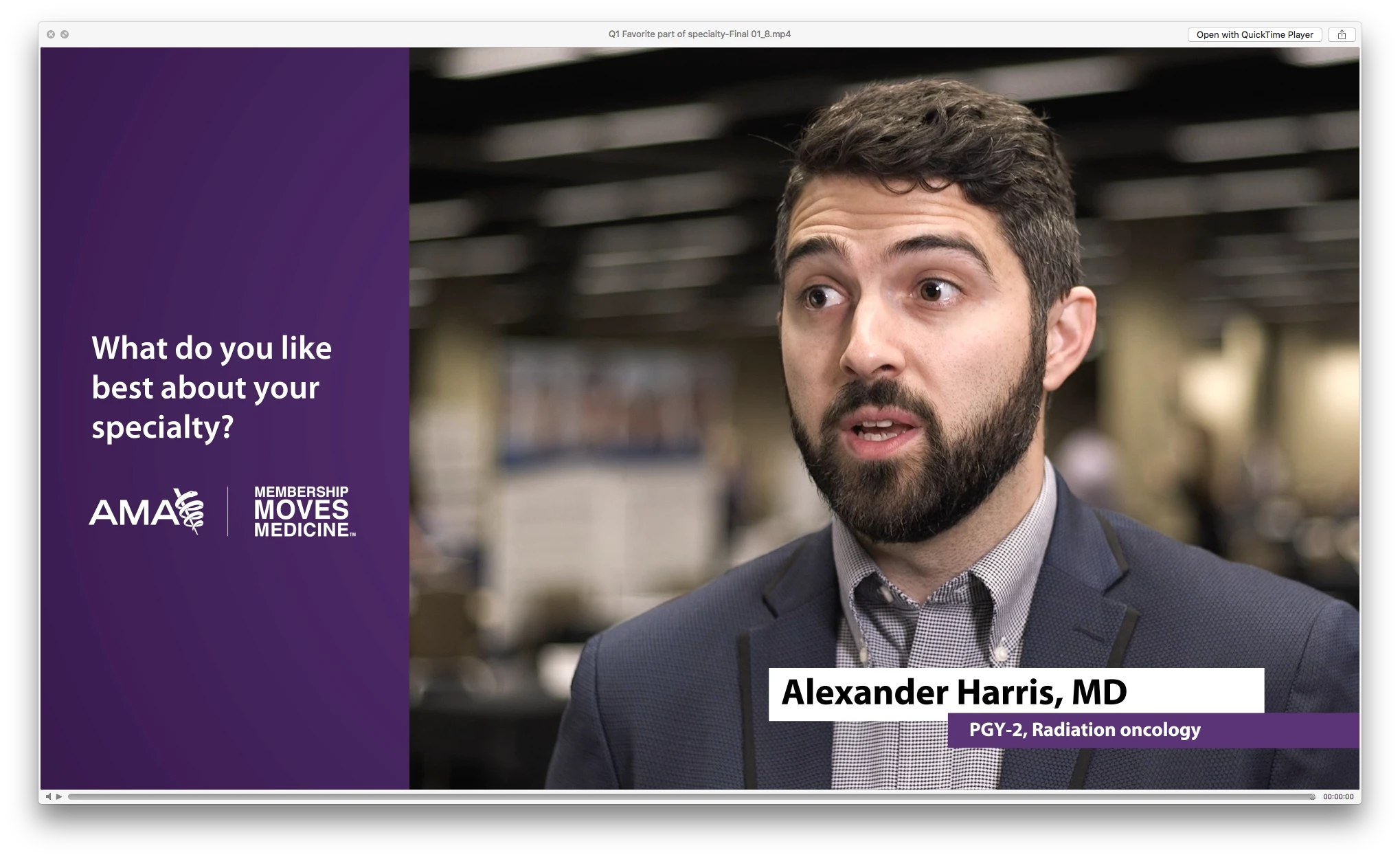
 AdChoices