Participant
April 25, 2022
Answered

Media is Showing Offline when Pathways haven't changed

  • April 25, 2022
  • 1 reply
  • 389 views

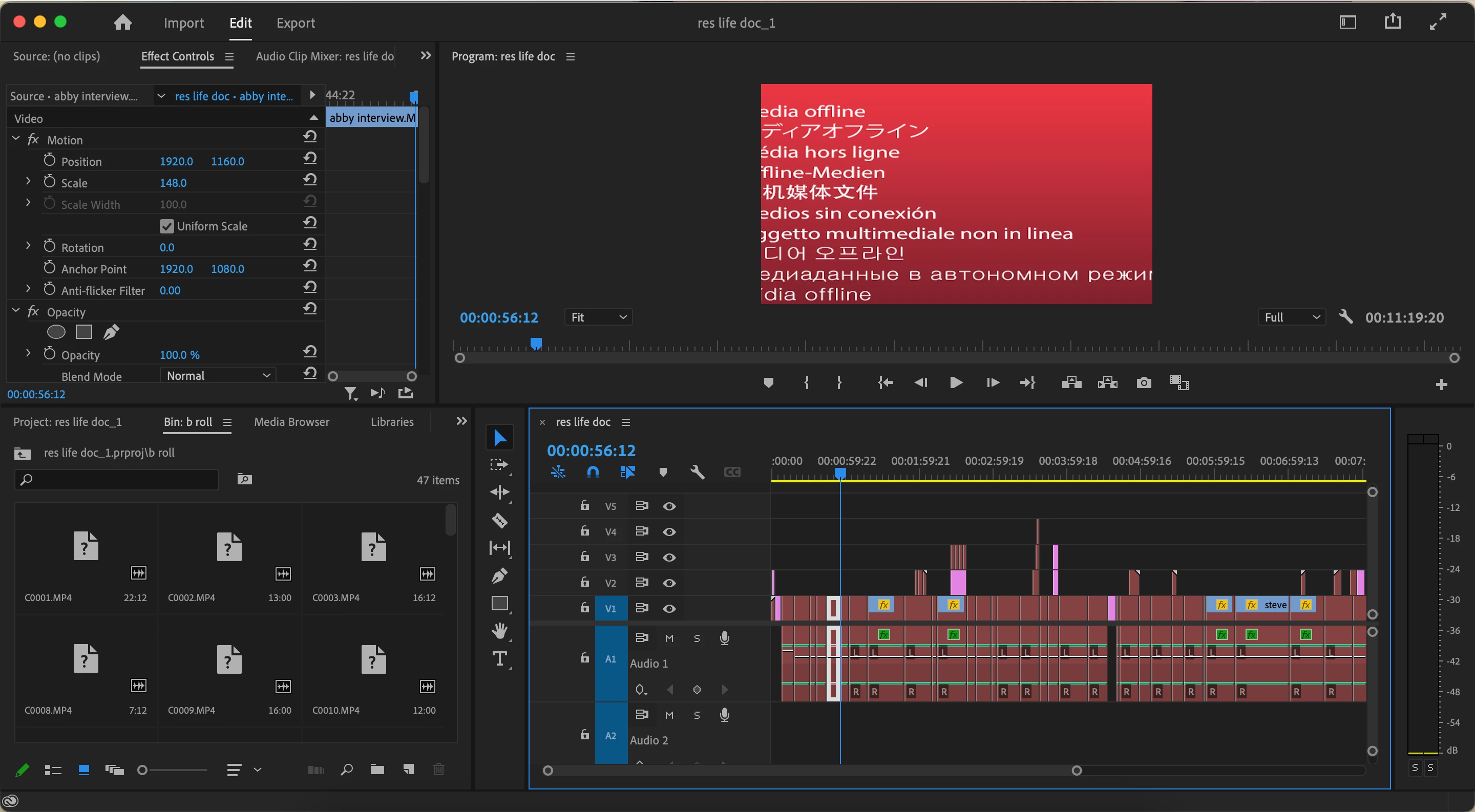
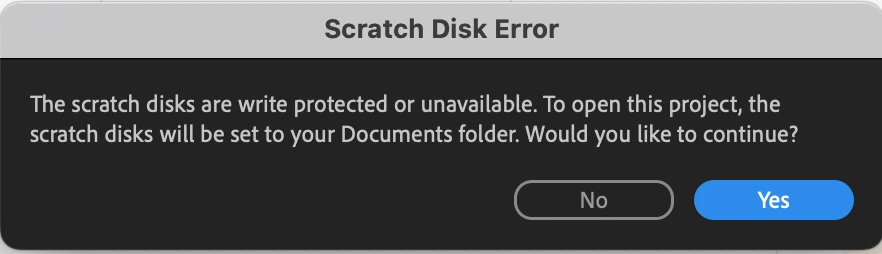
I updated my premiere pro, but now whenever I try to open my projects it comes up that my scratch disks are protected, even though nothing has changed. Then when the project finally opens, it says the media is offline but the link media box doesn't pop up. When I try to manually link the media, my external hard drive where the data is located won't open in the app, yet it's fine on my computer. 
This topic has been closed for replies.
Correct answer gerikp

What computer operating system are you using? I see a few people on MacOS having this problem and having to go into Security & Privacy settings in their Preferences and make sure they have allowed Premiere Pro to access their folders and disks.

1 reply

gerikp
Community Expert
gerikpCommunity ExpertCorrect answer
Community Expert
May 2, 2022

What computer operating system are you using? I see a few people on MacOS having this problem and having to go into Security & Privacy settings in their Preferences and make sure they have allowed Premiere Pro to access their folders and disks.

Participant
May 2, 2022

That was it! Thank you!

gerikp
Community Expert
Community Expert
May 2, 2022

Splendid. Glad you got it sorted out.