
Answered
Adobe XD CC - There was a problem creating a new cloud document
Hi,
I try everything on forum - nothing works.
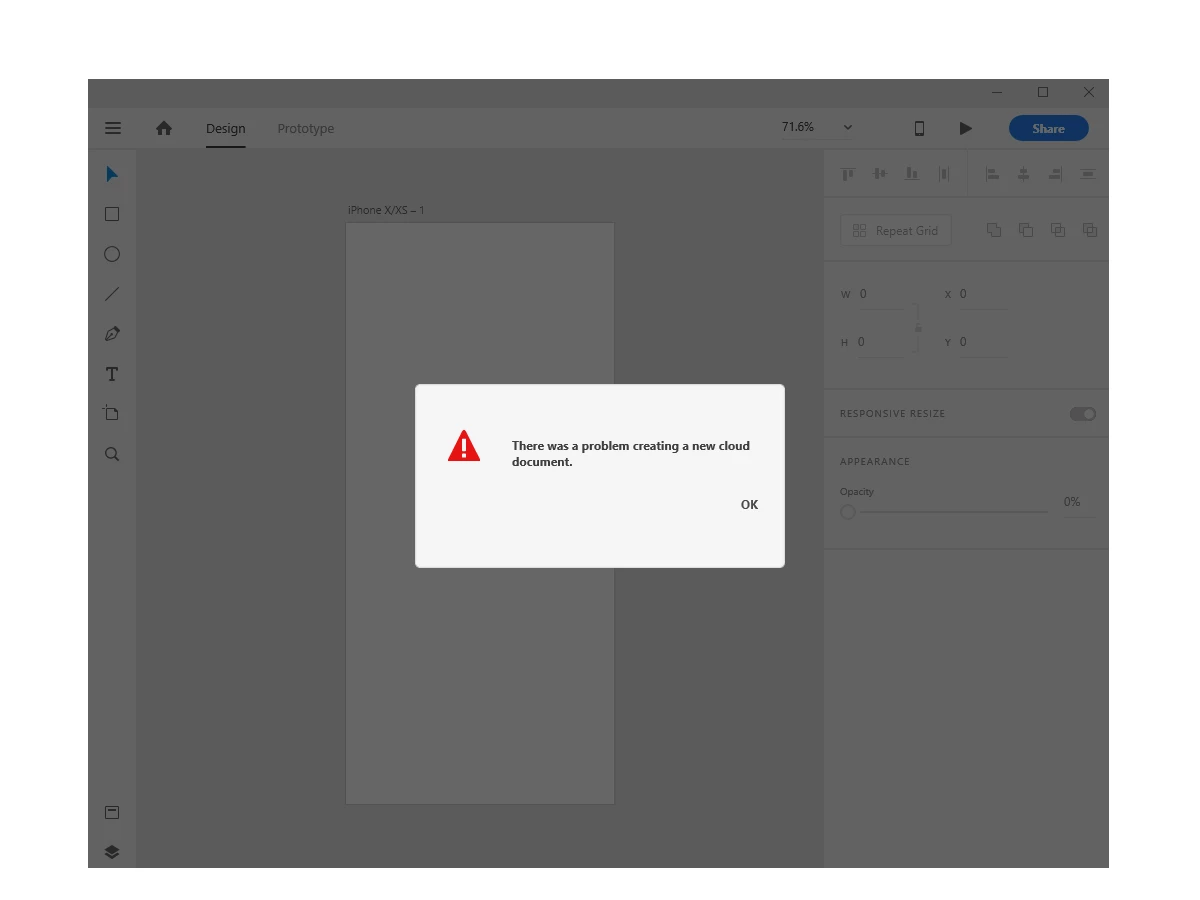

Hi,
I try everything on forum - nothing works.
Hi,
I've tried so many ways and finally one of them worked!
Follow these steps and Adobe XD will work properly:
1) Close all tasks related to adobe in windows task manager ( if you don't do it properly,can't do next steps)
2) Go to C:\Program Files (x86)\Adobe then delete "Adobe Creative Cloud" and "Adobe Creative Cloud Experience" and "Adobe Sync"
3) Download Adobe Creative Cloud and install it , But DO NOT LOGIN, just open the app and make sure installed properly
4) reboot your computer
5) run Adobe Creative Cloud but DO NOT LOGIN, then click exit and close the app
6) run Adobe XD, after you run it, the login page will appear, then login to your account through the window shown in Adobe XD
7) After you login, you can Create your new project, go ahead and use it.
You don't have to reinstall your adobe XD or your windows,
Just follow above steps, it worked for me and I hope that it will be work for you.
Best Regards.
Already have an account? Login
Enter your E-mail address. We'll send you an e-mail with instructions to reset your password.
 AdChoices