
Answered
Adobe XD doesn't close background tasks on update
When you load up a document that is newer than your current version of Adobe Xd, you get prompted to update to a newer version.

After pressing "Update now" a screen appears to tell you to close Adobe Xd.
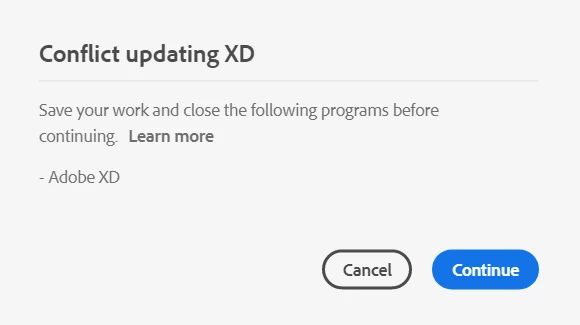
After closing Adobe Xd and clicking Continue, the prompt appears over and over again.
This happens because the background tasks are not correctly terminated.

When terminating the tasks manually, everything works as expected.
Sidenote: As I was experimenting with this bug, I found out that the tasks get terminated automatically, but it takes about a minute or so.
Windows 10.
 AdChoices