
Adobe XD link - Prototype is not loading properly
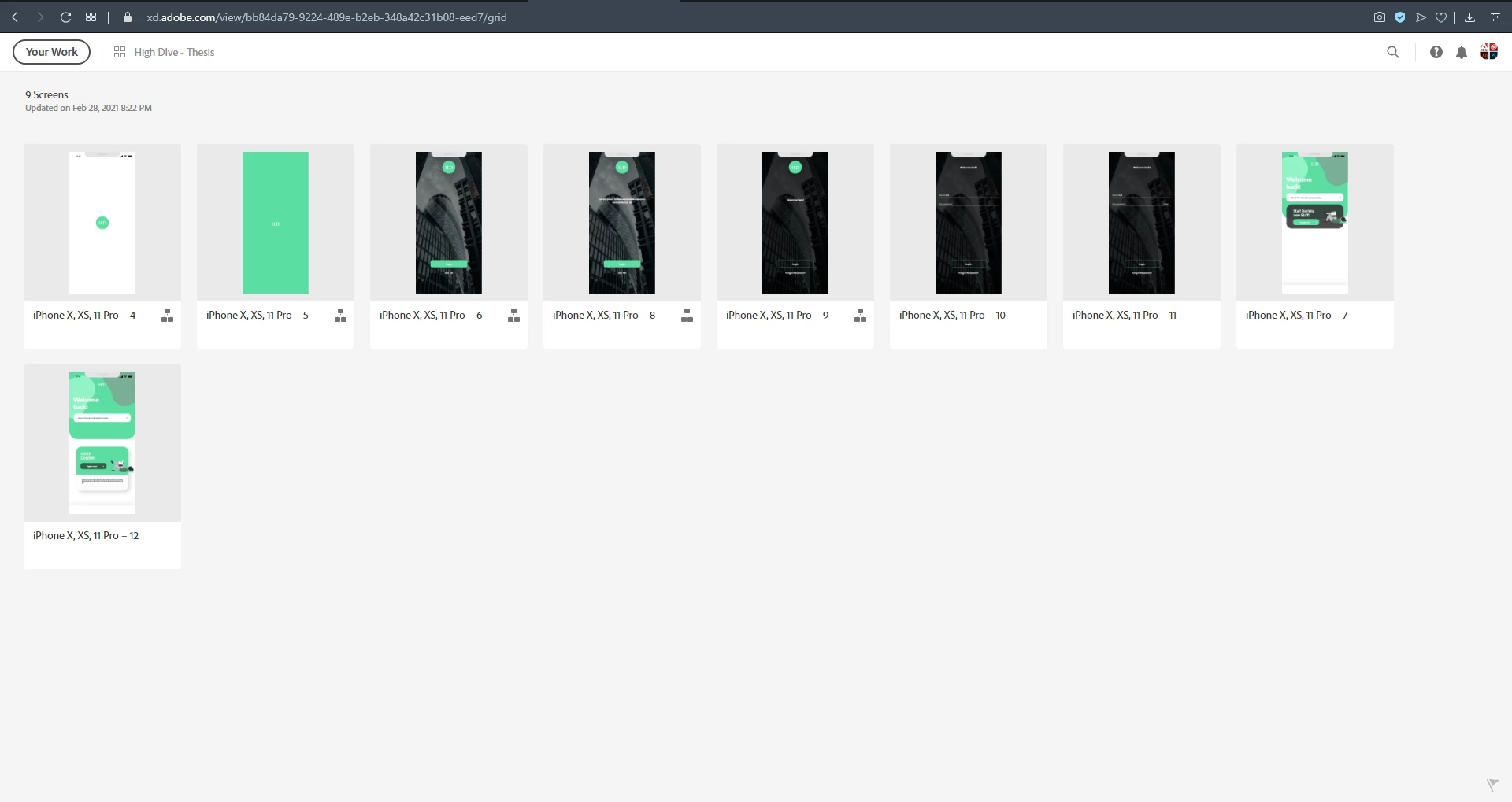
Hey, I wanted to test if my protoype would work on other devices and created a link. However, when I or my test clients test the link, the prototype does not load after the first slide.
A loading circle appears and it the prototype freezes. If tested on mobile, you can zoom out and a home button appears, when you click on it the prototype shrinks a little bit in size but you can run through it properly. So basically it only works when you click on the home button, which is very frustrating because I my test users won't know what to do when it freezes.
When you open it on a desktop, it also freezes and you have to press Esc in order to see the home button and start over. Is there any way to fix it? The animation on the first page is basically the circle expanding onto the second slide and getting smaller on the third slide again. If you want, I could include the shared link for you to see. I hope you can help me out.


 AdChoices