Answered
Adobe XD on Windows doesn't show in the start menu bar
When I use Adobe XD on windows, it never shows in the start menu (where open apps show up) so the only way I can ever find it is by Alt+Tab when switching between products.

When I use Adobe XD on windows, it never shows in the start menu (where open apps show up) so the only way I can ever find it is by Alt+Tab when switching between products.
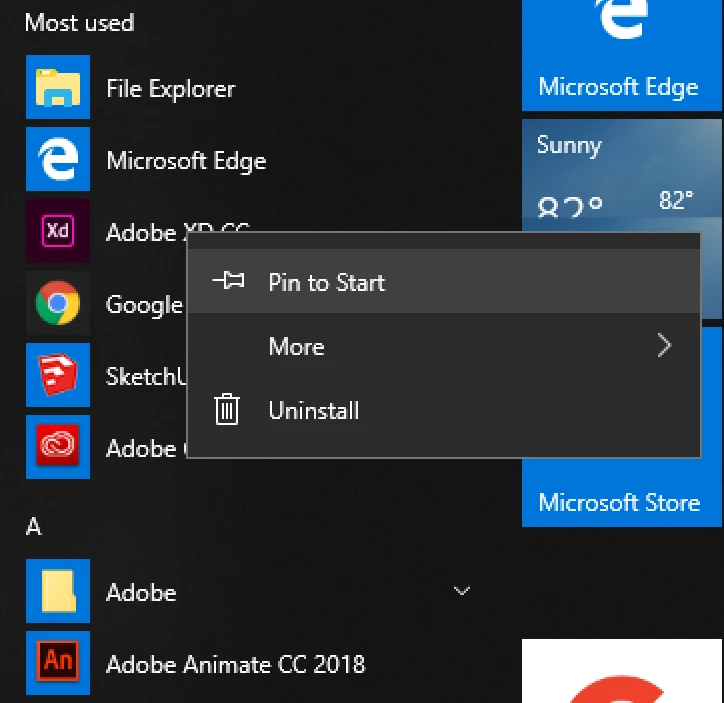
After using Xd it should be in the Most Used list, as well as listed under the letter A. You can right-click on it in that list and select Pin to Start.
Already have an account? Login
Enter your E-mail address. We'll send you an e-mail with instructions to reset your password.
 AdChoices