
Participant
November 6, 2020
Answered

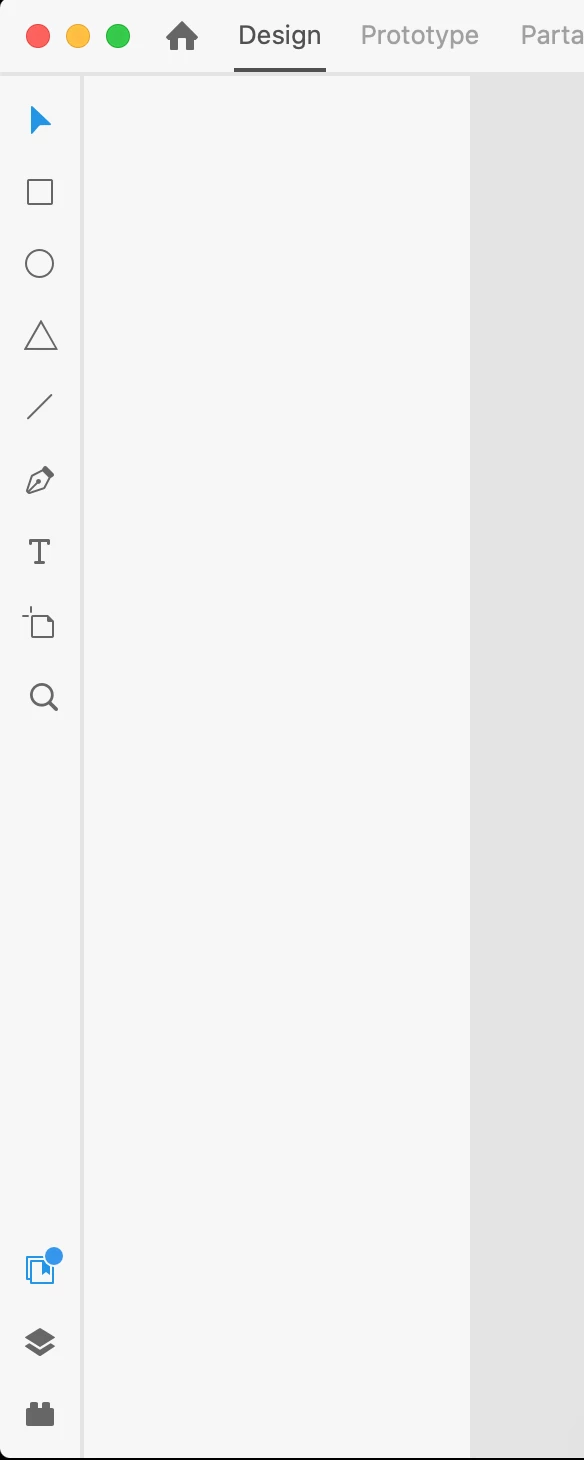
Assets panel non-functionning after connecting library (Nov. update)

  • November 6, 2020
  • 1 reply
  • 547 views

Hi, 


I synced a document with an online assets library (new functionality this month), and after a while the assets panel became empty... (see screenshot below). I was already struggling to update components, had to update them individually sometimes. 


I already tried to duplicate my document, but the same thing happens. 


Thanks


This topic has been closed for replies.
Correct answer fmun

Hi, 


It did not help but it seems like the latest update fixed the issue. 


Thanks, 

1 reply

Rishabh_Tiwari
Legend
November 6, 2020

Hi there,


Sorry to hear about the trouble. Could you please try the steps below:


  1. Sign out of XD and CC Desktop app.
  2. Close CoreSync and all Adobe related processes from the Task Manager/Activity Monitor.
  3. Sign back in on the CC Desktop app and launch XD from there and check if it works.


If it still doesn't work, please try re-installing the application and let us know if it helps or if you need any further assistance.


Regards

Rishabh

fmunAuthorCorrect answer
Participant
November 15, 2020

Hi, 


It did not help but it seems like the latest update fixed the issue. 


Thanks,