
[Bug] Adobe XD Publish Prototype - Comments will no longer show
Good Day - I would like to report an issue while using the Adobe XD Publish Prototype feature.
The contents inside the comments panel will no longer show upon loading the project.
[See Attached AdobeXD-No Comments.mp4]
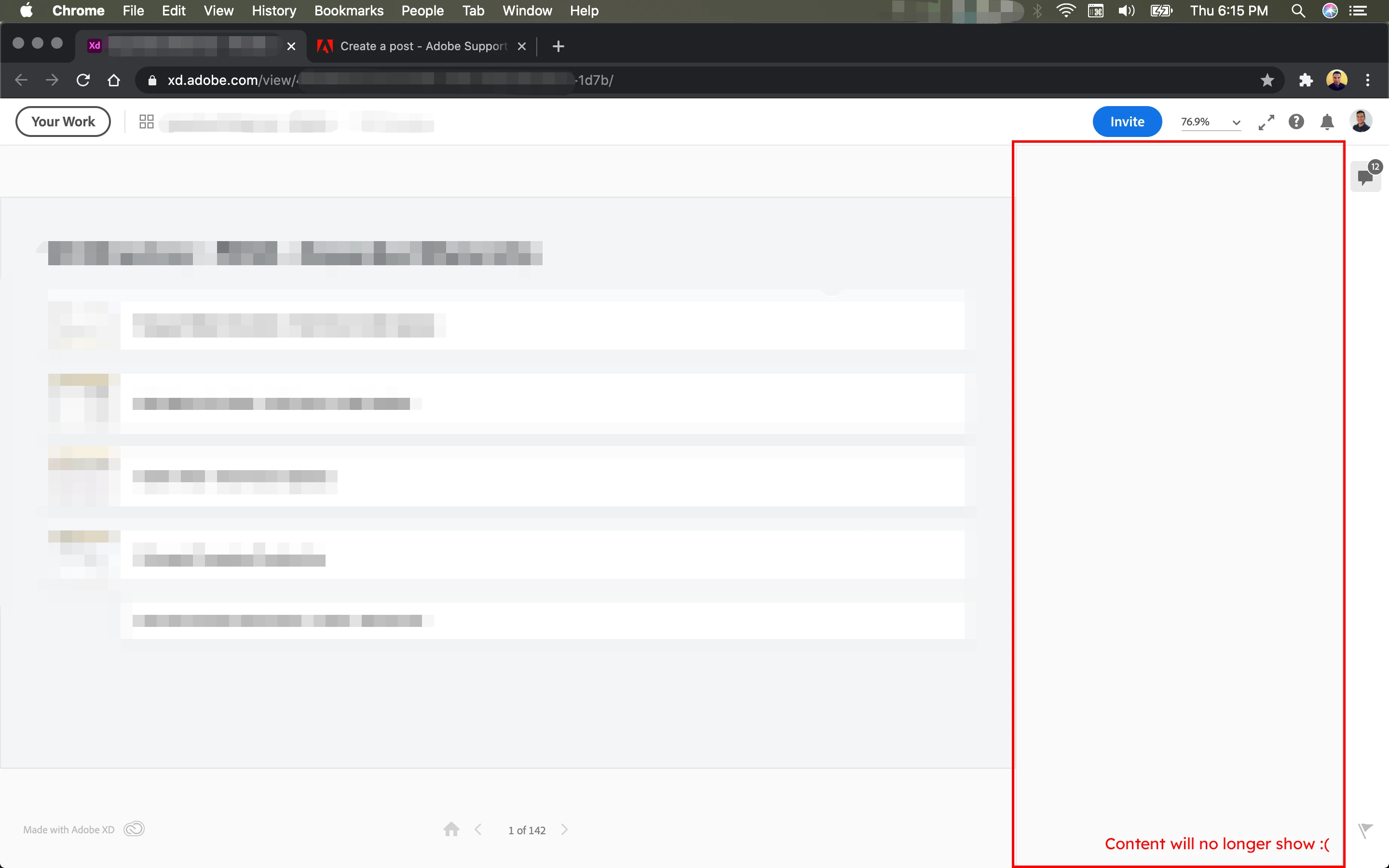
Design was initially uploaded with the "Allow Comments" turned on and viewed only by invited users.
We we're able to comment there at first (on the screenshot it has 12 comments), but after days of using the project (just today), we can no longer comment on it or see our previous comments.
I also asked my invited (has access) colleages if they could view the comments, but it no longer show also from thier end.
I already tried enabling and disabling the "Allow Comments" and reupload/update the design but still the issue persists. The comments panel content will show if I try to open a diffirent project, but in this specific project, it will not. I tried also accessing it using diffirent a computer and browsers, but still the same.
With those troubleshooting, the issue could be upon loading the comments panel of the page. I've noticed in the Inspect Mode that upon loading the comments panel, it will show errors on the process. And the more you open and close the comments panel the error will add up. [See Attached AdobeXD-More Errors.mp4] (I do not understand the error code; this is just an observation.)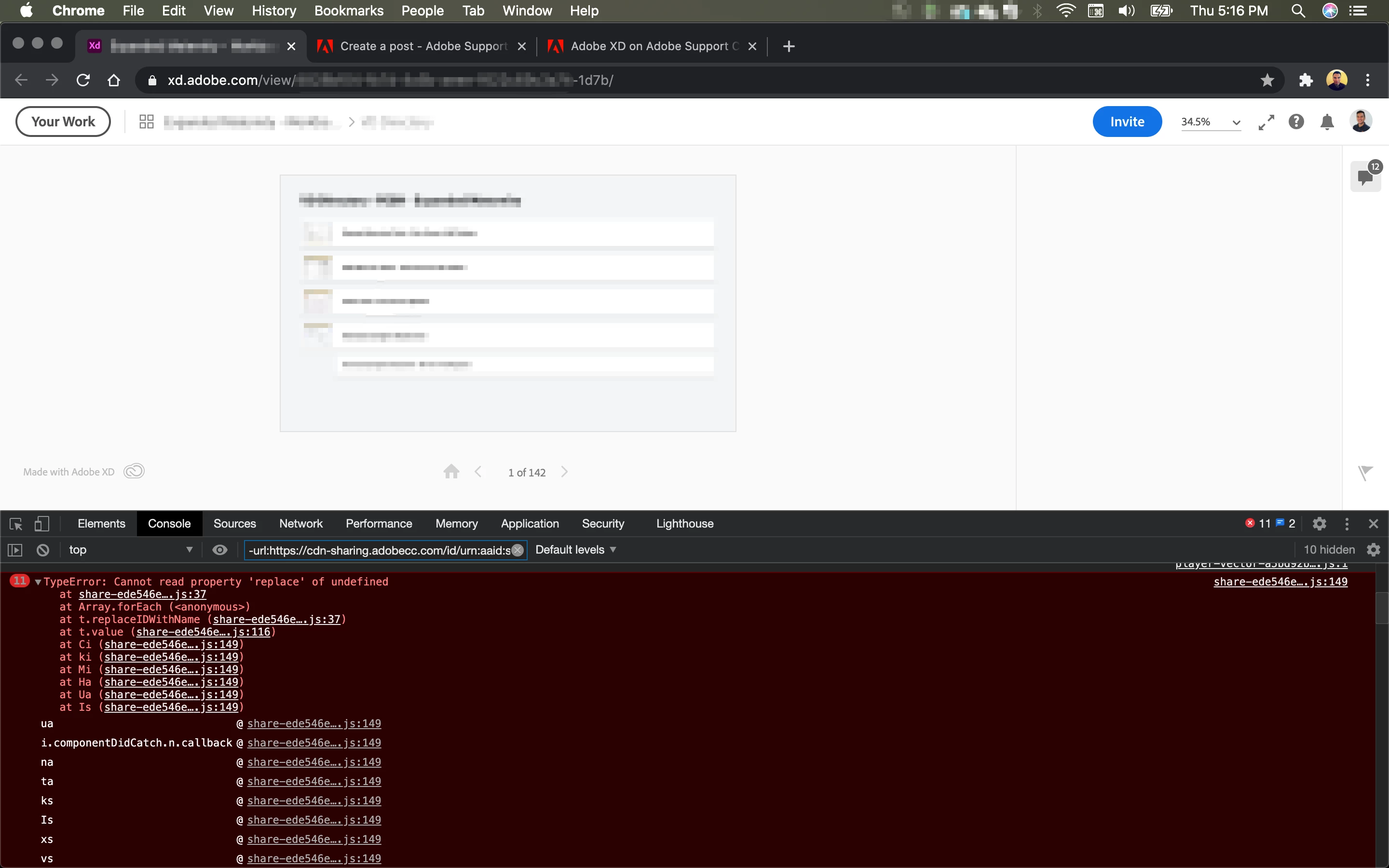
For now, all we did was just to re-upload the designs with a new shared link. The comments panel works on the new link BUT we don't have anymore the important comments that we put from the original project. There are backups from the email notification but it takes time track to which page was the comment added.
I hope there could be some way that this issue will be reviewed so that it will not happen to other users specially for those who are designing big projects.
Thank you for your time.
 AdChoices