Participant
January 4, 2021
Question

Can't update Adobe XD library

  • January 4, 2021
  • 1 reply
  • 892 views

Hello,


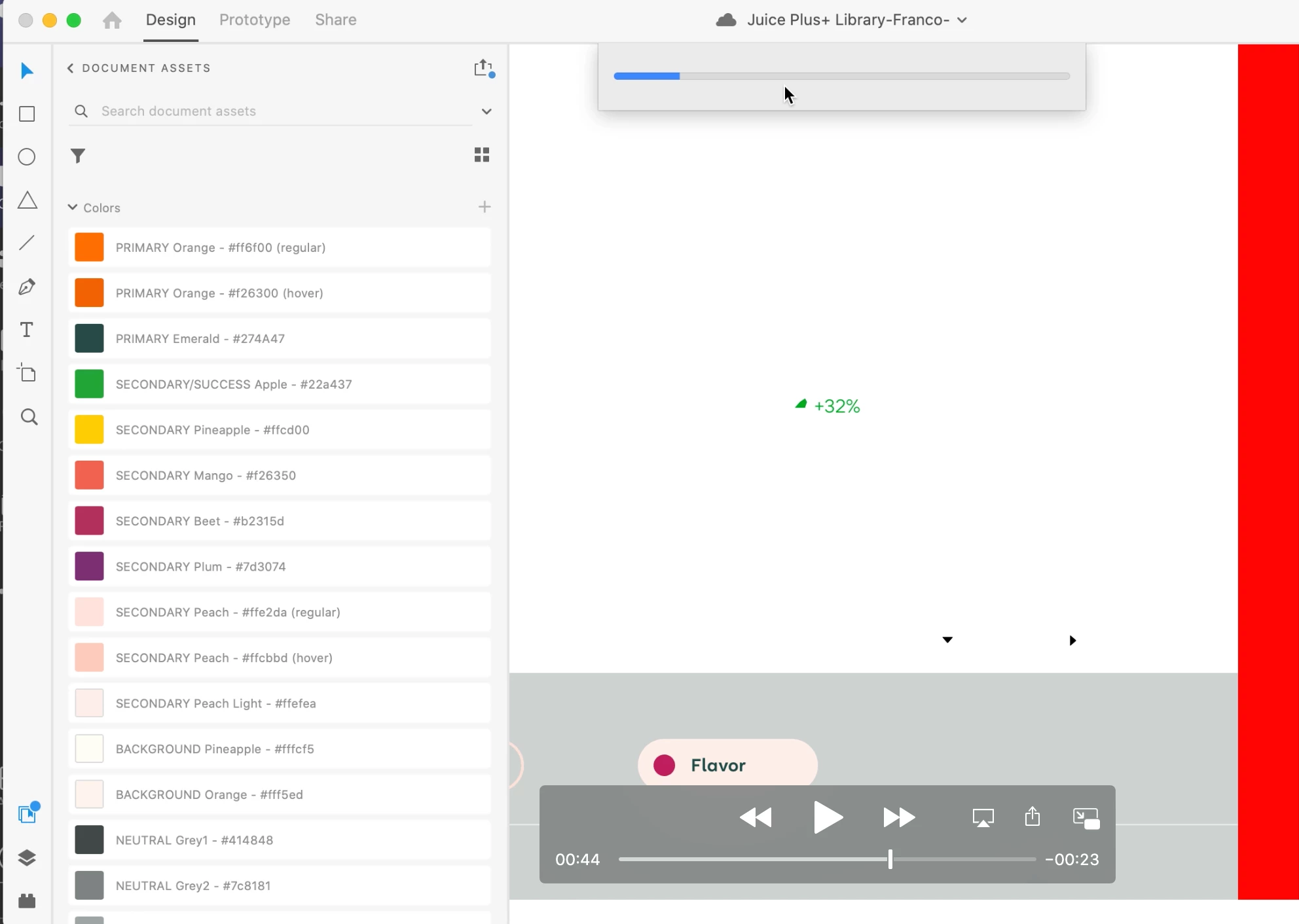
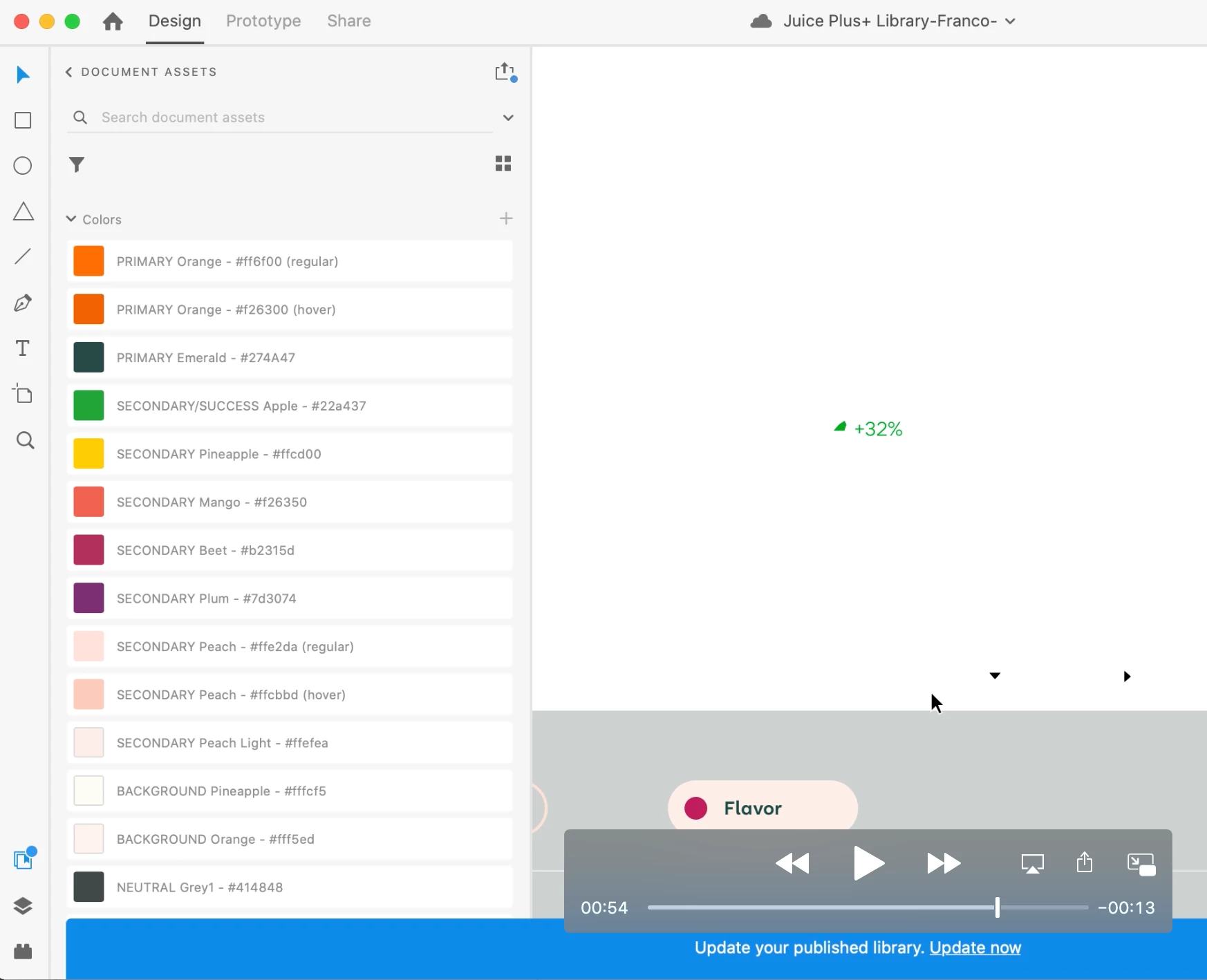
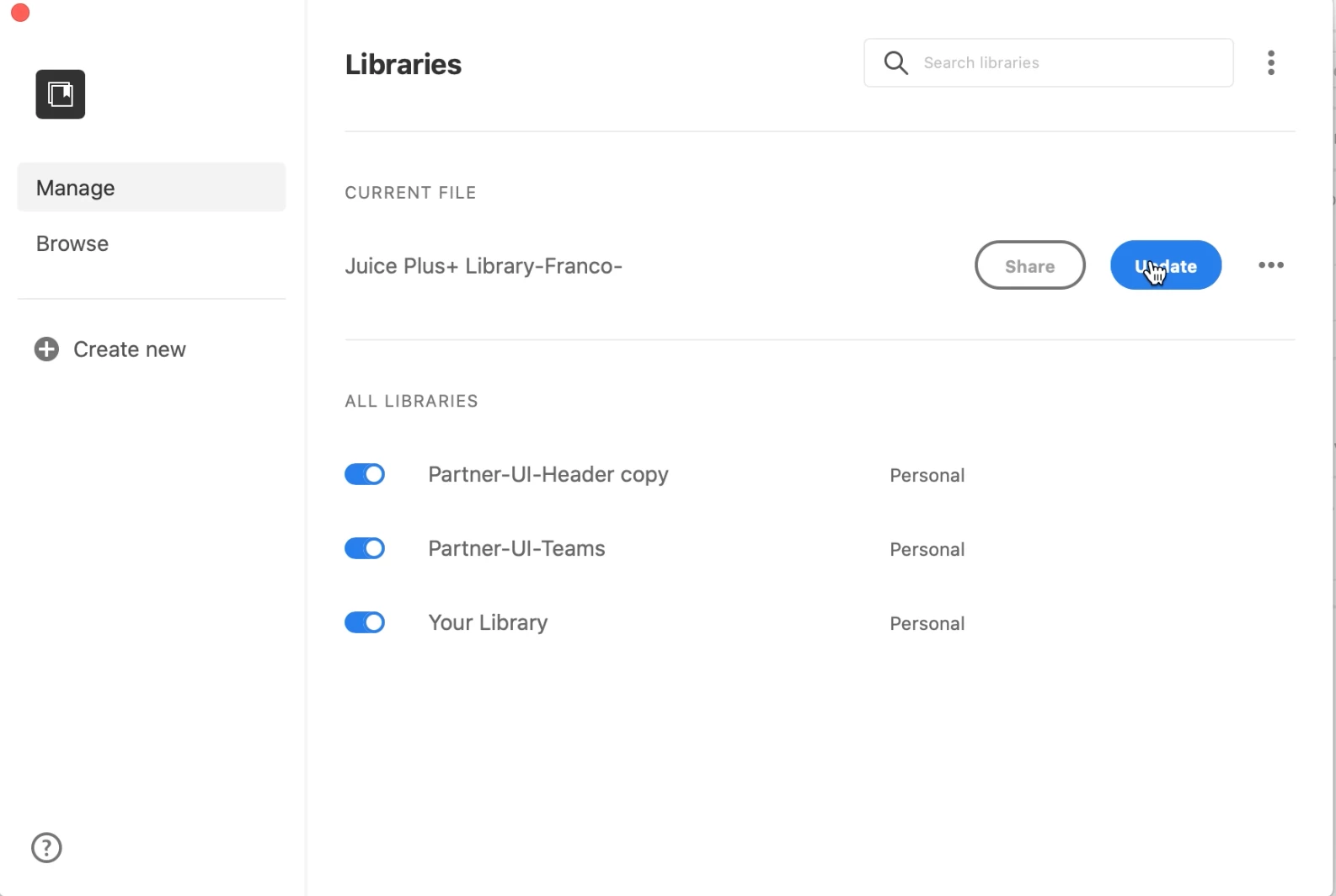
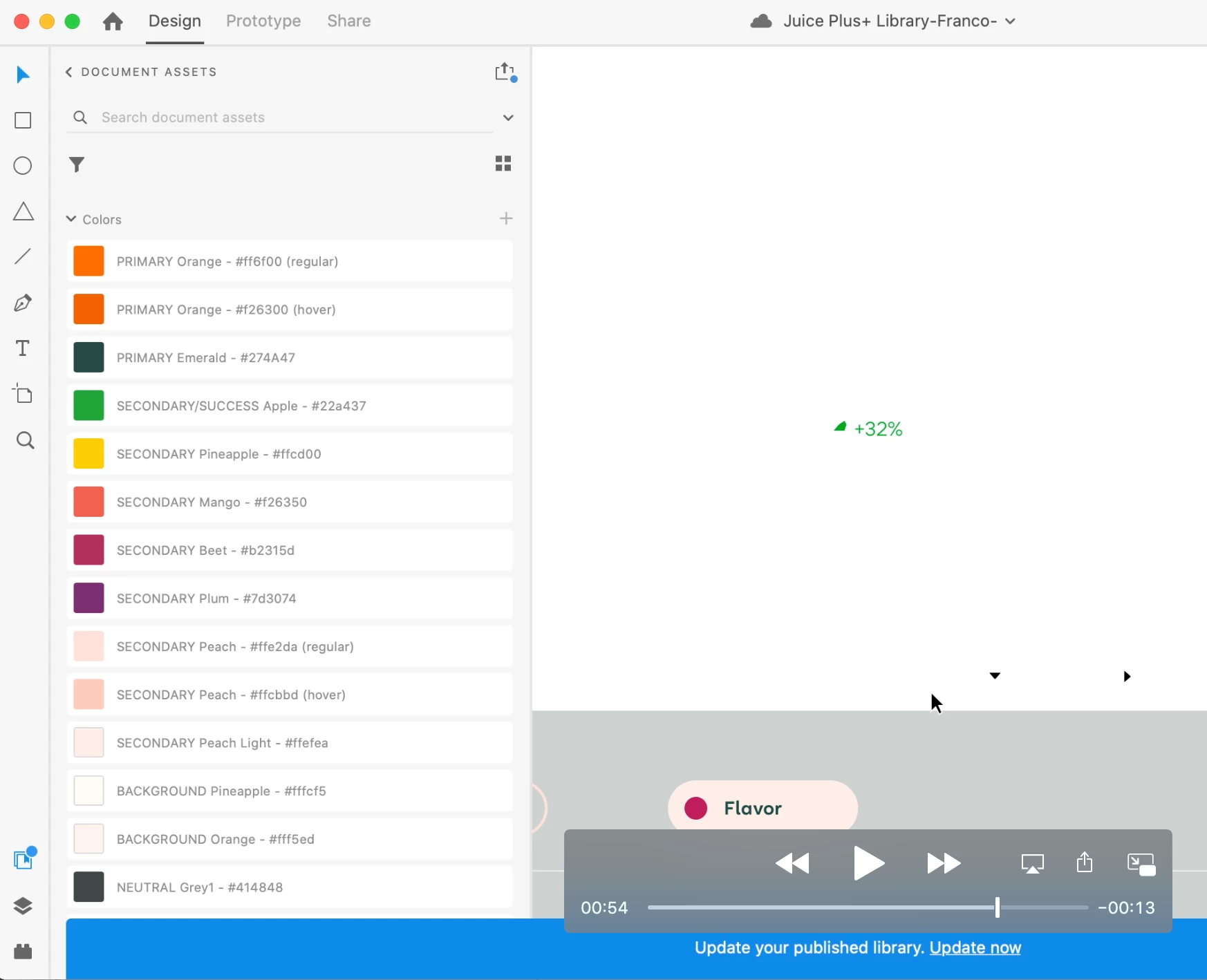
I have a few libraries on XD that are linked together. The sub-libraries seem to update fine across the others however the main library has stopped updating for some reason. Please see screen recording below and ignore video controls. Whenever I click 'Update Now' on the blue banner at the bottom of the screen, the banner keeps reapperaing and the library doesn't update. Thanks, Franco


    This topic has been closed for replies.

    1 reply

    HARSHIKA_VERMA
    Community Manager
    Community Manager
    January 4, 2021

    Hi Franco,


    Happy New Year!


    We are sorry to hear you are having trouble updating the library in XD. I would like to know the OS and XD version of your machine. Have you tried signing out of XD, Creative Cloud, reastart the machine and then sign back in? Does that happen with this specific library or with all the libraries? How many sub-libraries are linked with this main library?


    We will try our best to help.


    Thanks,

    Harshika

    Participant
    January 4, 2021

    Hi Harshika,


    Happy new year!

    Thank you for getting back to me on this I really appreciate it.


    I can confirm that I've:

    • Installed the latest version of XD (I've also tried reverting back to older versions of XD)
    • Restarted the computer

    • This happens with only this library in particular, the sub-libraries seem to update fine

    • There are currently 2 sub libraries


    Please let me know if you need any more info.


    Thanks,

    Franco


    HARSHIKA_VERMA
    Community Manager
    Community Manager
    January 26, 2021

    Sorry for the delay in response. I would like to know if you are still experiencing the issue on XD 36.1 version. 


    I will try my best to help.


    Thanks,

    Harshika