emilyt38255074
Participant
September 27, 2020
Answered

Creating an Effect Slider

  • September 27, 2020
  • 2 replies
  • 684 views

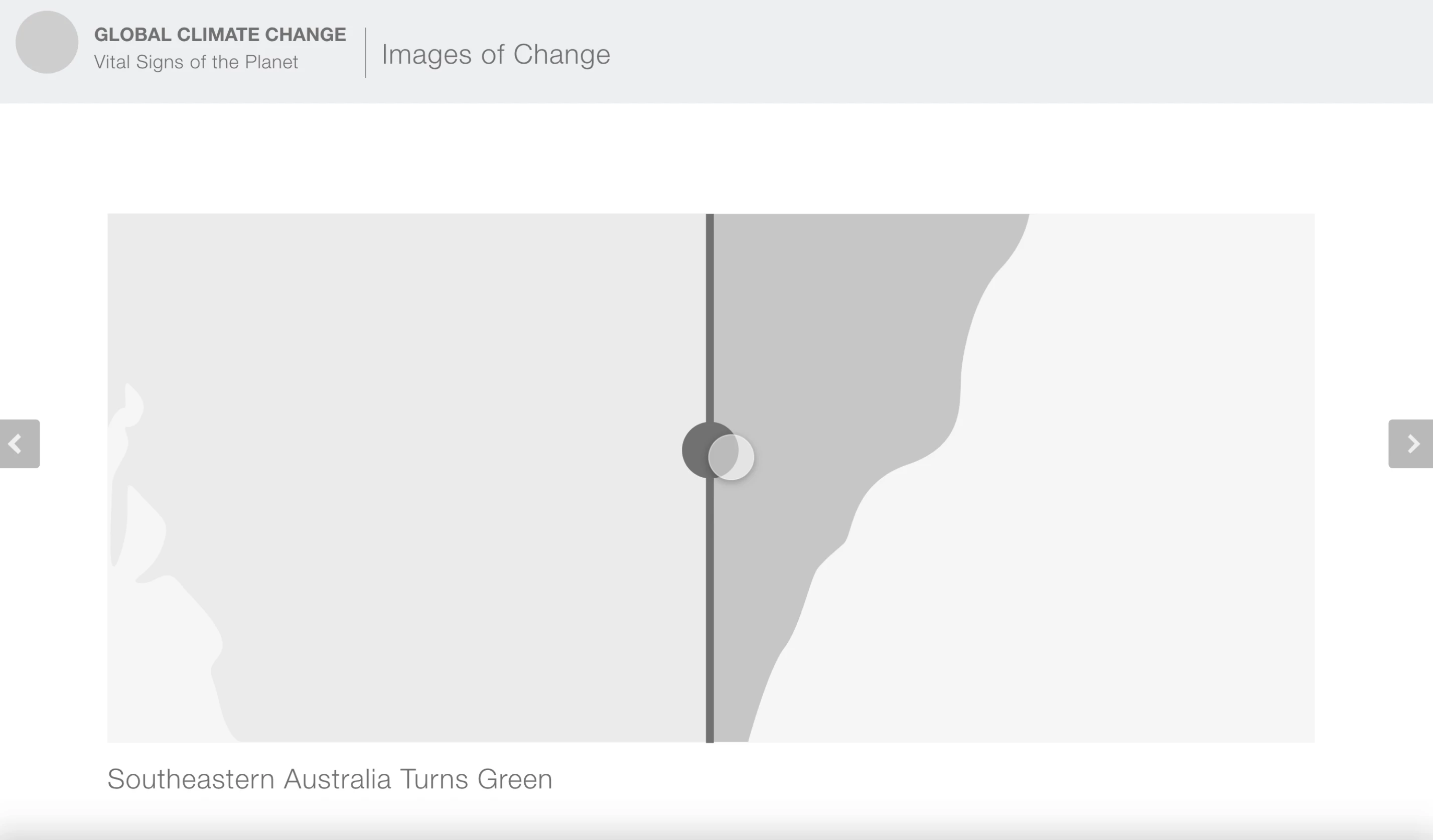
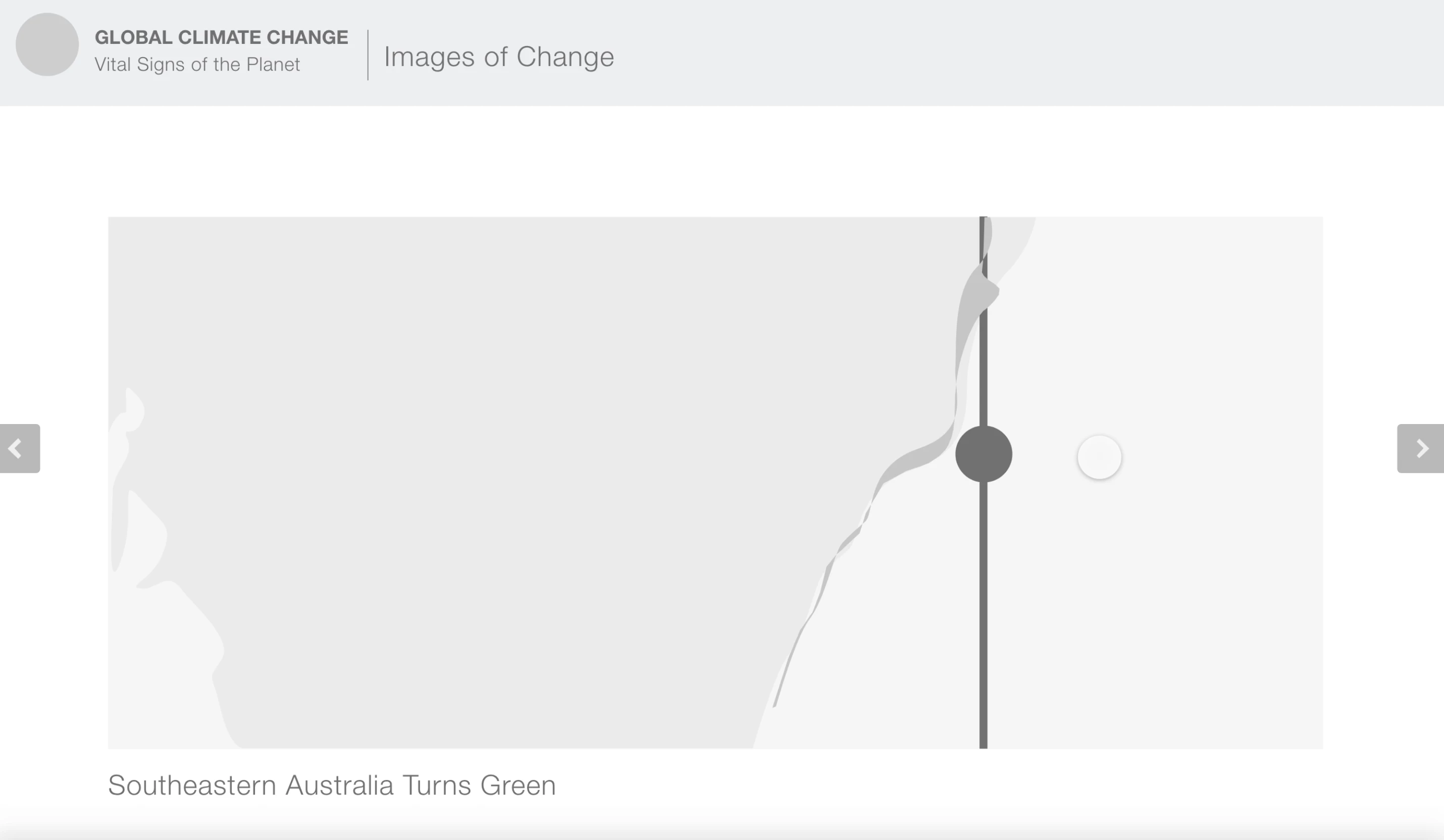
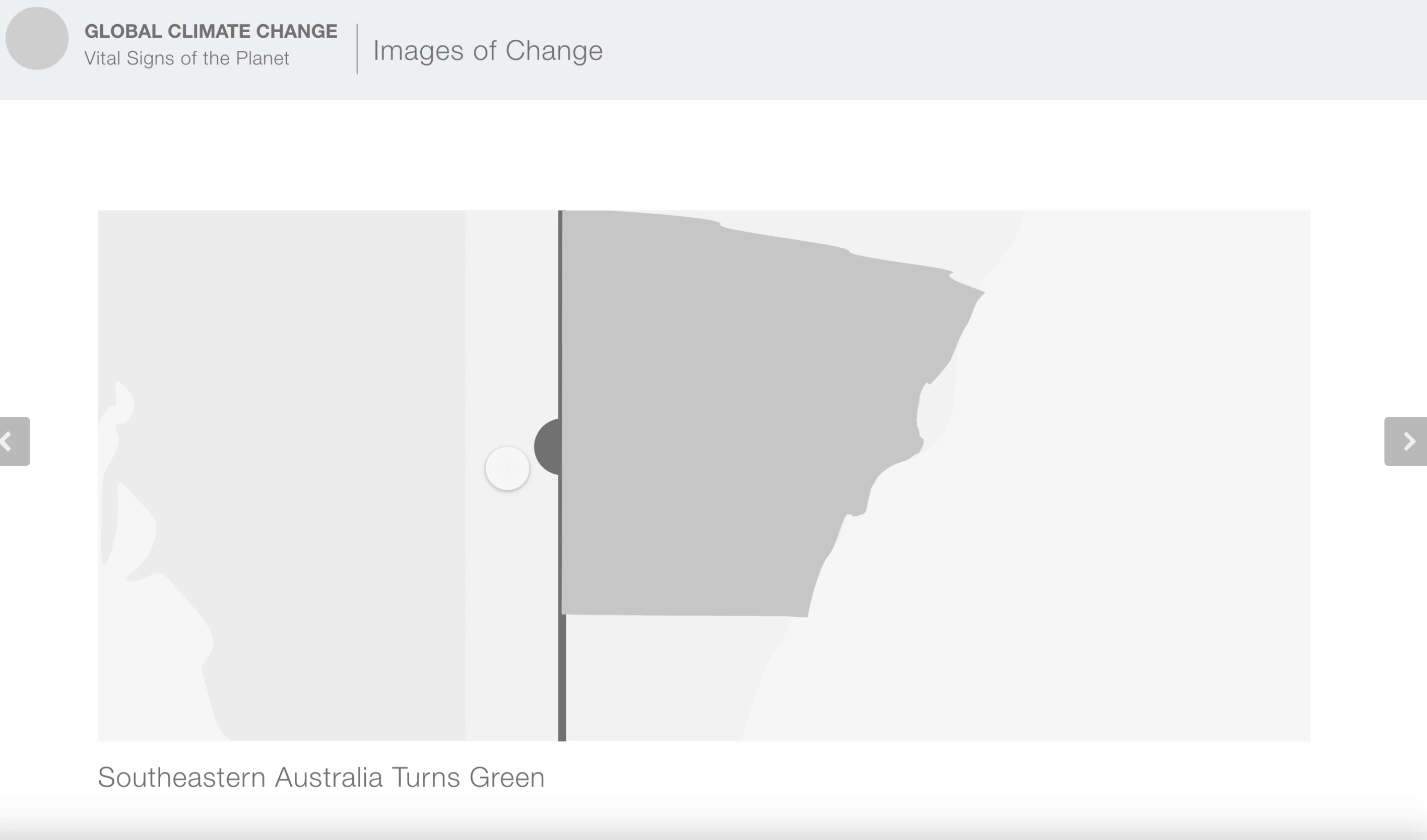
I'm trying to create an effect slider, and have successfully done so if my slider is in the middle of the area I want to change - however, in this example, when I try to have my slider start to the right of Australia, I can't get a realistic drag/slide effect! Does anyone know of a solution?


Thanks!


Starting within the Australia shape
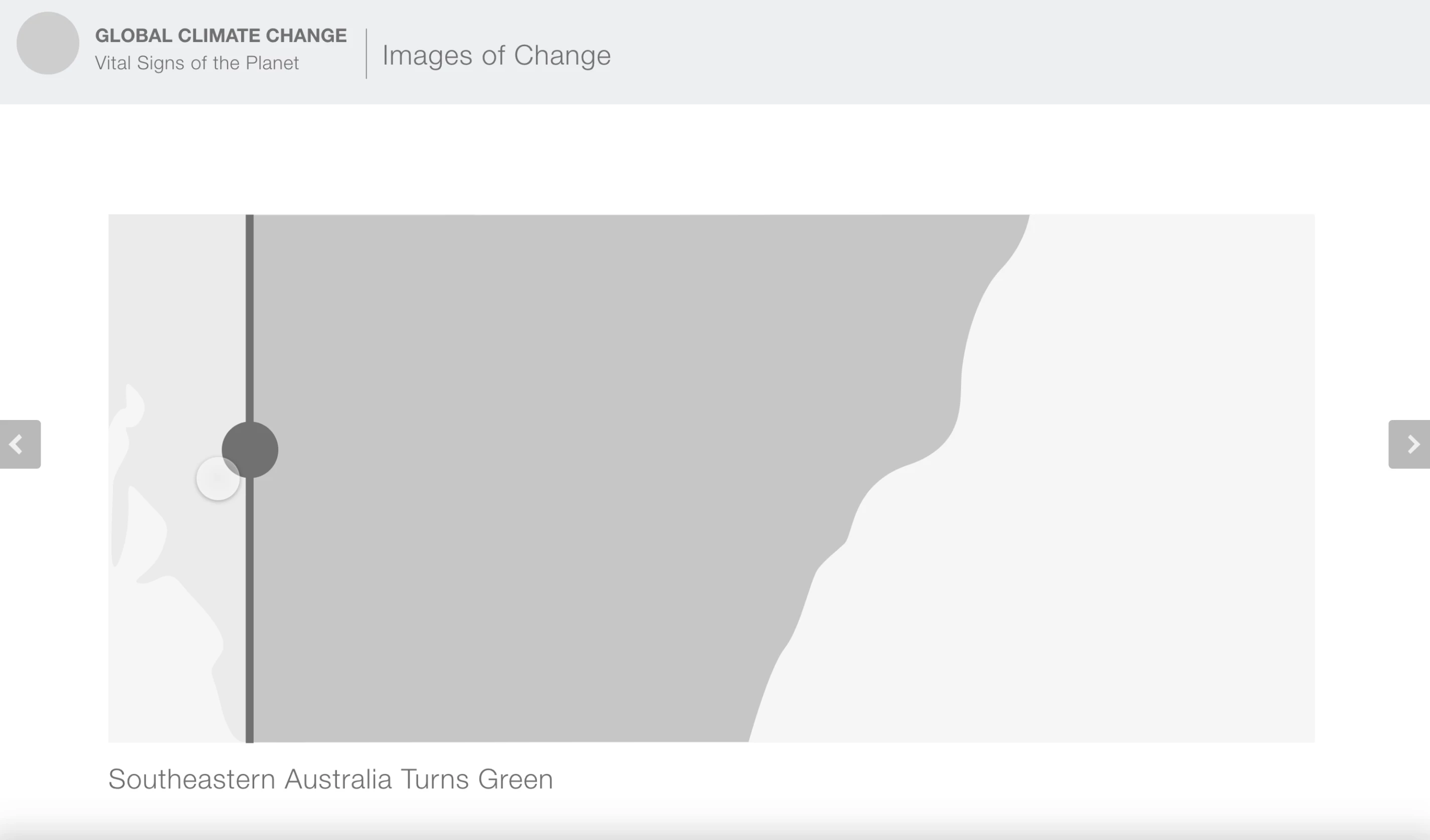


Starting outside of Australia
This topic has been closed for replies.
Correct answer Spas K.

Okay, so there you go.

https://www.dropbox.com/s/ji7lkkvcfydj0tx/Slider_Solution.xd?dl=0


Basically, use the continent as a mask, within which you can have the darker rectangle that will be lined up with the slider. This way you don't need to bother with editing paths and lining them up.


Hope that helps, cheers! 🙂

2 replies

Spas K.
Community Expert
Spas K.Community ExpertCorrect answer
Community Expert
September 27, 2020

Okay, so there you go.

https://www.dropbox.com/s/ji7lkkvcfydj0tx/Slider_Solution.xd?dl=0


Basically, use the continent as a mask, within which you can have the darker rectangle that will be lined up with the slider. This way you don't need to bother with editing paths and lining them up.


Hope that helps, cheers! 🙂

emilyt38255074
Participant
September 27, 2020

Wow, thank you for helping me with this, Spas! You just saved my first project of the semester (due tomorrow) 😁 

Spas K.
Community Expert
Community Expert
September 27, 2020

Glad I helped. I too have experience with last minute submissions 😄

Spas K.
Community Expert
Community Expert
September 27, 2020

Hi Emily.


Can you please send us a link to a prototype with that screen, or even better - upload the file somewhere and link it here, so we can see how this is all configured? 

emilyt38255074
Participant
September 27, 2020
Spas K.
Community Expert
Community Expert
September 27, 2020

Don't seem to have acces to it 🙂