Known Participant
March 12, 2018
해결됨

Export Adobe XD to After Effects for animation

  • March 12, 2018
  • 3 답변들
  • 33070 조회

Hi,

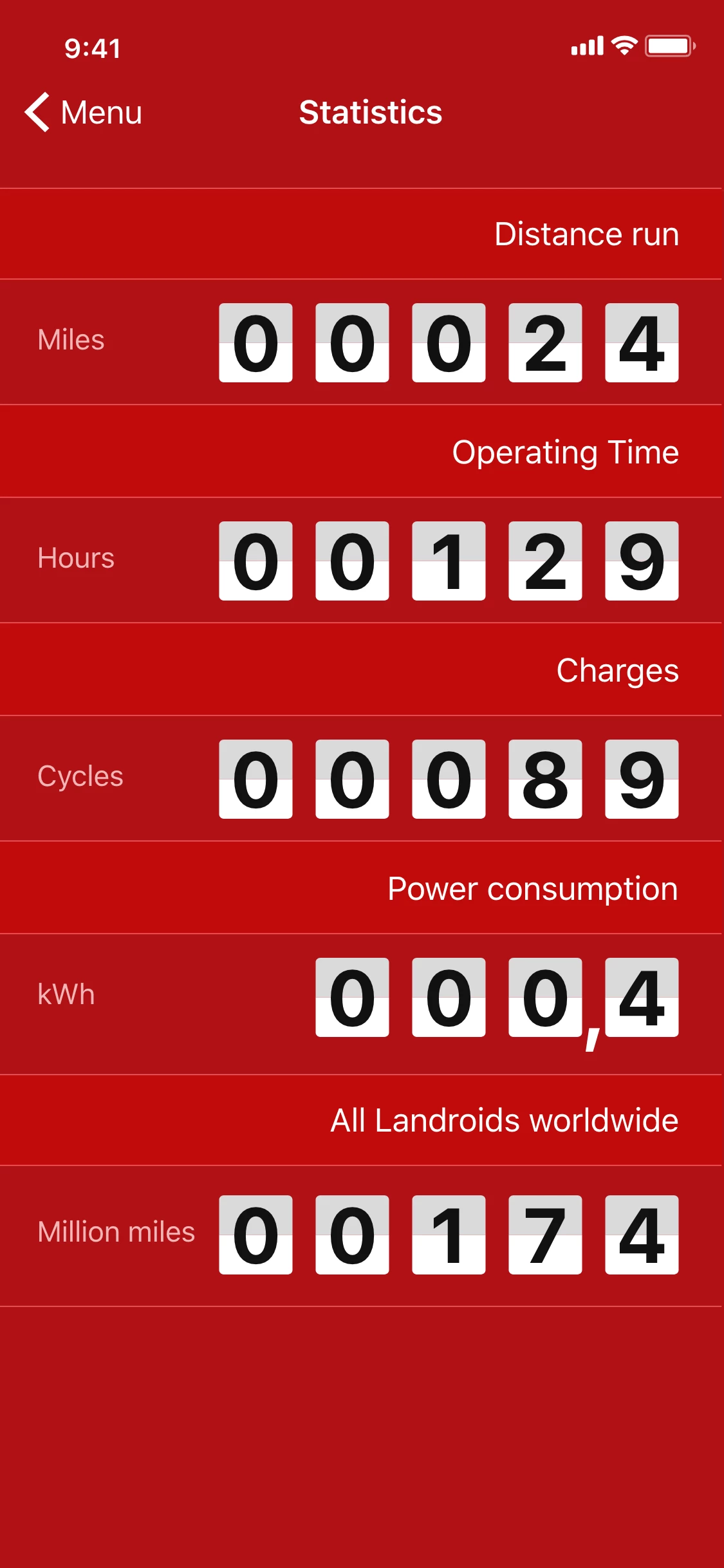
it's the frist time that I work with adobe XD, I need to know if is possible to animate the elements like number, text exc..? for example move the numbers in image below? if it isn't how can i export this inside after effects?

이 주제는 답변이 닫혔습니다.
최고의 답변: HARSHIKA_VERMA

francisa75437221 When moving between apps as different as these, it's not surprising that things might change or not fully work. Hopefully Adobe will add animation to XD in the future. You can upvote ideas such as this one Need individual animation in Adobe XD​ on the Adobe XD User Voice website.


Hi All,


Thanks for reaching out. I would like to update this most viewed conversation in order to provide the latest information on the workflow.


Here’s how it works:
1. In XD, select the layers or artboards you want to animate in After Effects.
2. Go to File> Export > After Effects. If After Effects is not installed on your machine, this option is greyed out. You can also use the ⌥⌘F (Mac), or Ctrl+Alt+F (Windows) keyboard shortcuts.
3. The selected layers or artboards are added as native shapes, texts, assets, and nested compositions in your AE project.

Here’s the list with what’s supported and not supported at this time: https://helpx.adobe.com/ro/xd/kb/open-after-effects-files-in-xd.html


Let us know if that helps.


Thanks,

Harshika

3 답변

Participating Frequently
February 9, 2019

Hello, 
1. When you import a group of photos from XD in Adobe After effects, AE a warning - a warning the file could not be found all of the images are blank. Reinstalled both programs, does not help. Before this nebylo only noticed yesterday.
2. In XD if I create a frame from mobile templates or other writes-there was a problem creating a new cloud document. !

cmgap
Community Expert
Community Expert
February 10, 2019

Did you import the images or did you paste them from another app?

Dan Rodney
Community Expert
Community Expert
March 21, 2018
  1. Export the XD design as SVG.
  2. Open the SVG file in Adobe Illustrator.
  3. Save as an Adobe Illustrator file (.ai)
  4. Import the Adobe Illustrator into After Effects.
— Adobe Certified Expert & Instructor at Noble Desktop | Web Developer, Designer, InDesign Scriptor
Participant
June 18, 2018

I did it but the image files messed up

Dan Rodney
Community Expert
Community Expert
June 19, 2018

francisa75437221 When moving between apps as different as these, it's not surprising that things might change or not fully work. Hopefully Adobe will add animation to XD in the future. You can upvote ideas such as this one Need individual animation in Adobe XD​ on the Adobe XD User Voice website.

— Adobe Certified Expert & Instructor at Noble Desktop | Web Developer, Designer, InDesign Scriptor
Preran
Community Manager
Community Manager
March 12, 2018

Hi Emiliano,

Adobe XD is a prototyping tool. You can create and prototype your designs within Adobe XD after which you will have to export your assets to be used in the software of your choice. See Learn how to export production-ready assets from Adobe XD to PNG, SVG, JPG, and PDF files. for info on exporting assets.

I am not an After Effects expert. You could check with the experts on the After Effects forum After Effects for their guidance on this workflow.

Thanks,

Preran

Participating Frequently
April 30, 2019

It should be standard for any Adobe app creating vector artwork to save it to an Illustrator document! Not doing things like exporting it to SVG and re-saving it via Illustrator...

I have the feeling the development teams of all the Adobe apps are working on an 'island' so to speak.

Dan Rodney
Community Expert
Community Expert
April 30, 2019

No feature gets built for free (or overnight). Converting one file type into another is a big deal (coding wise), even if it's one of Adobe's own formats. XD is still a young app that's actively adding new (and important) features so Adobe has to prioritize which get done first. You can help them decide by upvoting feature requests (and creating new feature requests) at https://adobexd.uservoice.com/

I know it can be hard to wait for XD to get all the features you want, but as they say "Rome wasn't built in a day".

— Adobe Certified Expert & Instructor at Noble Desktop | Web Developer, Designer, InDesign Scriptor