Answered
Home tab broken; Can't create new document.
My Adobe XD home tab is empty. I can open the recent documents and the cloud tab workings. However, even when I try to use the file menu I can't add a new document. I am using mac
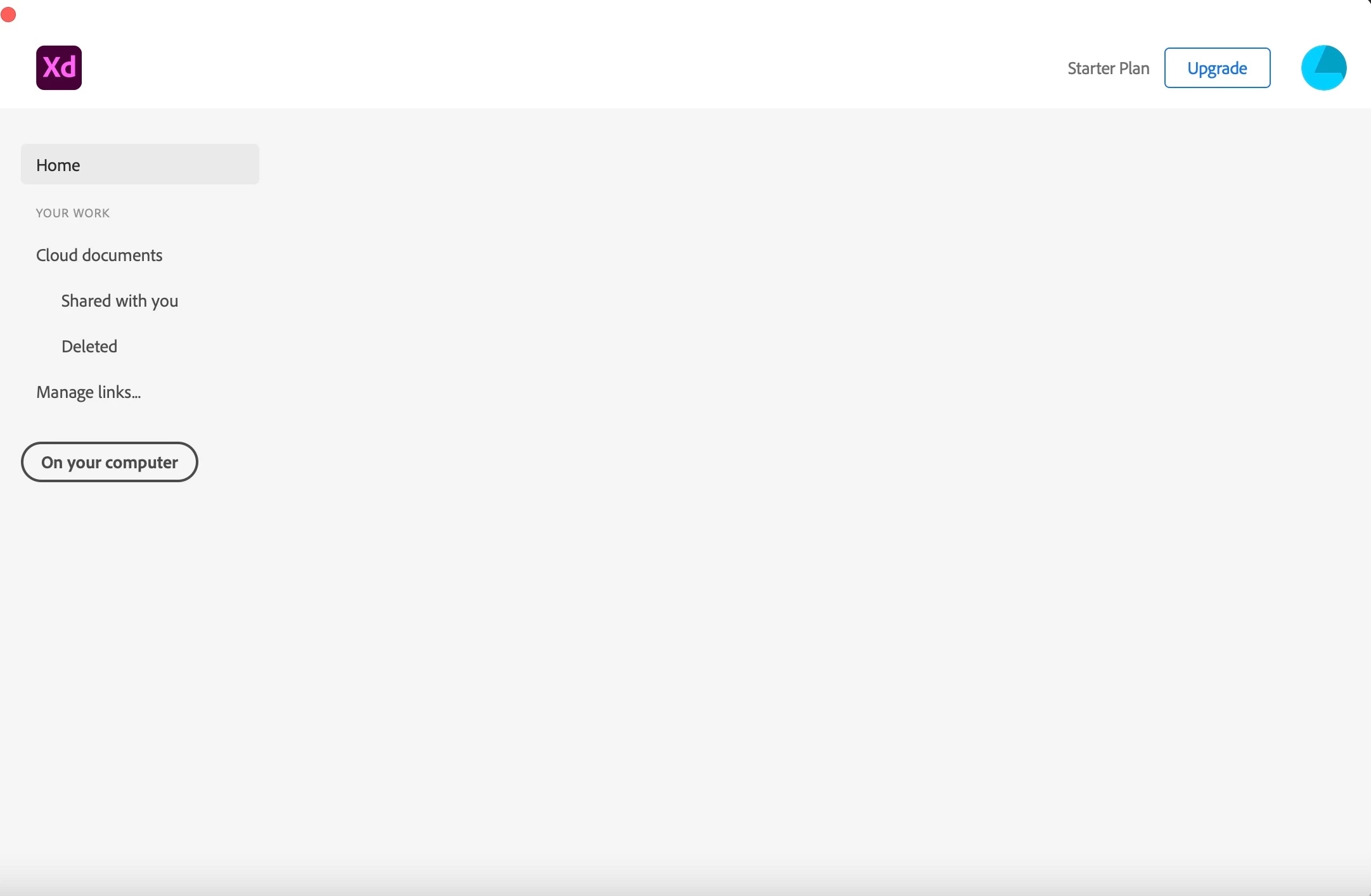

My Adobe XD home tab is empty. I can open the recent documents and the cloud tab workings. However, even when I try to use the file menu I can't add a new document. I am using mac
At the moment I have the same challenge, I am not able to create a new file in XD. As you can see on the screenshot there is a grey box behind the word Home. When I put my cursor above it, the little hand appears, but nothing happened. I followed all wise advice as written above and perform them all, but still I am not able to create the new file. I re-installed the Creative Cloud app, I re-installed XD, I restarted my iMac but still no possibility to create a new file. Hope someone can help me as I am in middle of a XD course.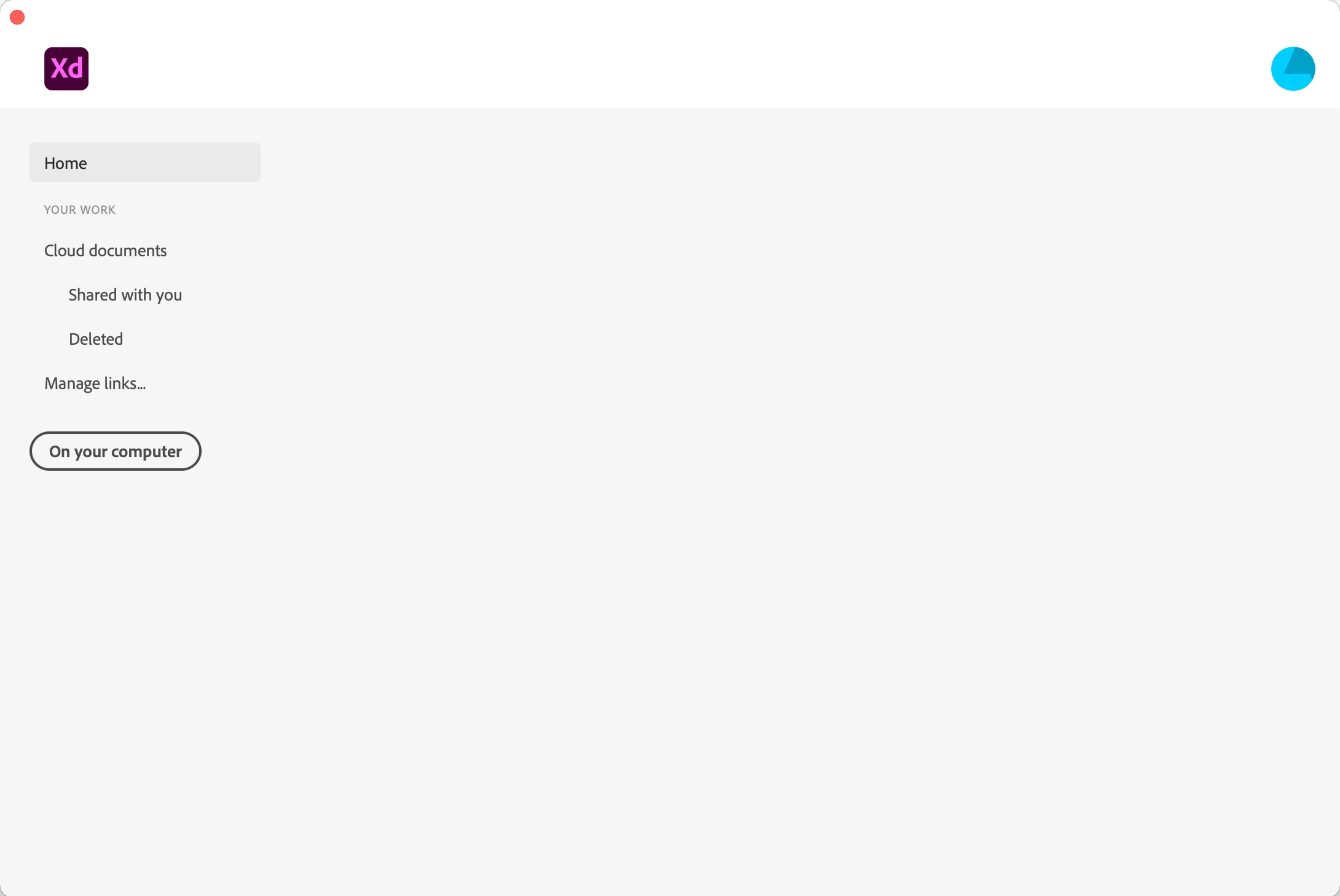
Hi Jaden,
I am sorry to hear you ran into trouble while opening XD. For few customers, the issue got fixed after trying these solutions-
1. Formatting hard disk and reinstalling BigSur.
2. Uninstall XD, Close Adobe tasks, Delete all XD related files, Reinstall, create a new profile then it worked.
If you still face issues after trying any of the above solutions, please share the details asked below to investigate the issue.
We will try our best to help.
Note: Please add the URL of the post over a PM for reference.
Thanks,
Harshika
<Marking as correct only to higlight>
Already have an account? Login
Enter your E-mail address. We'll send you an e-mail with instructions to reset your password.
 AdChoices