Participant
May 28, 2021
Answered

How can the overlay move up when the state changes of the component when clicking the link in XD?

  • May 28, 2021
  • 2 replies
  • 1170 views

Hey there,

I'm trying to mock-up a fairly simple cookie banner, using the overlay feature in prototyping mode.

The banner is built as a component with different states
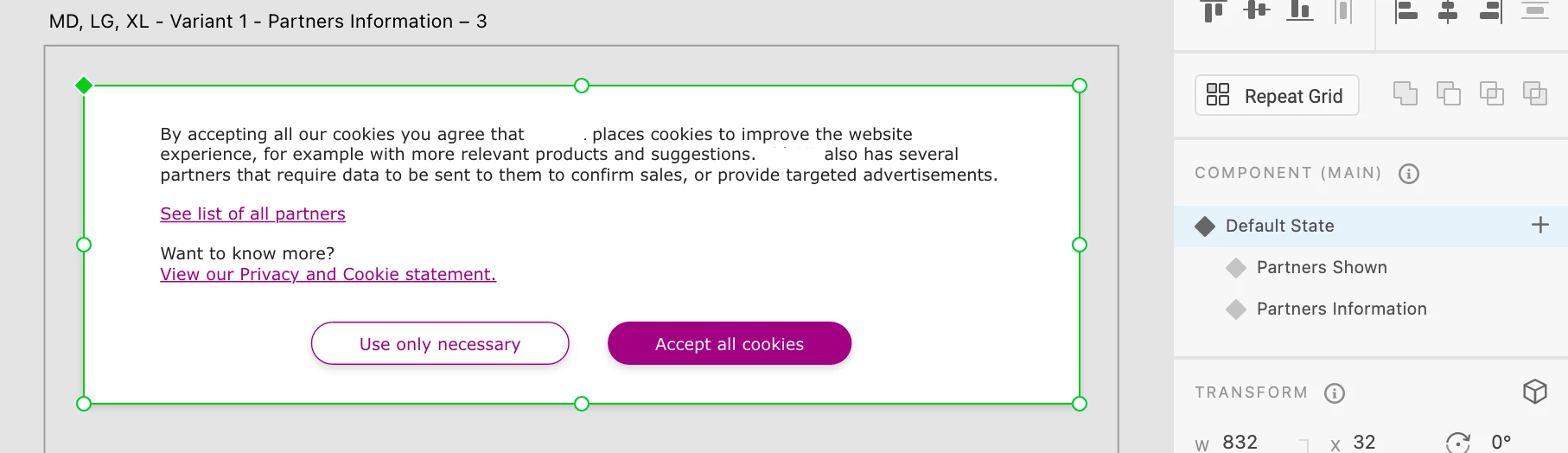
 

But and the states differ in height because for the second and 3rd state there is more information to show.

 

But now using overlay to slide up this banner from the bottom of an artboard, I can't figure out how to keep it sticking to the bottom without having the content offscreen when the state change.
See this example:

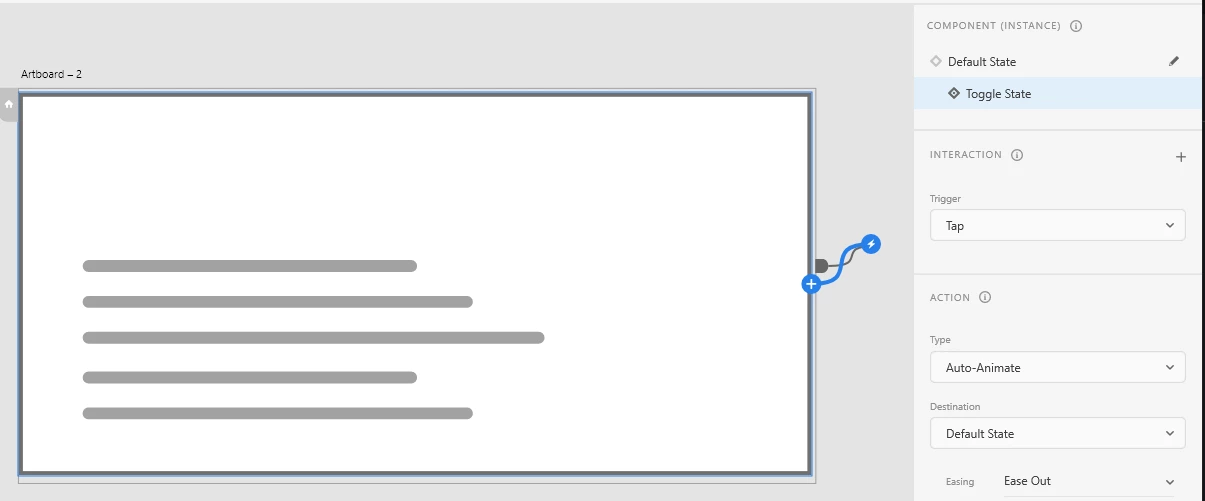
As you can see expands down pusing content off the viewport.
Is ther somehow a option have the overlay move up when the state changes of the component when clicking that link?


<Title was renamed by moderator>
This topic has been closed for replies.
Correct answer Spas K.

Hi there.

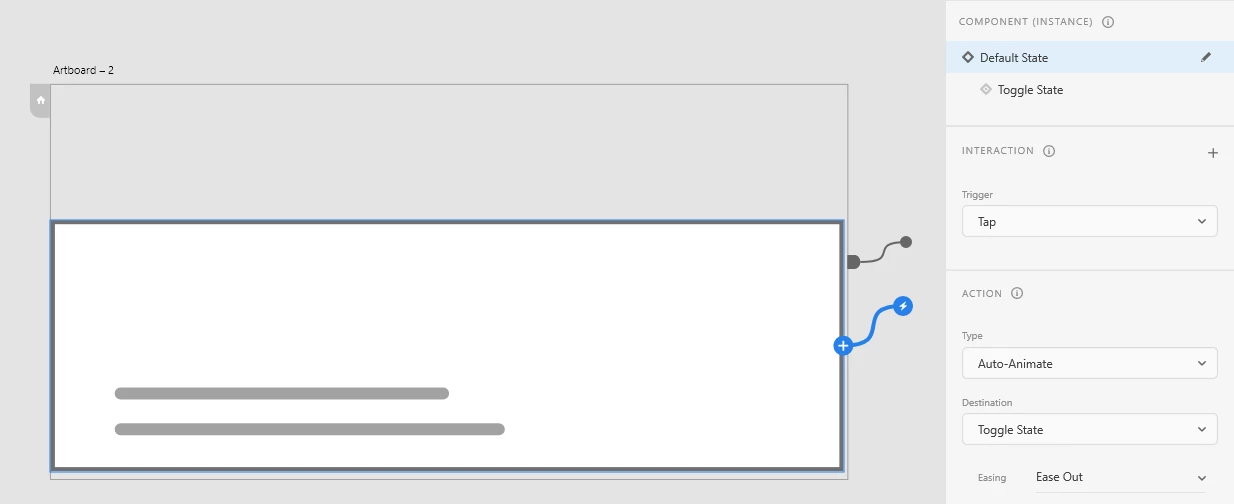
Make sure the boxes in your two states are bottom aligned to each other. Also, the component should be bottom-aligned to the overlay artboard.

Here's an example:


2 replies

Spas K.
Community Expert
Spas K.Community ExpertCorrect answer
Community Expert
May 30, 2021

Hi there.

Make sure the boxes in your two states are bottom aligned to each other. Also, the component should be bottom-aligned to the overlay artboard.

Here's an example:


Participant
May 31, 2021

I'm not sure how to do that, because if I change the y position of 1 state it carries over to the others. How should I change the position of different states independently?

Participant
May 31, 2021

Oh nevermind, found it 😄 

HARSHIKA_VERMA
Community Manager
Community Manager
May 28, 2021

Hi there,


Thank you for reaching out. I have tried to search for something which might help you. Please check out this video: https://www.youtube.com/watch?v=eaDtD3Uwo4Y and see if you can achieve your workflow.


I am also keeping the discussion open for our experts if they have more tips and tricks for your workflow.


Thanks,

Harshika