Participant
December 2, 2022
Answered

How to connect an Adobe XD Website to an already existing domain?

  • December 2, 2022
  • 2 replies
  • 2475 views

Hi y'all,


so my client wants a new website design. 
They hired me to design everything. The last few years they had somebody else for their website. 
This guy used wordpress and it still is a wordpress website.

What i want to do is deleting the design from the old website and connect my new design to the already existing domain so my customers won't loose their domain.

I hope you get what i am trying to ask...

Does anyone know how to do that?

Thanks in advance, 
Kev.

This topic has been closed for replies.
Correct answer Alfonso-Garcia

Hi Kev,


I'm Alfonso from WordPress for Adobe XD.


You can use our plugin to do that. The process is quite strightforward:

  1. Design your wordpress using Adobe X
  2. Use the plugin to select the pages / WP elements you want
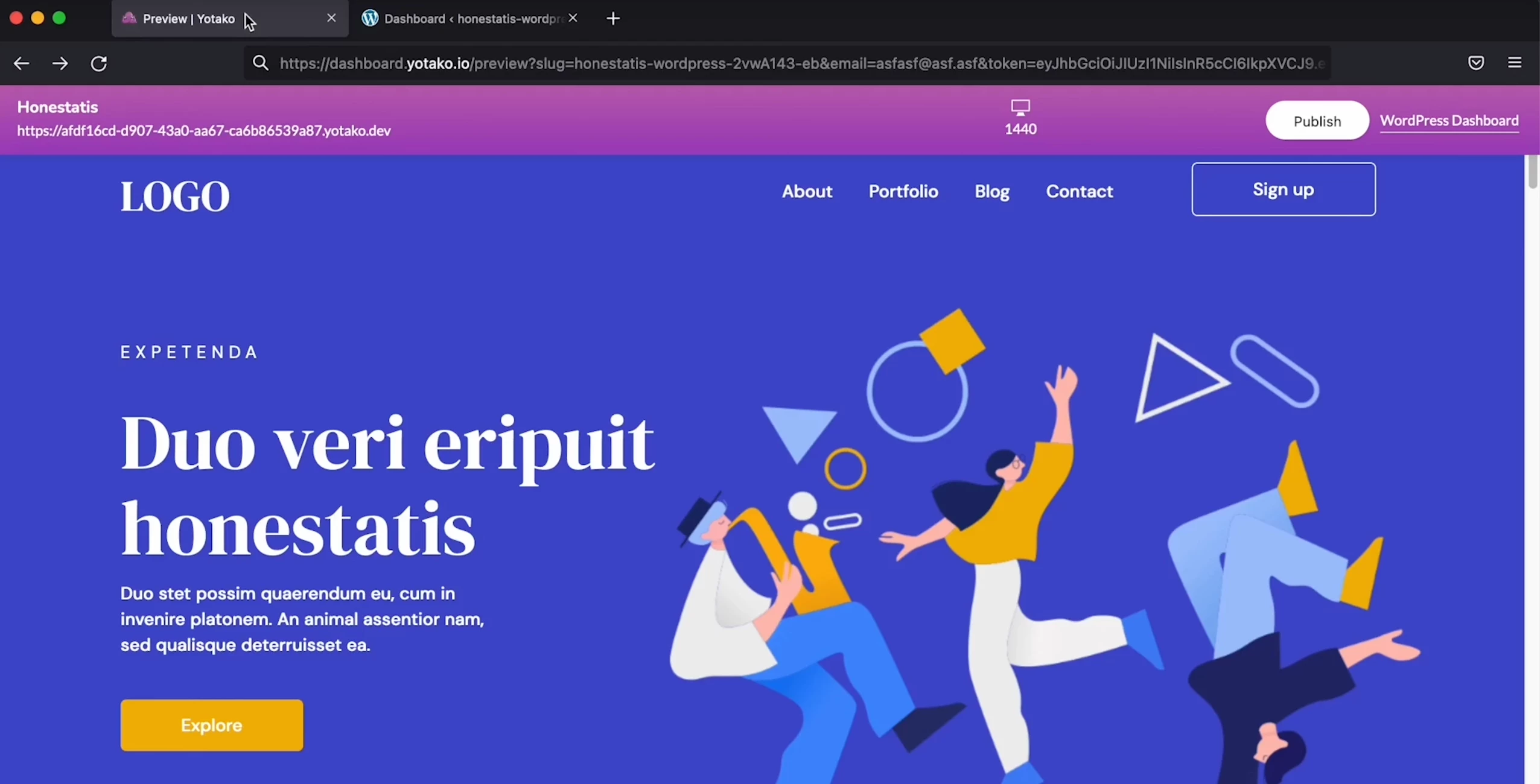
  3. Preview the result online. This is a real WordPress where you can test the theme, your WP elements, pages, etc.


With this preview you don't need a testing domain, and you can even share it with your teammates or customers as well. When you are good to go you can continue the publication process, save the theme for your own use, or use one of the hosting plans that are also included.


We will be more than glad to assist you with your customer, replacing the design, and answering your domain related questions. Write us anytime at hello@yotako.io or contact me directly at alfonso@yotako.io.


Best of luck!

Alfonso

2 replies

Alfonso-Garcia
Alfonso-GarciaCorrect answer
Participating Frequently
December 3, 2022

Hi Kev,


I'm Alfonso from WordPress for Adobe XD.


You can use our plugin to do that. The process is quite strightforward:

  1. Design your wordpress using Adobe X
  2. Use the plugin to select the pages / WP elements you want
  3. Preview the result online. This is a real WordPress where you can test the theme, your WP elements, pages, etc.


With this preview you don't need a testing domain, and you can even share it with your teammates or customers as well. When you are good to go you can continue the publication process, save the theme for your own use, or use one of the hosting plans that are also included.


We will be more than glad to assist you with your customer, replacing the design, and answering your domain related questions. Write us anytime at hello@yotako.io or contact me directly at alfonso@yotako.io.


Best of luck!

Alfonso

AkinGn
Community Expert
Community Expert
December 3, 2022

Thank you for reaching out @Alfonso-Garcia! The plugin looks awesome and it's exactly for what @Kevin274015710npu is asking for 🙂

AkinGn
Community Expert
Community Expert
December 2, 2022

Hi, in order to a design to be used as a working website, it needs to be coded, there's a plugin I've never tried which can be seen here https://www.youtube.com/watch?v=a1KU9eKO3eY maybe you want to try it first on a test domain and then try to change the existing WP theme/design to yours. I suggest consulting to a web/front end developer also. Hope this helps!