
How to Share Design With Developer so He Can Export Images??
Hello I created a web design with adobe XD at my work computer. And then I shared the document with my personal computer. From my personal computer I did a save as. once I did a save as I tried to share the document with my developer but he told me he could not export images from the link i provided.
I tried to share document both ways.
1st) I went to share selected "Developement" and provided the developer with the link
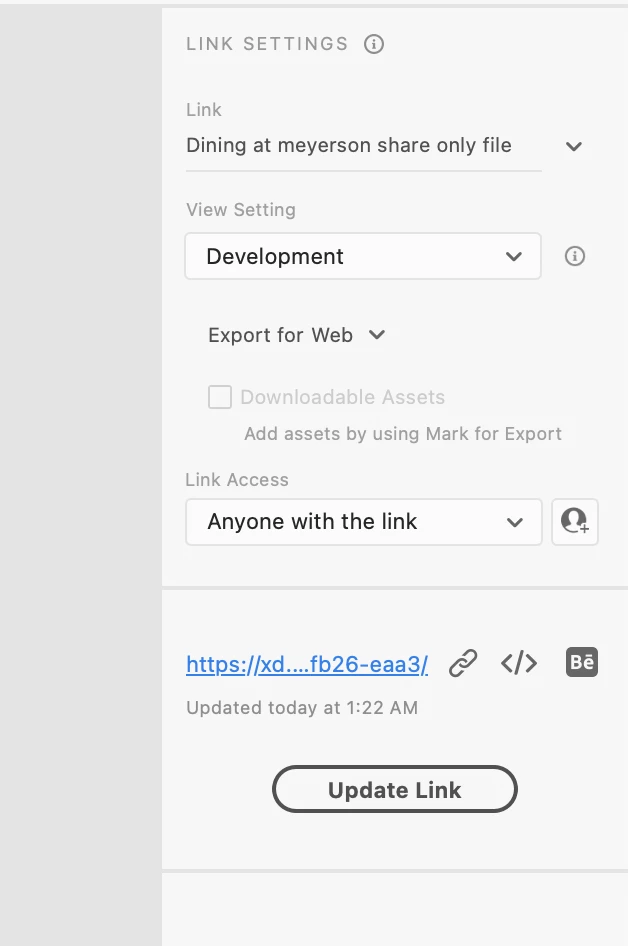
2nd) after that didnt work I selected the Person Plus Icon on the top right and put in his email and still no luck.
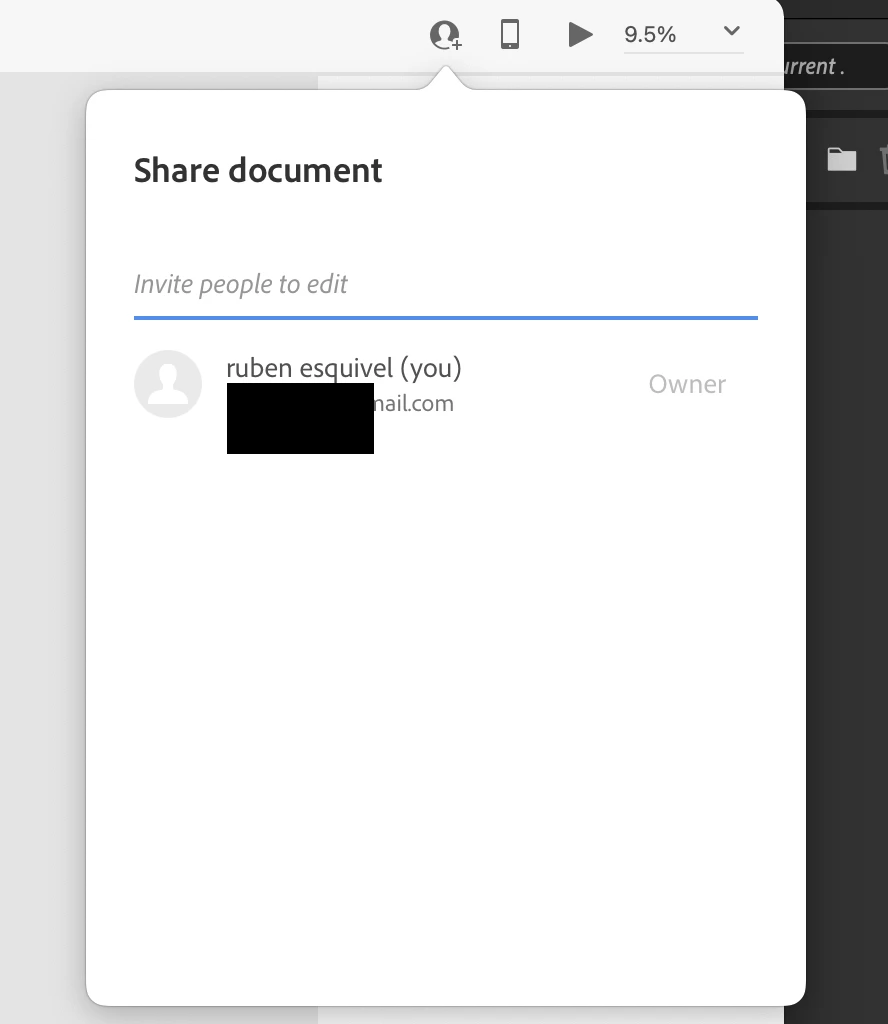
After both didnt work I just downloaded the xd file locally on my computer and gave him a link. Hopefully that works. but for next project i would love to be able to just share a link with my developer and he is able to export images and get svg code etc.. to build the website.
So please let me know what I should do next time.
 AdChoices