New Participant
July 8, 2021
Answered

How to use Overlays in XD prototype?

  • July 8, 2021
  • 2 replies
  • 1015 views

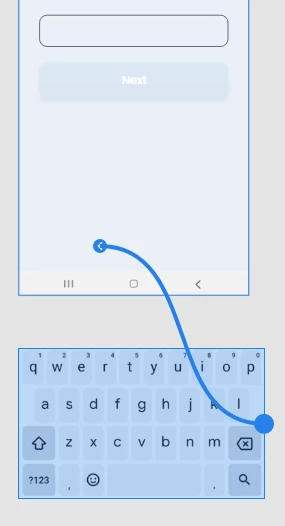
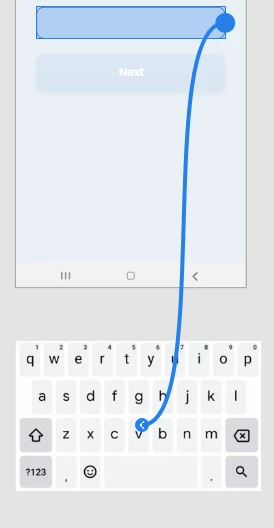
I am dealing with a weird situation here and i would love some help please. So i am in prototype mode and i have imported a png file displaying an android keyboard. When i try to use a button with a tap trigger that would lead to the keyboard as an overlay it seems that i cannot choose the keyboard. I tried everything. I made the image keyboard component, masked with shape, but it is not there for adobe xd. The other way around is working. You can select the image (keyboard) and set a trigger-like tap that drives you to an artboard. What should i do ? Help please !
 

{Rename By MOD}

    This topic has been closed for replies.
    Correct answer Kenneth Kawamoto

    The overlay needs to be an artboard

    2 replies

    Rishabh_Tiwari
    Community Manager
    Community Manager
    July 8, 2021

    Hi Ilias, 


    Thanks for reaching out. I found a UserGuide that might help you so please refer to this guide https://helpx.adobe.com/xd/help/add-overlays.html and let us know if this helps or if you need any further assistance.


    Regards

    Rishabh

    Kenneth KawamotoCorrect answer
    Community Expert
    July 8, 2021

    The overlay needs to be an artboard

    New Participant
    July 8, 2021

    Thank you, Kenneth! problem solved